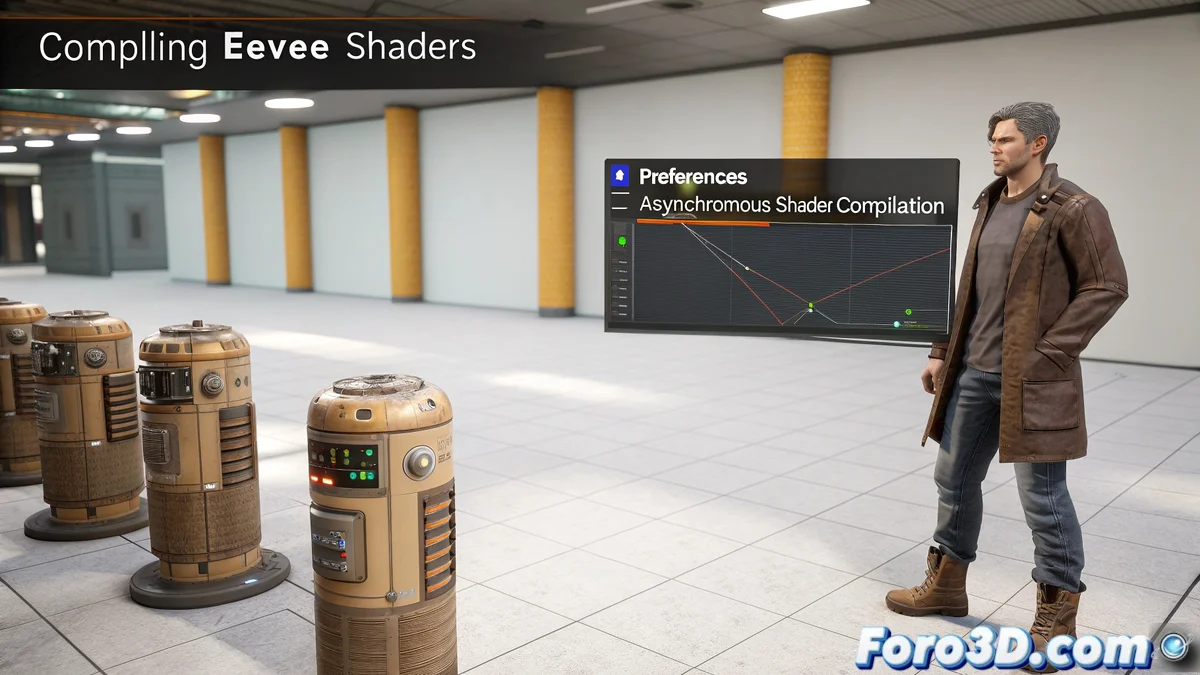
The Mystery of the Disappearing Objects in Blender
When you open a project in Blender 4.5 and switch to Material Preview or Rendered view with EEVEE, a puzzling phenomenon occurs: objects temporarily disappear 👻 and the message Compiling Shaders appears. This happens because the new EEVEE engine, rewritten for the 4.x version, needs to generate all the shaders for each material before displaying them, a process that can take several seconds, especially in scenes with complex materials or heavy textures.
The Science Behind Shader Compilation
Blender's shader system creates a GPU-compiled version of each material, optimized for the user's specific hardware. Once compiled, these shaders are cached for quick access, but certain events can force their recompilation:
- Significant changes to material nodes
- Graphics driver updates
- Modifications to render settings
- Switching between different viewport modes
This compilation is necessary to ensure maximum performance during final rendering ⚡.
Solution to the Display Problem
To avoid the temporary disappearance of objects during compilation, Blender offers an elegant solution. You can go to Edit > Preferences > Viewport and enable the Asynchronous Shader Compilation option. With this setting:
- Blender displays a basic temporary material while compiling
- Compilation happens in the background without interrupting work
- Objects remain visible at all times
- Materials appear gradually as they are compiled
This feature transforms the user experience from frustrating to fluid 🎯.
Tips to Optimize Compilation Times
There are several strategies to reduce shader compilation times and improve viewport responsiveness:
- Simplify material nodes when possible
- Use baked textures for complex materials
- Enable Simplify in the properties panel to reduce texture resolution
- Keep GPU drivers and the Blender version updated
- Avoid constantly switching between viewport modes
The shader system creates a GPU-compiled version of each material to optimize performance
It's curious that in 2025 we can simulate entire oceans in Houdini in seconds, but seeing a simple texture in Blender still makes us wait while it compiles shaders. It seems the GPU has its own ideology when it comes to getting to work 😅.