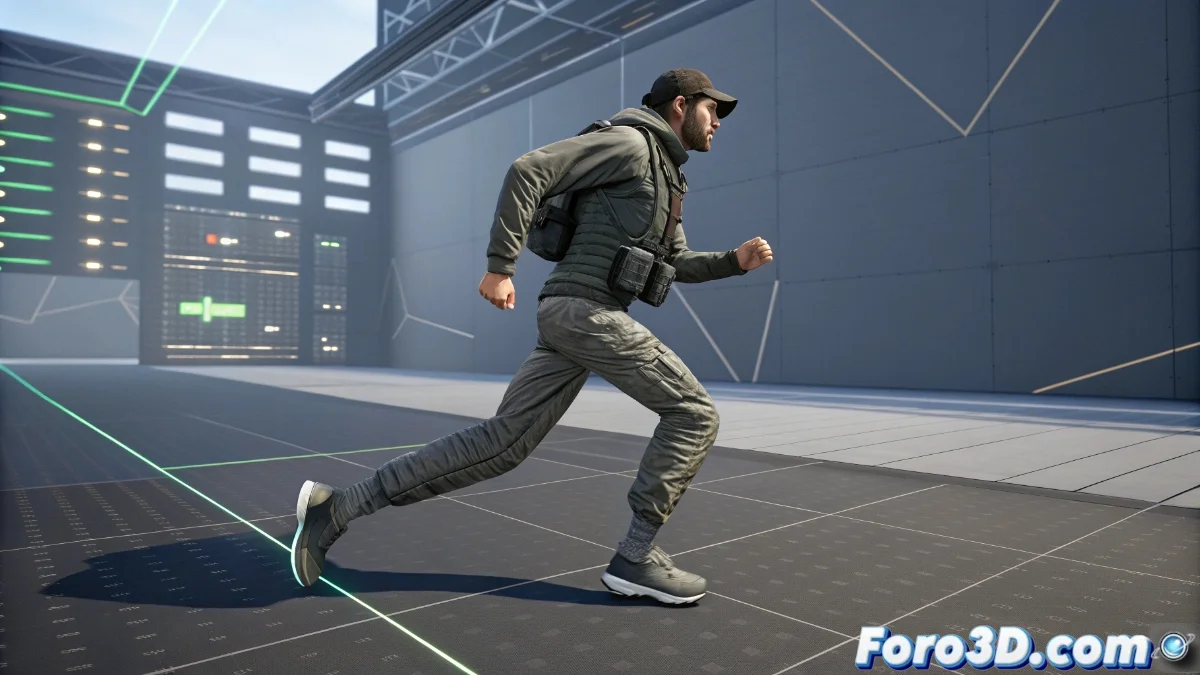
Blend Space in Unreal Engine 5: Complete Guide for Fluid Animations
The blend space is a fundamental tool in Unreal Engine 5 that enables the creation of seamless transitions between different character animations. By using specific parameters such as speed or direction of movement, this functionality ensures that changes between animated states are completely natural and organic, eliminating those annoying jumps that break player immersion. 🎮
Essential Blend Space Setup
To start working with a blend space, the first step is to select the character's skeleton and define the axes that will govern the blending of animations. Typically, speed is used on the horizontal axis (X) and direction on the vertical axis (Y), thus establishing a two-dimensional space to place our key animations. Subsequently, we place the different animated poses in their corresponding positions within the grid, such as a slow walk animation and a fast run animation. The magic happens when Unreal Engine 5 automatically calculates all the intermediate transitions, allowing the character to evolve smoothly between different intensities of movement without the need for additional manual programming. ✨
Fundamental Setup Steps:- Selection of the appropriate skeleton for the character
- Definition of parameterized axes (speed, direction)
- Strategic placement of key animations on the grid
Setting up a perfect blend space is like teaching choreography to a character reluctant to move, where every fine adjustment transforms a clumsy movement into an elegant dance.
Practical Applications and Performance Considerations
In real development projects, blend spaces demonstrate their true potential by integrating complex locomotion behaviors. They allow the combination of lateral, backward, and forward movement animations into a unified and coherent system. The parameters that feed these spaces can come directly from variables defined in Blueprint or via C++ code, offering extraordinary flexibility to connect animation with the game's core logic. However, it is crucial to maintain a balance in the number of included animations to avoid compromising performance, always prioritizing those essential poses that cover the character's most frequent movement ranges. ⚡
Optimization Recommendations:- Use only essential animations to cover common ranges
- Connect parameters with Blueprint or C++ variables
- Avoid saturating the grid with redundant animations
Tips for a Successful Implementation
The effective implementation of a blend space requires a deep understanding of the character's movement needs and how they relate to gameplay. The automatic interpolation between animations should feel natural and responsive, immediately reacting to changes in the character's parameters. Let's remember that every small adjustment in the configuration can make the difference between a clumsy movement that amuses developers and an elegant animation that impresses players. The key lies in finding that sweet spot where technology meets the art of animation. 🎭