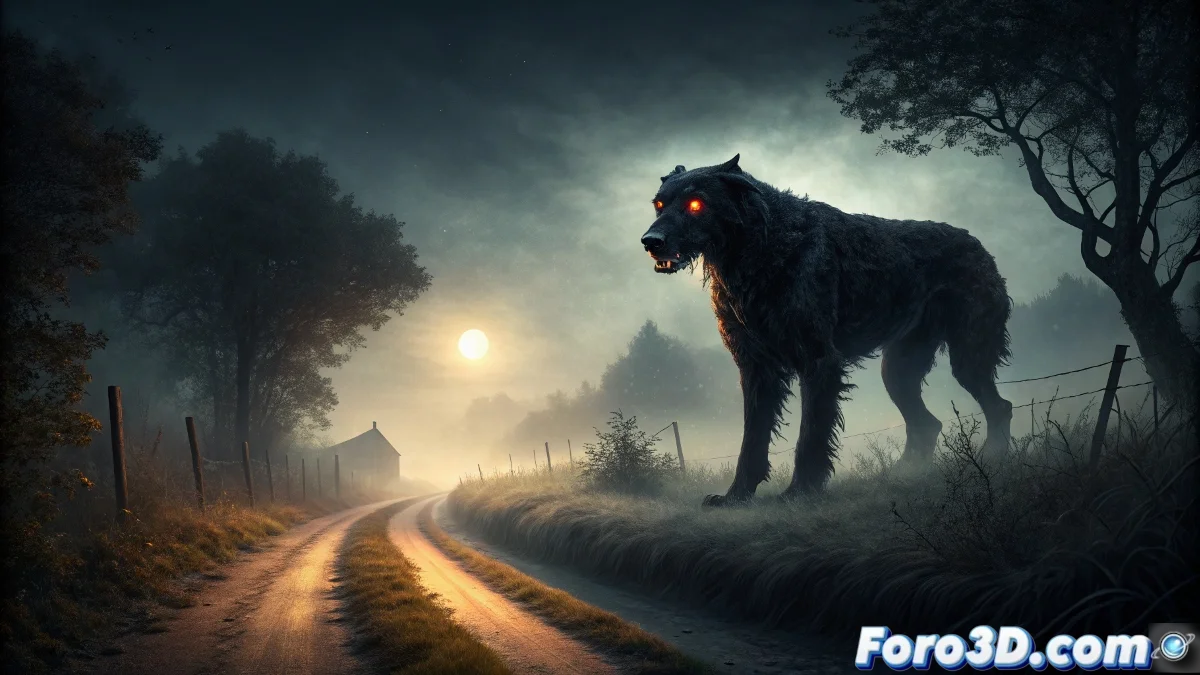
Black Shuck: Legend and Step-by-Step 3D Modeling
Black Shuck is one of the most deeply rooted legends in the folklore of Eastern England, described as a canine specter of gigantic size and flaming eyes. In this article, we will explore its history and guide you through recreating it in Wings 3D, from the initial setup to the final effects. 🐕🦺
Origins and Evolution of the Legend
The figure of Black Shuck dates back to the Anglo-Saxon era, with records in medieval chronicles from Norfolk and Suffolk. Its name derives from the term scucca, meaning demon or evil spirit. During the Victorian era, accounts multiplied, highlighting its association with the death of loved ones. This creature has endured in popular culture, inspiring literature, music, and art.
Key Characteristics of Black Shuck:- Fur black as soot and eyes of supernatural, flaming intensity
- Appearance on rural roads in East Anglia, especially on stormy or foggy nights
- Ominous significance: it announces the death of a witness's loved one
The persistence of this legend reflects how the ancestral fear of death materializes in culturally specific forms.
Preparation and Setup in Wings 3D
To begin, launch Wings 3D and set the working unit to centimeters. Establish a base scene with a ground plane to simulate a night-time rural path. Use a low-angle camera to emphasize the monumentality of the creature and organize the project into separate layers for the model, environment, and special effects.
Essential Initial Steps:- Setting preferences to centimeters for modeling precision
- Creating a ground plane and positioning the camera at human height
- Organization into layers to facilitate workflow
Modeling, Lighting, and Final Effects
Begin modeling with a basic cube and use the Extrude tool to develop the dog's silhouette, exaggerating the proportions of the torso and legs. Add subdivision rings with Loop Cut around the eyes and model the snout and ears with Move and Scale. For lighting, create matte black materials and emissive spheres for the eyes, along with bluish directional lights. Apply modifiers like Subdivision and Ambient Occlusion for dramatic rendering and export in high-resolution PNG.