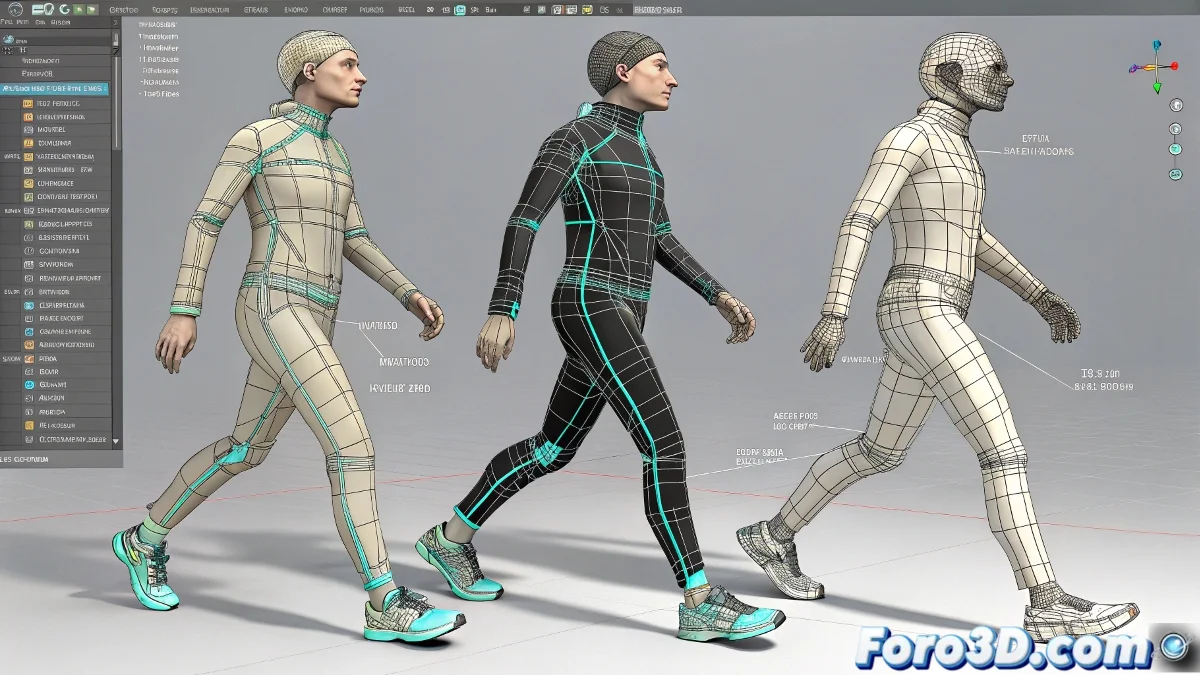
The Animator's Dilemma: Biped, CAT, or Bones? 🤔
When starting character animation in 3ds Max, choosing between these three systems can be paralyzing. Each has its own philosophy, and understanding their differences will save you hours of frustration.
Biped: The Fast but Inflexible One
The Good:
- Instant creation of human skeletons
- Perfectly integrated for motion capture
- Automatic footstep system for walk cycles
- Ideal for storyboards and rapid prototyping
The Bad:
- Limited to standard humanoid proportions
- Not very customizable in controls and deformations
- Difficulty integrating into professional pipelines
CAT: The Modular All-Terrain Vehicle
The Good:
- Creates any creature (from spiders to dragons)
- Layer system for non-destructive animation
- Reusable presets to save time
- Advanced procedural animation
The Bad:
- Steeper learning curve
- Can be overkill for simple projects
- Less accessible documentation than Biped
"CAT is like a Swiss Army knife: powerful but overwhelming when you just need a can opener" - Video Game Animator
Bones: Absolute Control
The Good:
- Total freedom in rig design
- Professional results in deformations
- Standard in AAA studios and game development
- Perfect integration with engines like Unreal
The Bad:
- Requires advanced knowledge of anatomy
- Considerably longer setup time
- All responsibility falls on you
Which One to Choose? Practical Recommendations
For Beginners:
Start with Biped to understand basic animation concepts. It's the fastest path to seeing results.
For Creature Animation:
CAT is your best ally when working with non-humanoid designs or needing procedural animation.
For Professional Production:
Invest in learning Bones. It's the industry standard and will give you the control you need for high-quality work.
For Game Development:
Combine Bones with CAT. Use Bones for the main body and CAT for additional elements like layers or accessories.
Final Tip
There is no perfect system. Professional animators usually master all three and combine them according to the needs of each project. Start with Biped, explore CAT when you need more flexibility, and eventually master Bones to have total control over your creations.
Remember: the tool doesn't make the animator, but choosing the right one can make your journey much more pleasant. Happy animating! ✨