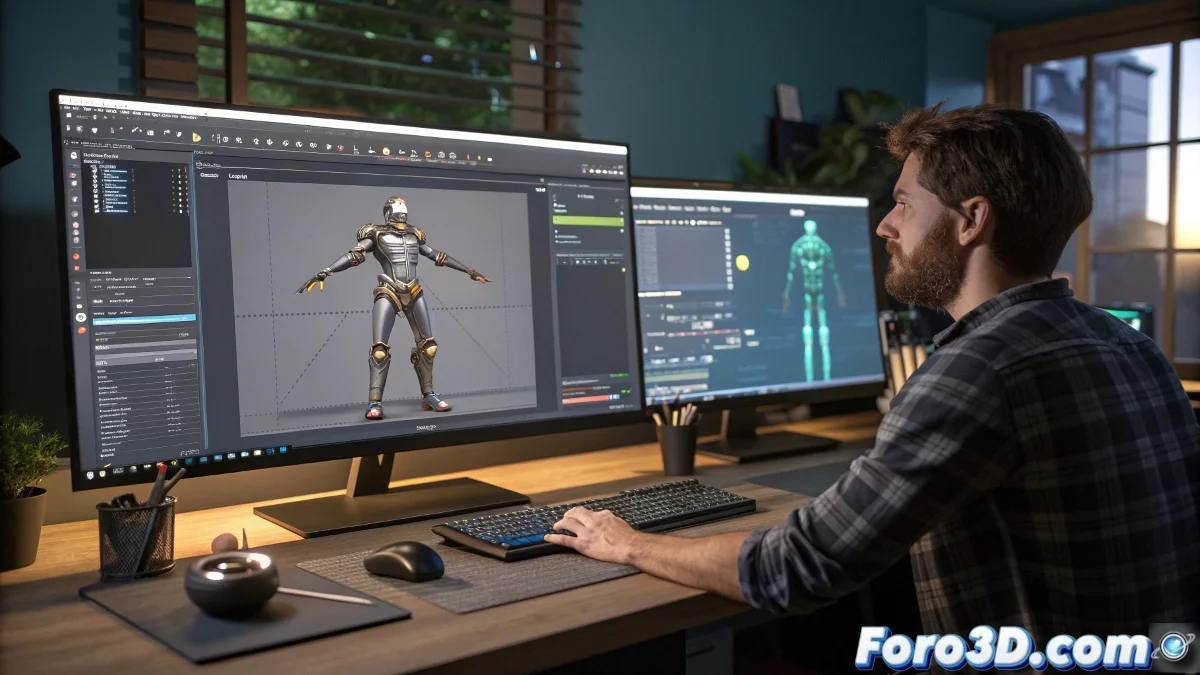
The Sanctuary of Frame 0 in Biped Animation
Working with the Biped system in 3ds Max involves understanding an unwritten but sacred rule: frame 0 is neutral territory 🏳️. This frame is not intended for animation, but to store your character's base pose, the one you define in Figure Mode. When loading an animation from a .bip file, doing so starting from frame 1 ensures that this reference pose remains intact, acting as an anchor that allows you to always return to the starting point, no matter how wild the animation gets.
The Ritual of Loading Bip Animations
The process is simpler than it seems. In the Motion panel, within the specific Biped tools, you'll find the Load File option. When you select it and choose your .bip file, a dialog box will open allowing you to specify the start frame for loading. Here, consciously choose frame 1. This simple but critical action prevents the imported animation from overwriting the valuable pose stored in frame 0, keeping your timeline organized and your reference safe.
Frame 0 is like your character's instruction manual; you should always know where to keep it.
Preserving and Restoring the Base Pose
What if you need that base pose at another moment? The beauty of the system is its flexibility. If you've saved the pose in Figure Mode, you can always copy and paste it manually wherever you need it. Access Figure Mode, select the entire biped, and use the Copy Pose option. Then, go to the desired frame (you could even paste it back into 0 if it gets corrupted) and use Paste Pose. This workflow gives you total control over the integrity of your character's animation.
Best Practices for a Robust Workflow
Adopting this method is not just a trick; it's a professional practice that prevents headaches. For efficient Biped animation management, follow these guidelines:
- Always define the pose in Figure Mode first: before loading any animation, secure your reference pose in frame 0.
- Always load from frame 1: make this an inflexible habit to avoid accidental overwrites.
- Use frame 0 as a template: if you're creating multiple animations for the same character, always start from this consistent pose.
- Export your base pose: save the frame 0 pose as a separate .bip file as a backup.
Mastering this frame hierarchy—0 for the base, 1+ for the action—provides you with a solid foundation for animating with confidence. And if you ever feel lost, you can always return to frame 0, where your character will be waiting in its rest pose, ready to start over 😉.