Basic Augmented Reality Development with Godot for Mobile Devices
The Godot engine provides an intuitive set of tools for implementing augmented reality on smartphones, allowing the integration of digital elements such as three-dimensional models into the physical environment captured by the device's camera 📱.
Fundamentals of Augmented Reality with Markers
The essence of this technology lies in using visual markers that serve as spatial references to anchor virtual objects. These cards or codes provide stable points where 3D models are rendered, remaining fixed even as the user moves the phone. The engine continuously interprets the marker's position and orientation to adjust the superimposed content.
Key system components:- Visual markers that act as triggers for the AR experience
- Device camera as a real-time video source
- Tracking algorithms that maintain the stability of virtual objects
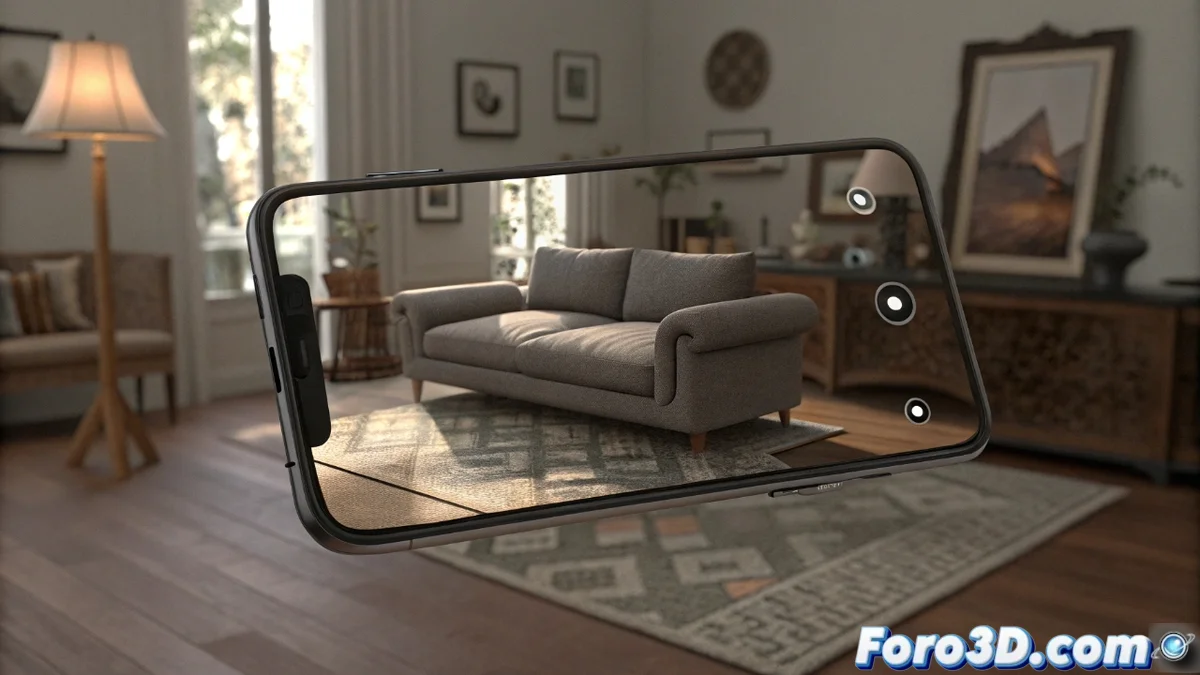
Augmented reality in Godot allows you to visualize furniture in your real space before buying it, even if you later discover dimension issues.
Development Environment Setup
To start an AR project, it is necessary to integrate the official Godot plugin or compatible libraries such as ARKit for iOS and ARCore for Android. The setup involves defining the camera as the video source and calibrating its parameters so that virtual coordinates match the physical ones. Godot's specialized nodes greatly simplify this process by automating marker tracking.
Essential setup steps:- Importation of the corresponding augmented reality plugin
- Configuration of the device camera as a video texture
- Precise calibration of parameters for spatial alignment
Creating Optimized Interactive Experiences
Once the environment is established, you can develop scenes where 3D models appear upon detecting specific markers. It is crucial to add interactivity through animations triggered by proximity or touch gestures. Performance optimization is essential to maintain a constant frame rate, especially on mid-range devices. Testing under various lighting conditions and viewing angles helps refine the user experience.
The resulting applications are ideal for rapid prototypes and technical demonstrations, offering an accessible way to experiment with augmented reality without the need for specialized hardware 🚀.