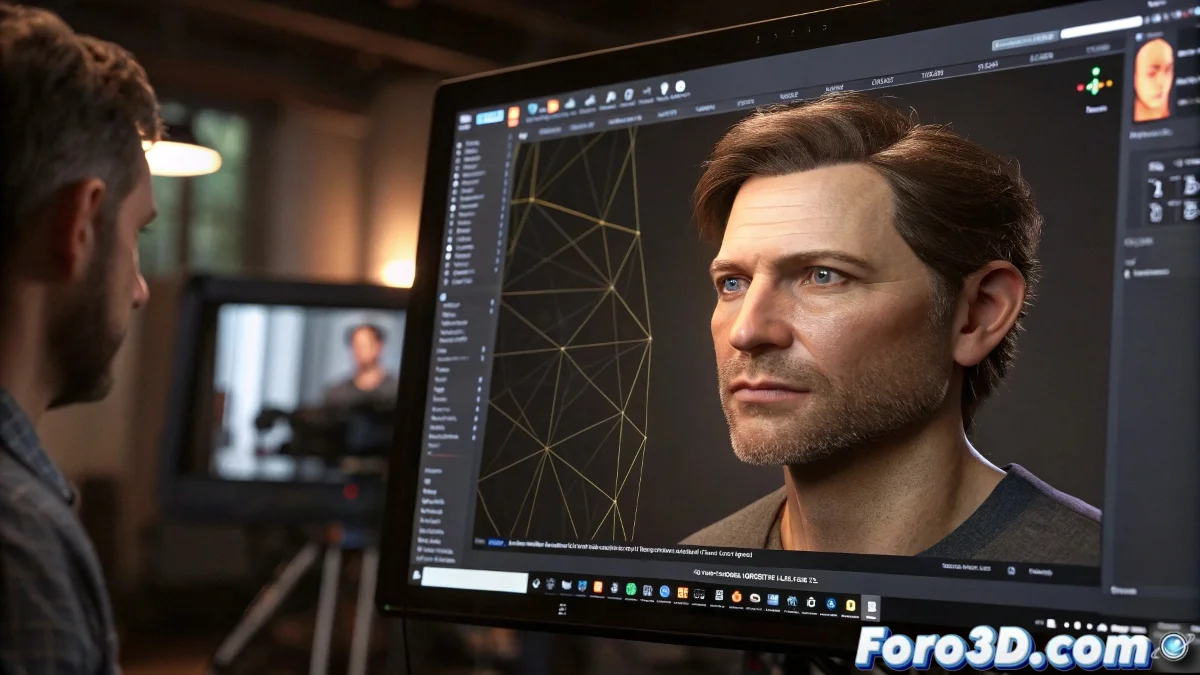
Basic and Current Tutorials for Facial and Body Tracking
Facial and body tracking is an essential technique in the world of animation, visual effects, and augmented reality. Nowadays, there are several very popular and powerful tools that simplify this process, from professional options to more accessible solutions. And no, you don't need to be an expert to get started! 🎭
Facial Tracking
For facial tracking, most professionals use regular cameras along with specialized software. For example, Faceware Studio is one of the industry standards, allowing you to capture expressions and apply them to 3D characters with high precision. On platforms like YouTube and Udemy, you'll find complete tutorials covering everything from capture and calibration to application in facial rigs.
Another free option is Face Tracking in Blender, which works very well for indie projects or learning.
Body Tracking
For body tracking, an accessible option is to use Mixamo for pre-made animations or captures with affordable sensors like Kinect or iPhone with TrueDepth. In software like Blender or Maya, you can import that data to retarget it to your characters. Tutorials usually show from how to clean capture data to how to integrate it into an animation pipeline.
Where to Find Good Tutorials
Here are some sources where you can find useful tutorials:
- YouTube: Channels like Daniel Krafft, CG Geek, and FacewareOfficial offer valuable content.
- Udemy and Domestika: Complete courses on facial capture and retargeting in Maya, Blender, and After Effects.
- Official Documentation: Blender, Maya, and Faceware offer step-by-step guides on their websites.
If you're looking for something quick and free, start with Blender and its Face Tracking tool, then try Faceware for something more professional. And remember, tracking is both art and technique, so practice a lot! 🎬
Constant practice is key to mastering tracking. Don't hesitate to experiment with different tools and techniques to find your ideal workflow!