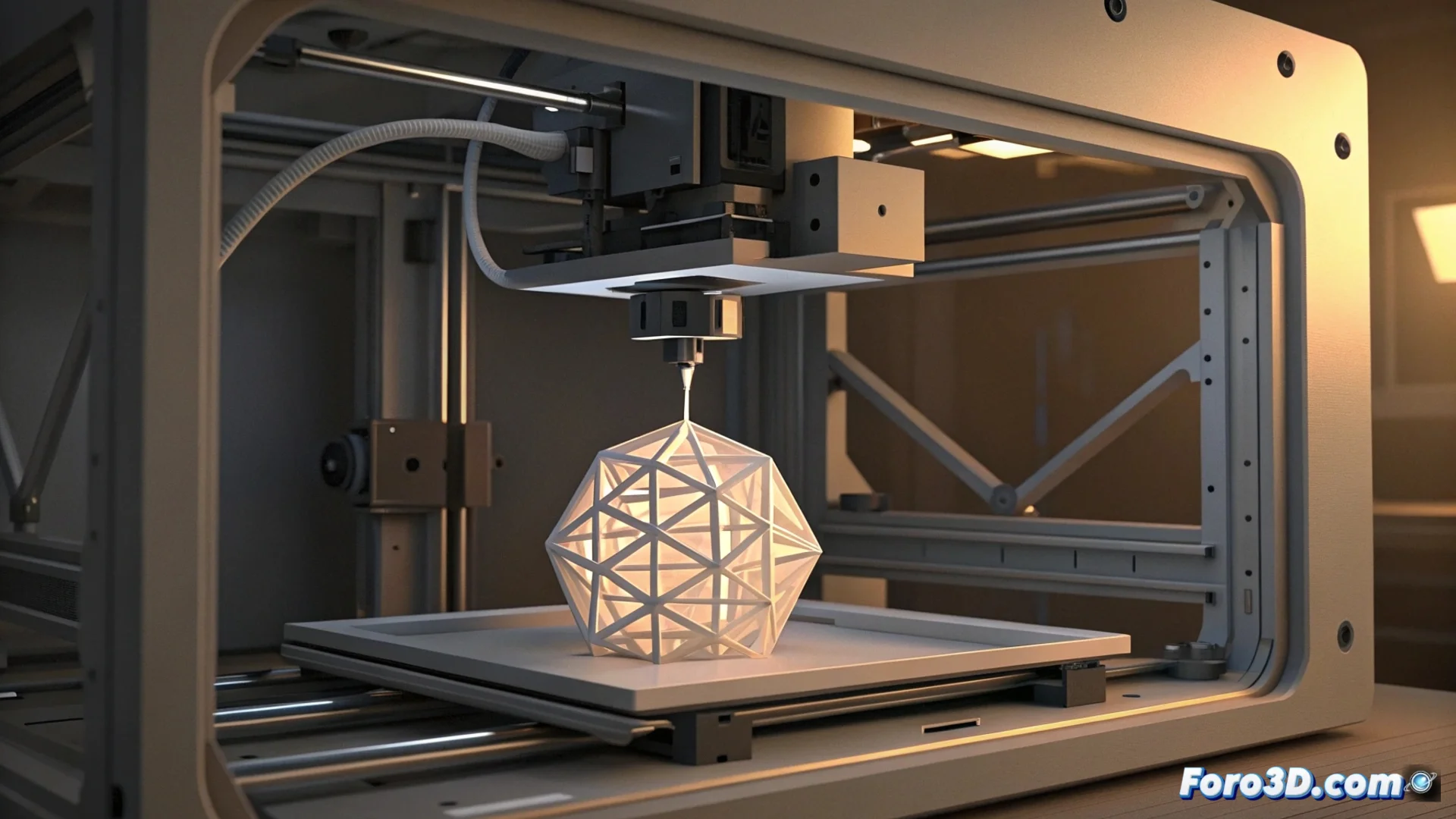
Bambu Lab Firmware Stops Printing to Avoid Collisions
Bambu Lab 3D printers incorporate an advanced safety system in their firmware. This system analyzes in advance each line of the G-Code file before the machine starts producing. If the calculation predicts that a travel movement, where the head travels without extruding material, would impact a section already fabricated of the object, the process is interrupted immediately. 🛑
Why does the HMS_0100-0800 error occur?
This protection mechanism triggers the error code HMS_0100-0800 and pauses the job preventively. The goal is clear: prevent the head or nozzle from hitting and displacing the part, which would ruin hours of work. The machine delegates to the user the task of inspecting and correcting the problem before continuing.
Common reasons that trigger this conflict:- The slicing software (slicer) can generate travel paths that do not accurately calculate the final geometry, especially in complex designs with pronounced overhangs or extensive bridges.
- Having the specific collision avoidance function disabled in the slicer, such as Bambu Studio or OrcaSlicer.
- A discrepancy between the layer height defined in the project and the one actually executed by the printer, which alters the predicted dimensions of the model.
- An incorrect orientation of the part on the virtual print bed, which forces unfeasible travel paths over already solidified areas.
The printer acts with extreme caution, stopping at the slightest possibility of damaging the part, like a guardian protecting your work.
Steps to solve the trajectory problem
Resolving this issue requires adjusting parameters in the slicing software and verifying the machine's configuration. The main focus should be on ensuring that the generated G-Code is safe and precise.
Recommended corrective actions:- Re-slice the model by activating all collision avoidance options offered by your slicer. Ensure that the dimensions and layer height are exact.
- Reorient the part on the virtual bed to minimize the length of empty movements that cross over already printed areas. Sometimes, rotating the model a few degrees is enough.
- Update the firmware of the printer to the latest available version. Updates usually include improvements in detection and prevention algorithms.
- Check that the digital model has no mesh errors or unmanageable geometry that confuses the slicer.
Conclusion: Prevention over mishaps
The HMS_0100-0800 error is, essentially, a valuable safety feature. Although stopping a print can be frustrating, it prevents costly physical damage to the model and the machine itself. The solution almost always lies in the slicing software: careful configuration, with safety options enabled, is the key to generating conflict-free G-Code and achieving successful, uninterrupted prints. ✅