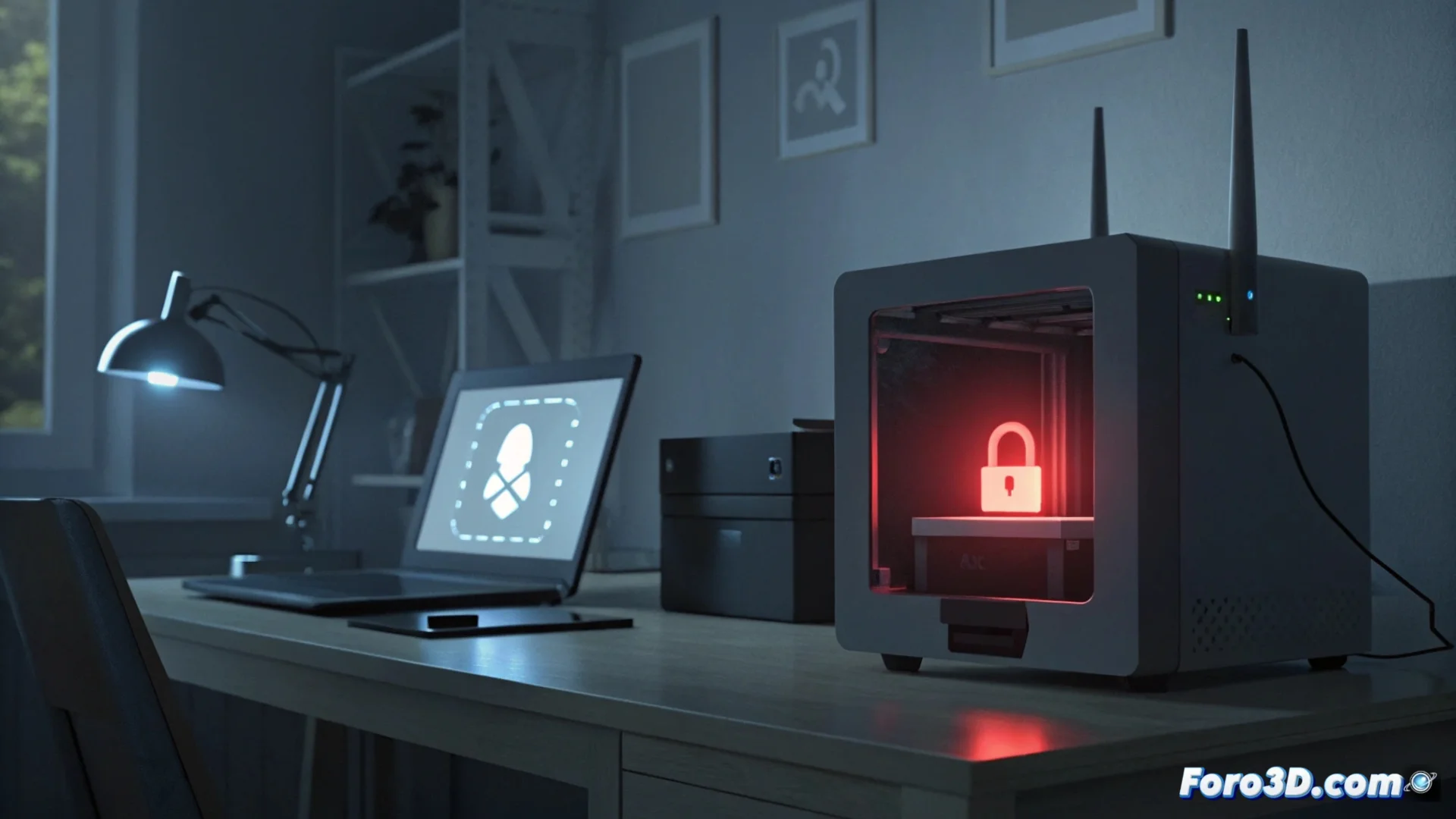
Bambu Lab Firewall Blocks Access and Generates HMS_0100-0401 Error
The security system integrated into Bambu Lab printers is designed to protect the local network. When it detects multiple connection attempts from an unrecognized IP address or using incorrect credentials, the internal firewall activates and blocks access, generating the code HMS_0100-0401. This event does not indicate that the printer is compromised, but rather that its defenses are operating as intended. 🛡️
Understanding the Security Alert
Seeing this error means the device has executed one of its main functions: defending your network. It is crucial to interpret it as a preventive mechanism. Often, the source of the attempt is a legitimate device, such as the Bambu Studio app on a mobile or PC, which mistakenly uses an old password or has conflicting network settings. The system generates the alert so the user can investigate.
Immediate Actions When Seeing the Error:- Confirm if the attempt comes from your own device, such as your computer or phone with the official apps installed.
- Review and correct the access credentials (username and password) in the application you use to control the printer.
- Examine the list of connected devices in your router's administration panel to identify unknown IP addresses.
The greatest security risk is sometimes not external; it can be your own phone, forgotten in a corner, persistently trying to reconnect with outdated data.
Troubleshooting Connection Issues Procedure
If the error persists and interferes with normal printer use, follow a logical sequence of steps to restore stable and secure connectivity.
Steps to Resolve the Connection:- Restart Devices: Turn off and on both the printer and the router. This clears temporary network connection states that may cause conflicts.
- Update Software: Ensure the printer has the latest available firmware version installed, as updates often fix connectivity bugs.
- Reconfigure Profile: In the Bambu Studio application or mobile app, delete the problematic printer profile and add it again by entering the correct access data from scratch.
Advanced Measures and Conclusion
For more persistent cases, changing the Wi-Fi network password to which the printer connects adds an extra layer of security. If all of the above fails, you can opt to reset the printer's network settings, keeping in mind that this will erase its Wi-Fi settings and you will need to configure it again. Remember that the HMS_0100-0401 error is, in most cases, a false alarm caused by aggressive app automatisms or minor network inconsistencies. Its presence is, above all, confirmation that your Bambu Lab's protection system is active and vigilant. 🔒