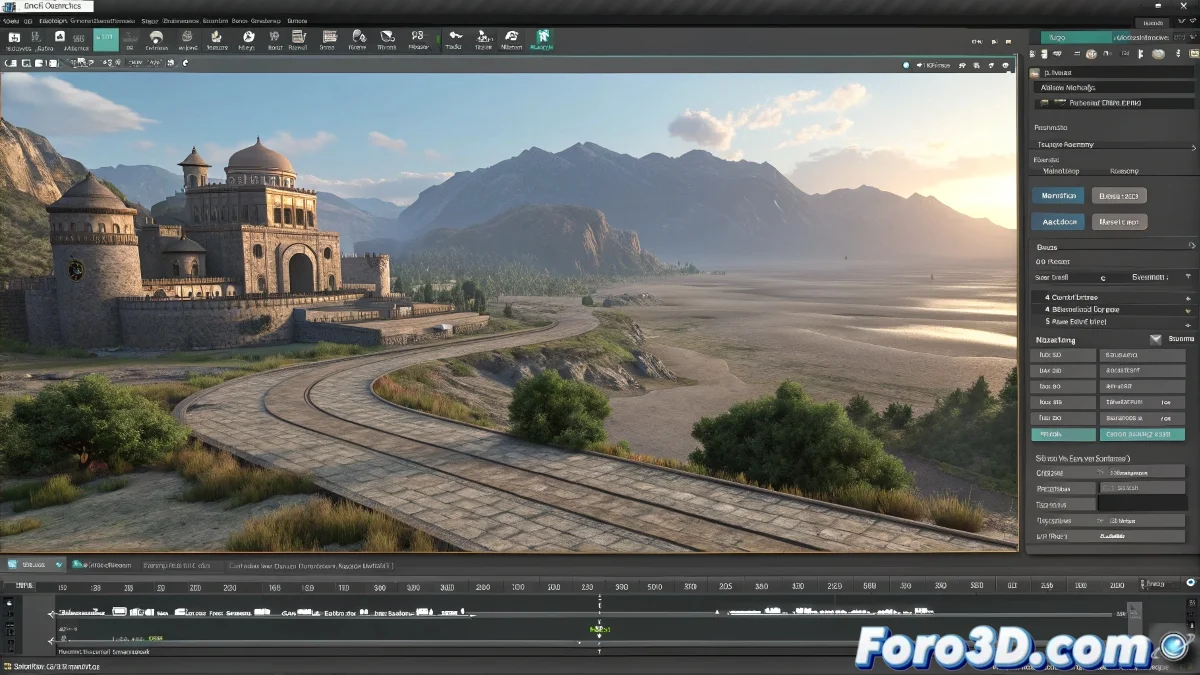
The Art of Taming Mental Ray for Perfect Renders
Rendering complex animations with Mental Ray in 3ds Max is like trying to photograph a ballet of moving lights 💃. Each frame is an individual masterpiece, but when compressing them directly to video, shadows and lights can become rebellious, creating those annoying jumps that ruin the illusion of smooth movement. The solution often lies not in the render engine, but in the post-production workflow.
Why Shadow and Light Flickering Occurs
Visual jumps in Mental Ray renders are usually the result of the interaction between the engine's precise calculation and aggressive video compression.
- Inter-frame compression: Video codecs compress between frames, affecting subtle details
- Mental Ray precision: Calculates each frame independently with high precision
- Compression artifacts: Compression can create jumps in subtle gradients
- Color depth reduction: Some codecs reduce color depth
Rendering directly to video with Mental Ray is like compressing a symphony into a ringtone: you lose the finest nuances.
The Professional Workflow: Image Sequences First
Professional studios always render to image sequences before creating the final video.
- PNG sequences: Lossless quality with reasonable compression
- EXR sequences: Maximum color depth and dynamic range
- TIFF options: High-quality alternative for specific pipelines
- Frame numbering: Consistent numbering system for easy import
Optimal Mental Ray Settings for Animation
Mental Ray requires specific settings for consistent output in animation.
- Final Gather consistency: Configure for consistency between frames
- Photon mapping: Photon baking to avoid flickering
- Anti-aliasing settings: Balance between quality and render time
- Memory management: Optimize for long renders of multiple frames
Composition Software for Final Assembly
Professional compositing offers total control over the final result.
- After Effects: Precise control of compression and post-processing
- Premiere Pro: Professional editing with high-quality codecs
- DaVinci Resolve: Advanced color correction and codec management
- Nuke: For high-end VFX pipelines
Recommended Codecs for Different Uses
The choice of final codec depends on the video's destination.
- ProRes: Professional quality for final master
- DNxHD: Excellent alternative for Avid pipelines
- H.264: For web streaming with careful settings
- Uncompressed: Maximum quality for master archive
If You Must Render Directly to Video
For cases where direct rendering is necessary, certain settings minimize issues.
- Lossless codecs: Avoid aggressive inter-frame compression
- High bitrate: Maximize compression quality
- Separate render passes: Render shadows and lights separately
- Extensive tests: Test with short segments first
Render Pipeline Optimization
An organized pipeline saves time and prevents problems.
- Render farm setup: Efficient frame distribution
- Automated workflows: Scripts for post-render processing
- Quality verification: Automated quality checks
- Backup systems: Protection against failures during long renders
The Future of Rendering and Compression
New technologies promise to close the gap between render quality and efficient compression.
And when those shadow jumps persist like digital ghosts, always p