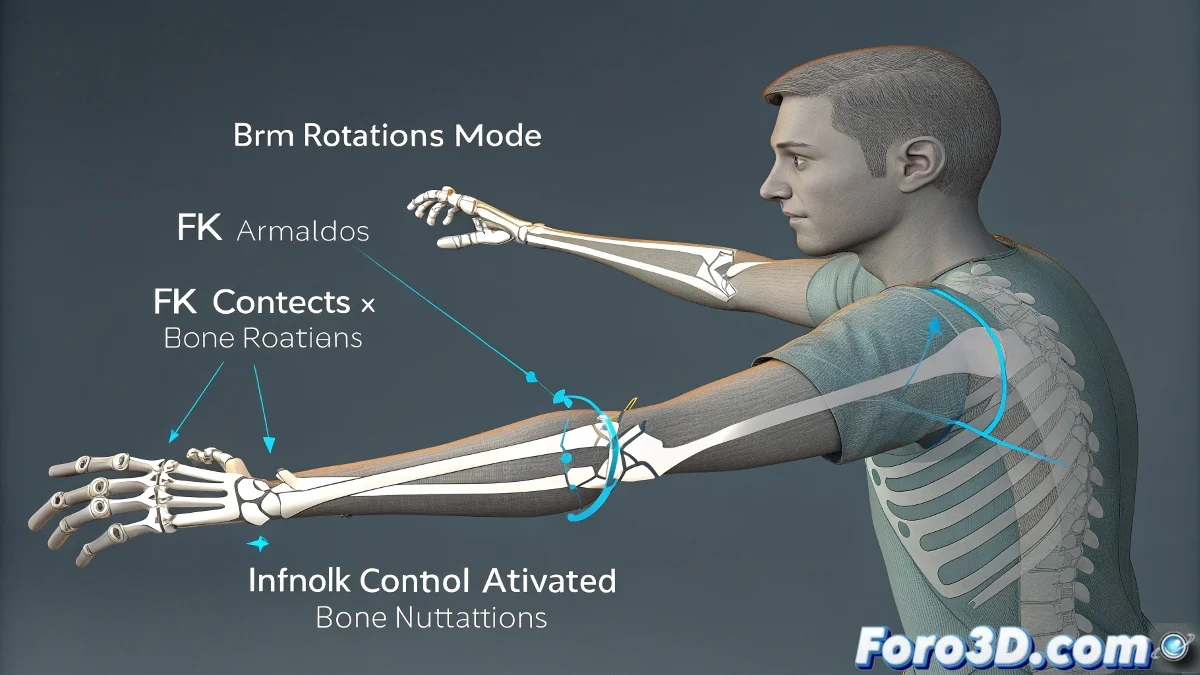
The Unexpected Dance of Bones When Activating IK in Maya 💃🦴
When you switch from FK to IK in Maya and your bones decide to do unexpected pirouettes, it's not black magic - it's simply the different nature of these two systems. FK (Forward Kinematics) and IK (Inverse Kinematics) are like two distinct languages for telling your character how to move, and the translation between them isn't always perfect.
Why Do My Bones Go Crazy with IK?
The confusion occurs because:
- FK works with local rotations (bone by bone)
- IK calculates global rotations to reach a position
- Pivots and orientations may not match perfectly
- Accumulated rotations play tricks
"Switching between FK and IK without preparation is like asking someone to change from walking forward to backward without stopping - something will always get twisted"
Recipe for Smooth Transitions
To avoid chaos in your animations:
- Prepare your controllers: Align FK and IK before switching
- Clean the rotations: Use Freeze Transformations or Orient Joints
- Implement blending: Use progressive transition systems
- Test with IK/FK switches: Many professional rigs include them
- Bake the animation: If you need exact results
Common Errors and How to Fix Them
When problems appear:
- Symptom: Sudden rotation when activating IK
Solution: Check the alignment of the controllers - Symptom: Bones rotating 180° for no reason
Solution: Verify the joint orientations - Symptom: The arm stretches too much
Solution: Adjust the IK solver preferences
Remember: a good rigger always tests their IK/FK transitions before delivering the character. And if all else fails, you can always say it's a special effect of "spiritual possession" - after all, in 3D animation as in cinema, sometimes errors are the best unplanned effects 👻.