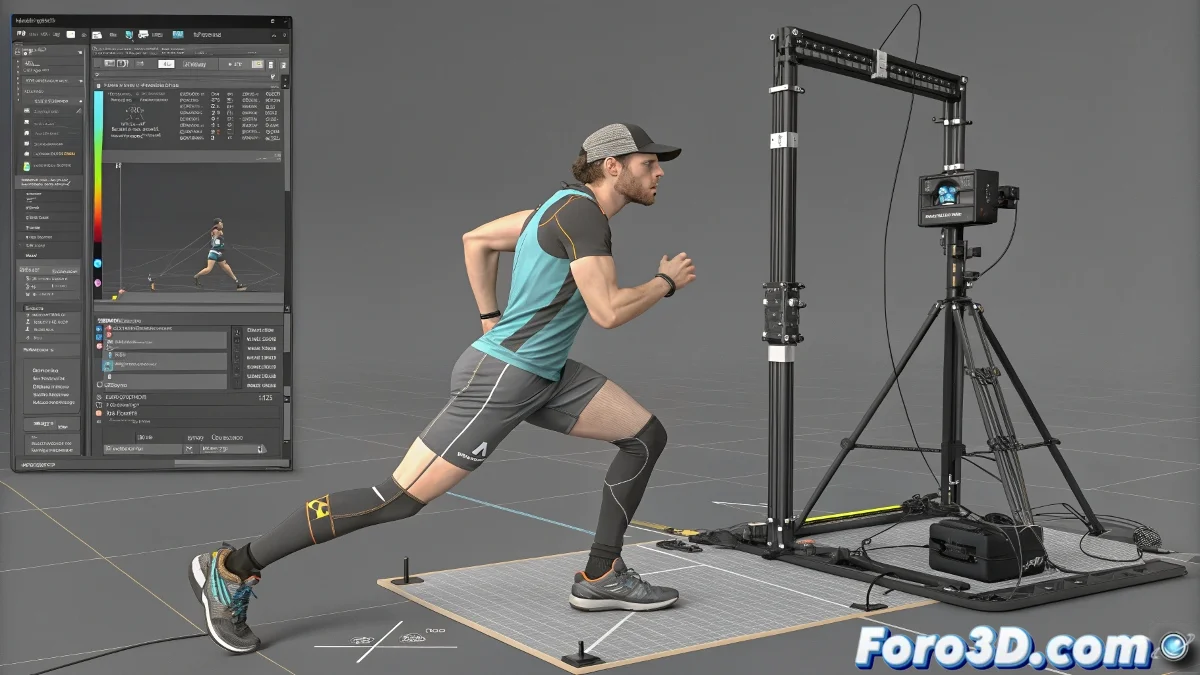
The Involuntary Dance of Legs with IK
Applying an IK Solver in 3ds Max should be the moment when your character finally stands up, but it often turns into a nightmare of limbs spinning in impossible directions 💃. This problem, commonly known as "flipping," occurs when the inverse kinematics solver cannot determine the correct direction to bend the joint, causing the knee or elbow to point inward, backward, or anywhere but the right way. The root of the evil is usually in a poor orientation reference setup.
Preparation is Everything: Orienting the Bones
Before even thinking about applying the IK, the bone chain must be in its natural pose or T-pose. This means the leg should be straight and slightly open, with a neutral rotation in all its bones. If you apply a solver over a chain that's already rotated or twisted, you're asking for flipping problems. Use the Reset Transform or Reset XForm tool if necessary to ensure a clean base. Good rigging starts with a well-ordered hierarchy.
An IK applied over disoriented bones is like a GPS with the map upside down; it will take you somewhere, but not where you want.
The Unsung Hero: the Pole Vector
The most effective solution for flipping is almost always the correct use of the Pole Vector. This controller, usually a helper or dummy, acts as a magnet for the intermediate joint (the knee, in the case of a leg). It must be placed strategically in the direction you want the knee to bend—generally in front of the character, aligned with the direction of the toe. By linking the IK to this Pole Vector, you give it a clear reference and prevent the solver from "guessing" and choosing the shortest path (which is usually the wrong one).
Fine-Tuning Solver Properties
If the Pole Vector is well positioned and the problem persists, it's time to dive into the IK Solver Properties. Here, the Flip Bend Direction option is your emergency switch. As its name indicates, it reverses the solver's default bending direction, which often corrects the flip instantly. It's also worth reviewing and adjusting the Swivel Angle and rotation limits (Rotation Limits) if they are enabled, as a poorly configured restriction can force the bone to rotate unnaturally.
Recommended Workflow for Stable IK
Follow these steps methodically to avoid the infamous flip:
- Prepare the bones: place them in T-pose or rest pose with neutral rotations.
- Apply the IK Chain Solver: from the upper leg bone (e.g., thigh) to the final effector (e.g., ankle).
- Create and position the Pole Vector: place a dummy directly in front of the knee, in the desired bending direction.
- Link the Pole Vector: in the IK properties, assign the dummy as the Pole Vector controller.
- Test and adjust: move the IK effector and observe the behavior. Adjust the dummy's position or use Flip Bend Direction if necessary.
With patience and these adjustments, your minotaur—or any character—will stop doing unwanted pirouettes and its legs will bend with the dignity and direction they deserve. And if something goes wrong, remember: even the best riggers have skeletons in the closet... literally 😉.