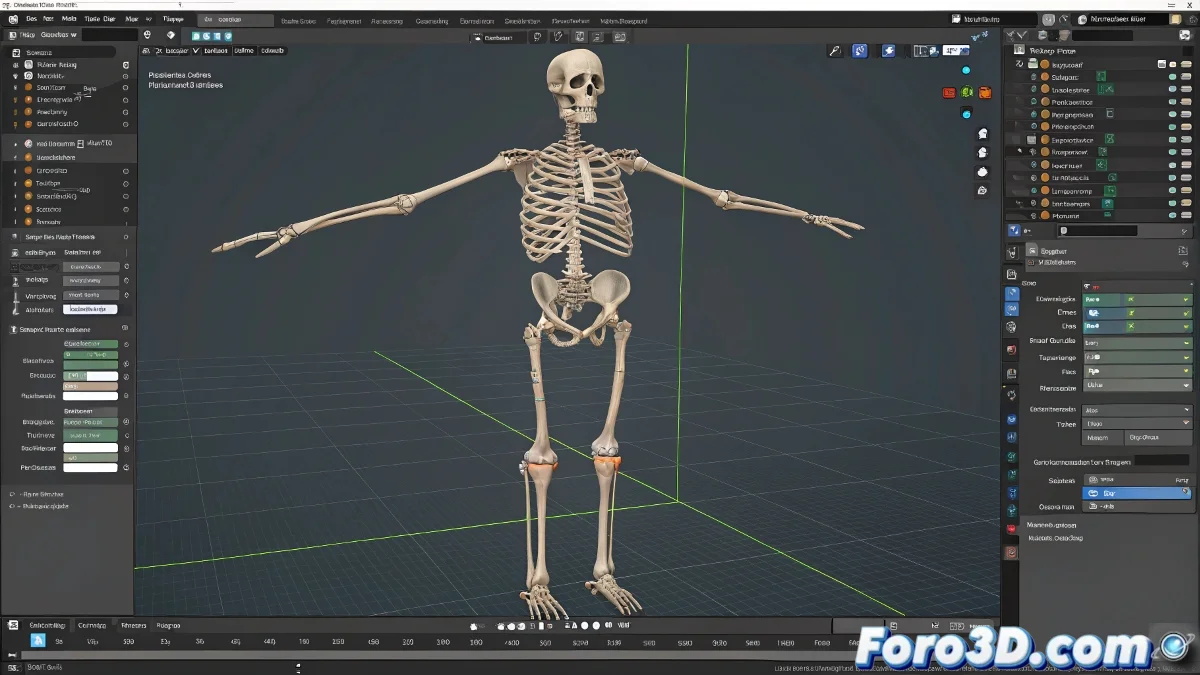
When Your Character in LightWave Decides to Clone Itself Without Permission 👯
Diving into the world of rigging in LightWave can be as exciting as it is bewildering, especially when your digital skeleton starts multiplying like loaves and fishes. The classic duplicate bones problem has caused more sleepless hours than Netflix series.
In LightWave, as in life: it's better to do things right from the beginning than to have to fix them later.
The Mystery of the Twin Bones
When you import your Skelegons in parts, LightWave acts like that absent-minded friend who doesn't remember what you've already told them. The result: duplicate bones that complicate your rig like wet shoelaces knotted together.
Three ways to avoid this digital drama:
- Import all Skelegons at once from the beginning
- Delete in Modeler the bones that are already in Layout
- Pray that the third time's the charm ✨
The IK That Went Crazy
Setting up inverse kinematics in delicate areas like wrists can turn your animation into a horror movie. The Keep Goal Within Reach and Match Goal Orientation options sometimes make small bones breakdance uninvited.
To maintain sanity (and anatomy):
- Use IK only on the main arm chain
- Keep the wrist in FK for greater control
- Consider separate controls for precise movements
Tips from a Tired Rigger
Planning rigging is like preparing a trip: forgetting something essential can ruin the whole experience. Remember:
- LightWave doesn't forgive careless imports
- IK is powerful, but not magic
- The Undo button will be your best ally (and your worst enemy when you need it and there are no steps left)
And if all else fails, you can always say those extra bones are an experimental feature and sell your project as avant-garde art. After all, in the 3D world, persistent errors are called innovation. 🎭