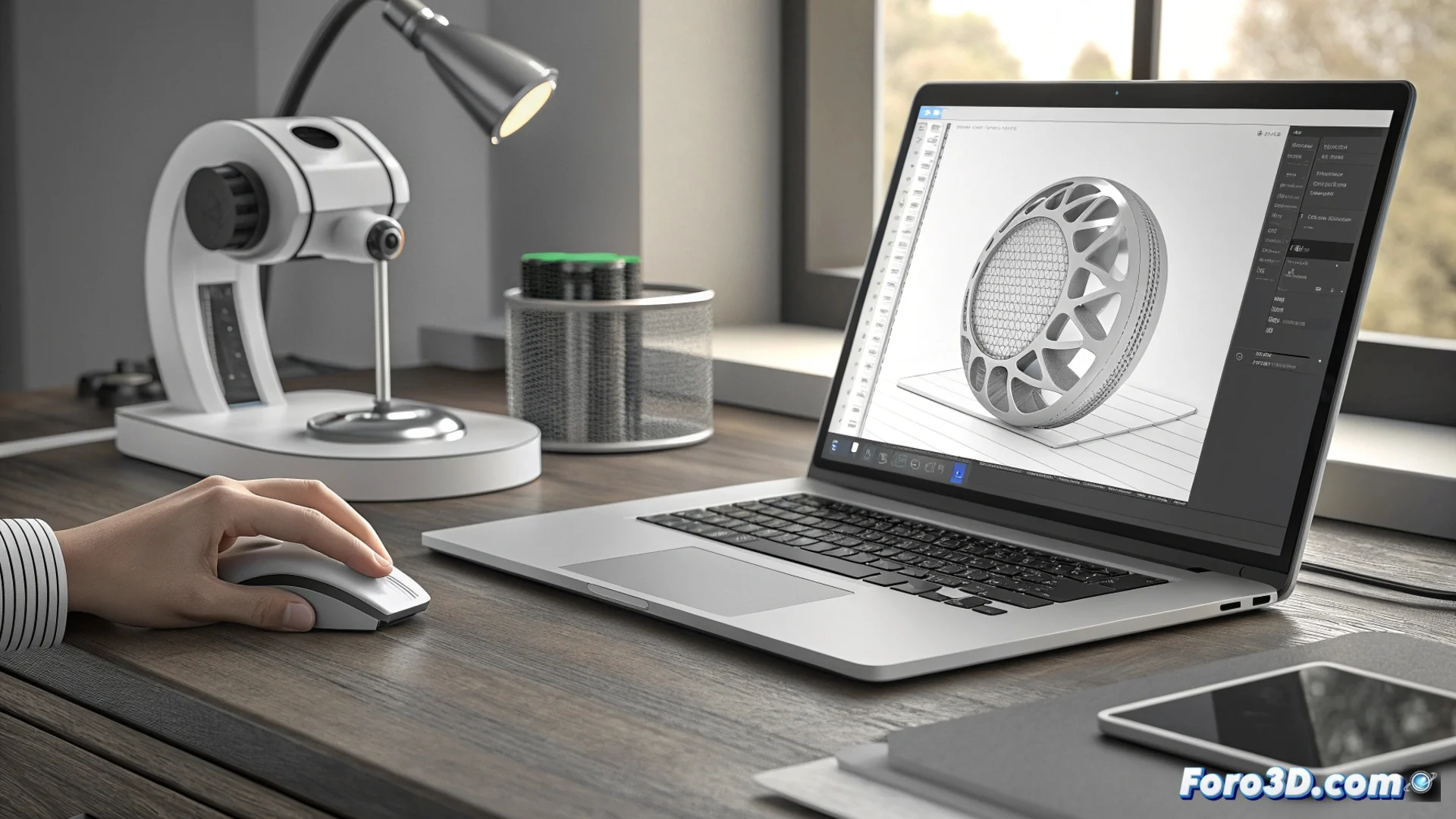
Automate the Workflow in Artec Studio with Autopilot
In the field of 3D digitization, streamlining post-capture tasks is key to being productive. Artec Studio integrates a tool called Autopilot or Automatic Pilot, designed precisely for that. Its purpose is to execute the entire sequence following a scan intelligently, minimizing the need for constant user intervention. 🚀
The Mechanism Behind the Automation
This feature operates under a predefined workflow that makes decisions on its own. Once the raw scans are imported, it calculates their relative position to align them precisely. Then, it fuses all the point clouds or meshes into a single, coherent 3D model. The final step consists of projecting the captured color images to apply texture to the geometric model. The system decides how to do it based on the configured parameters and the quality of the input data, allowing the entire process to run continuously.
Key Points of the Automated Process:- Import and Organize: Gathers and structures all raw scans from an Artec device.
- Automatic Alignment: Calculates the spatial position of each scan relative to the others without manual intervention.
- Generate a Solid Model: Fuses the data to create a unified 3D mesh without duplicates.
- Apply Textures: Projects the captured color onto the fused geometry to achieve a realistic model.
- Export the Result: Prepares the finished model in the format chosen by the user for later use.
Autopilot does not replace the operator's judgment, but optimizes the most mechanical part of the 3D post-processing process.
Benefits of Implementing an Automated System
Using Autopilot brings tangible advantages to any workflow. Primarily, it frees up time for the operator, who no longer needs to supervise every repetitive step. This is crucial in projects with a high volume of scans. Additionally, automation provides consistency, as it applies the same algorithms and settings to all data in a batch, helping to maintain uniform quality in the results.
Ideal Use Cases for Autopilot:- Repetitive Projects: Ideal for systematically scanning similar objects, such as in industrial quality control.
- Heritage Documentation: Speeds up work with large collections of artifacts or museum pieces.
- Focus on Complex Tasks: Allows the expert to dedicate attention to reviewing difficult geometries or refining textures in critical areas where human judgment is irreplaceable.
Considerations and Limits of Automation
Although it is a powerful tool, Autopilot requires intelligent supervision. The system makes decisions based on algorithms, which may not correctly interpret outliers or noise in the capture. For example, if an unwanted element (like a passing animal) appears in several scans, the software might fuse it with the main object, creating unwanted artifacts. Therefore, the user can (and should) set checkpoints, pause the process, and make final adjustments to ensure the model meets the required standards. Automation seeks to make the work more efficient, not eliminate the need for a knowledgeable operator. ⚙️