Autodesk Flame: How to Use the Batch Nodal Environment to Process Sequences
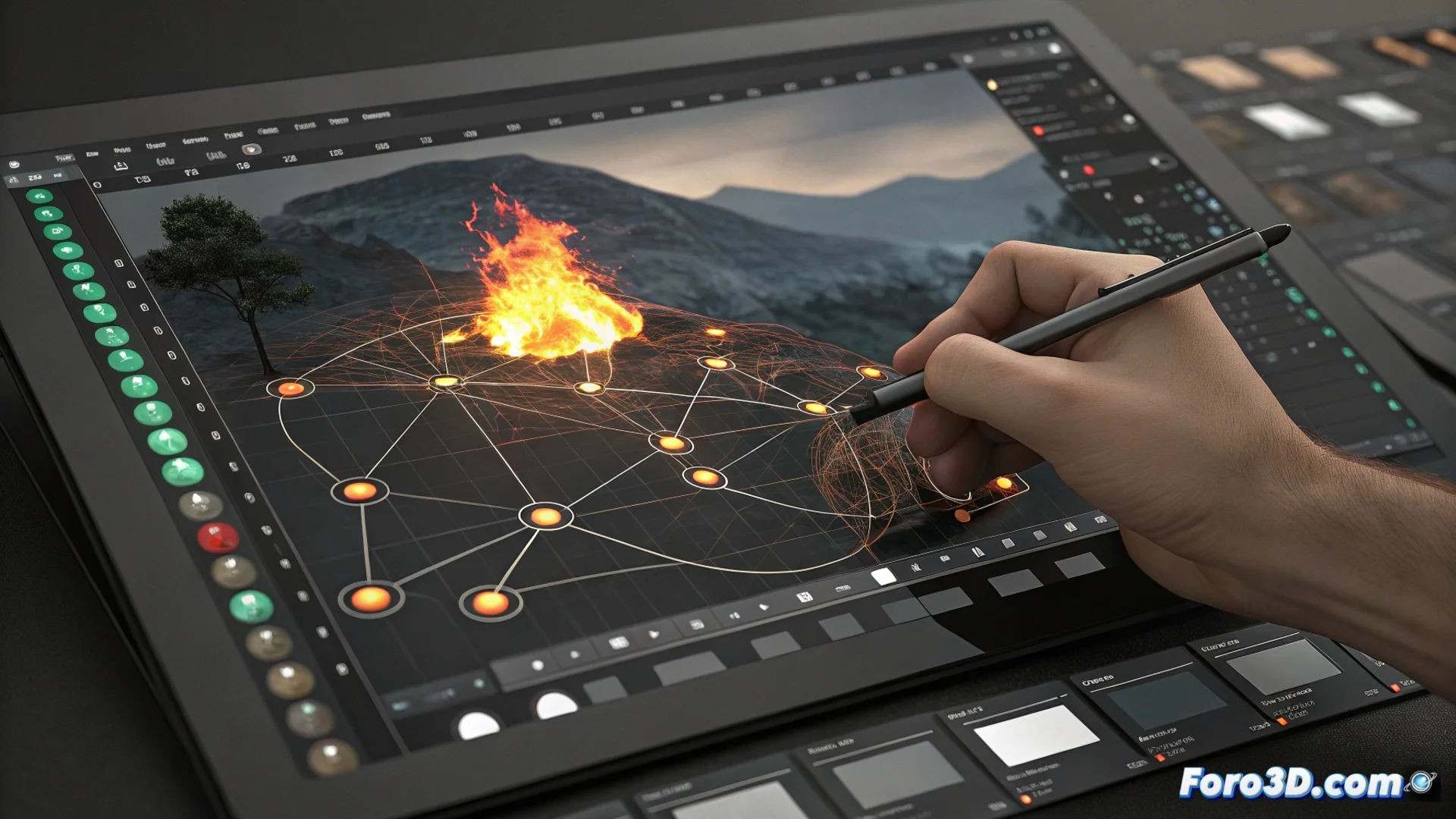
In the field of visual effects and high-end post-production, Autodesk Flame stands out for its power. One of its central tools is the Batch environment, a nodal system designed to process image sequences efficiently and flexibly. This method replaces the traditional linear workflow with a visual network of operations that the artist can control with precision. 🎬
The Logic of the Nodal Workflow
The system organizes each task, such as compositing layers or color correction, into an independent module or node. The user connects these nodes to define how the frames are transformed. The main advantage is that you can alter the order of operations at any time, insert new steps, or duplicate branches to test variants. The engine recalculates the result instantly across the entire sequence, avoiding reprocessing from the beginning and speeding up iterative work.
Key Advantages of the Nodal Approach:- Non-destructive work: Adjustments do not affect the original material and can be modified at any point in the chain.
- Total flexibility: Allows experimenting with the order of effects (color correction before or after a blur, for example) without compromising the project.
- Automatic propagation: Any change is automatically applied to all frames in the sequence, optimizing review and adjustment time.
The Batch environment demonstrates that, sometimes, a complex network of nodes can offer more direct control and fewer complications at the end of the process.
Tools Integrated into the Nodal Network
Within Batch, the artist accesses the full set of Flame tools without leaving the nodal environment. This centralizes the workflow and avoids constantly switching between different interfaces. The visual network allows clearly seeing how each adjustment affects the final result and how different processes interact.
Processes that Can Be Managed Nodal-ly:- Compositing multiple layers and elements.
- Tracking motion and stabilizing shots.
- Performing rotoscoping to isolate elements.
- Color correction with advanced tools like Primary and Secondary Grading.
- Applying effects such as optical, blur, or distortion.
Optimizing for Large Volumes of Material
This method is especially efficient for handling large volumes of material, such as complete sequences from a commercial spot or a feature film. The system automatically processes all frames according to the configuration set in the network. Although building a complex network may seem intricate, the visual logic it provides allows precise control of each step, making the handling of demanding projects smoother and less prone to errors. The Flame Batch nodal environment is, essentially, a powerful engine for producing high-quality work iteratively and non-linearly. 💻