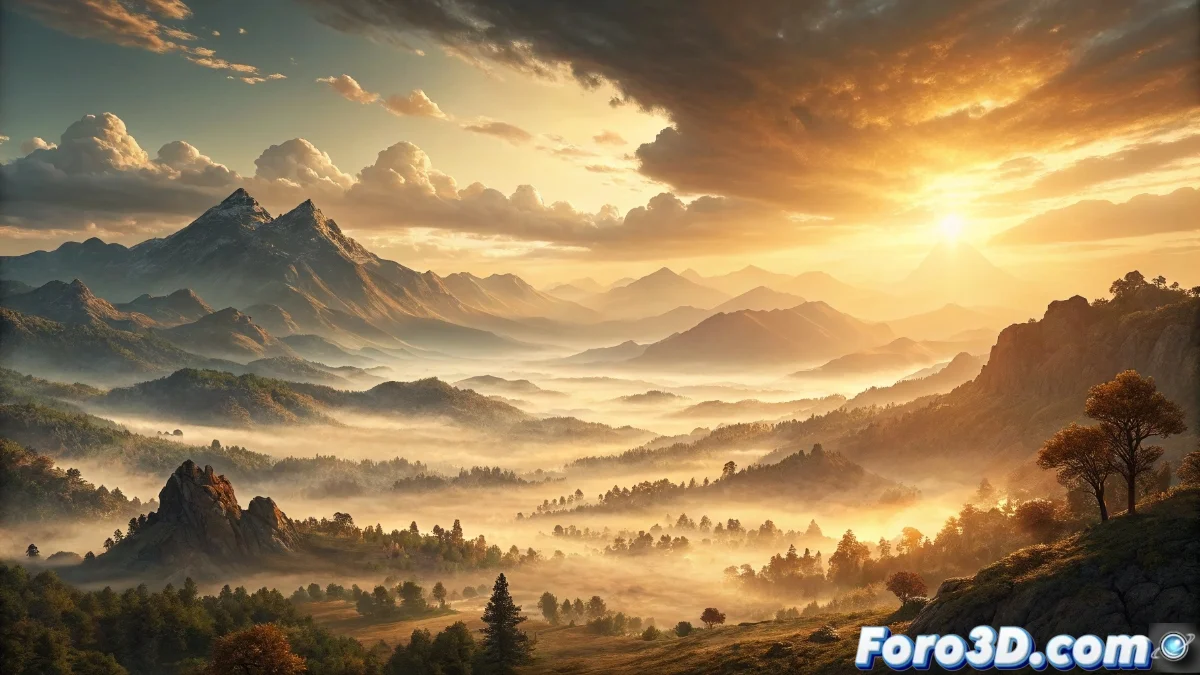
Mastering Atmospheric Fog in Unreal Engine for Realistic Environments 🌫️
Atmospheric Fog in Unreal Engine is a fundamental tool for developing immersive outdoor environments, replicating how sunlight scatters through particles in the atmosphere. This system generates phenomena like vibrant blue skies, vivid sunsets, and layers of fog that alter depth perception, all through precise physical calculations. 🌅
Essential Setup and Key Parameters
To implement Atmospheric Fog, developers insert the corresponding actor from the placement panel. In the details editor, critical properties are modified, such as the fog start and end distance, which determine when the effect becomes visible and its maximum intensity. Other adjustments include opacity, which regulates the darkening of distant objects, and the base colors that define the overall ambiance. It is vital to synchronize these values with the directional light (simulating the sun) to ensure atmospheric scattering is coherent and visually impactful.
Main properties to consider:- Air Density: Controls how much light is scattered, affecting sky clarity and fog intensity.
- Fog Height: Defines how high the effect extends, ideal for simulating low-lying fog banks or high-altitude layers.
- Sun Intensity: Adjusts how sunlight interacts with particles, influencing daytime and twilight colors.
Setting up Atmospheric Fog can be like taming nature: a small change transforms a sunny day into a scene filled with mystery, making you wonder if you're a developer or a creative meteorologist.
Integration with Advanced Lighting Systems
Atmospheric Fog combines with other components like Sky Light and global illumination to achieve a unified visual ecosystem. For example, Sky Light captures the lighting generated by the fog and applies it to objects, enhancing realism in shadows and reflections. By using stationary or static mobility modes, it's possible to precalculate effects to optimize runtime performance. Developers must align the sun light's position with the fog to avoid inconsistencies, such as overexposed skies or fog that doesn't respond to in-game time-of-day changes.
Tips for seamless integration:- Solar Alignment: Ensure the direction and intensity of the directional light match the fog settings for precise scattering.
- Optimization with Pre-calculation: Use static or stationary modes to reduce processing load in complex scenes.
- Visibility Testing: Verify how the fog affects distant objects under different weather and lighting conditions.
Practical Tips and Best Practices
When working with Atmospheric Fog, it's crucial to experiment with parameters like density and opacity to achieve environments that reflect specific times of day or weather conditions. Coordinating these adjustments with environment materials and textures ensures the fog doesn't look artificial. Remember that, while powerful, this system requires balance: minimal changes can drastically alter the atmosphere, from a serene sunrise to a post-apocalyptic setting. By mastering these techniques, developers create virtual worlds that breathe and evolve naturally. 🎮