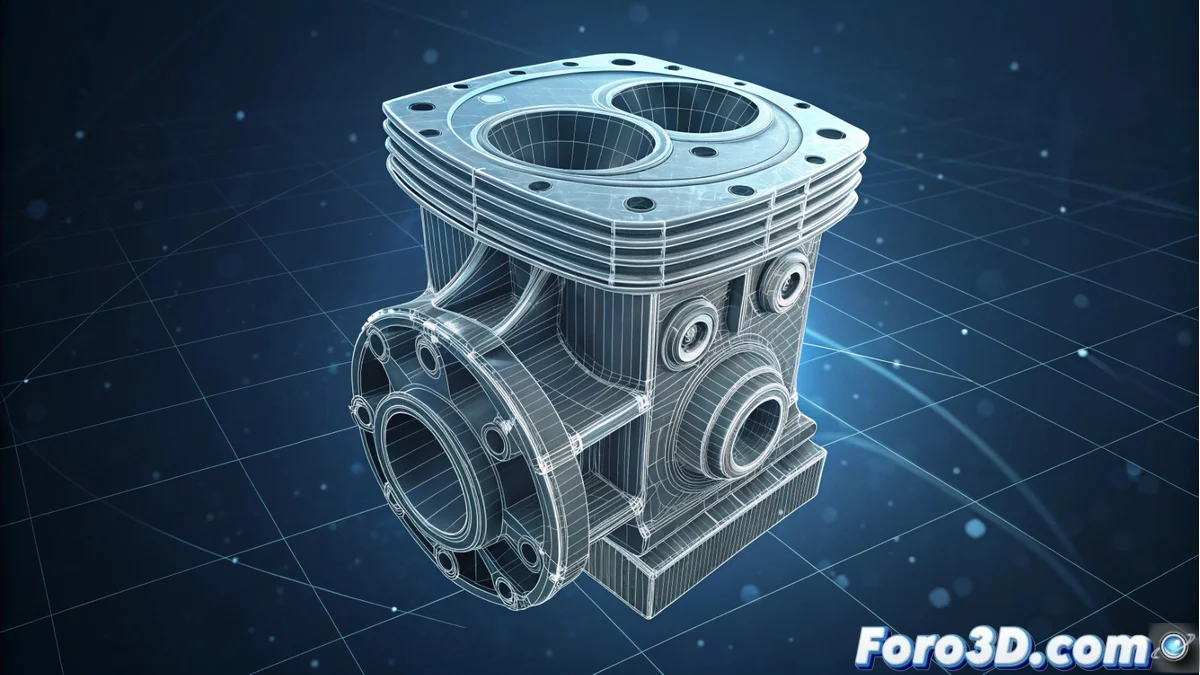
Artec Studio processes and edits 3D scanning data
This application is designed to handle information captured by 3D digitization devices, mainly from the Artec brand. Its central objective is to convert point clouds and polygonal meshes into ready-to-use three-dimensional digital models in various fields. 🛠️
Workflow for capturing and processing objects
The cycle begins by importing the raw data from the scanner. The program automatically aligns the different captures with each other, detecting shared geometry. Subsequently, it fuses all scans into a single dense and coherent mesh.
Key processing steps:- Apply filters to smooth surfaces and reduce noise.
- Fill small holes in the mesh to achieve continuity.
- Simplify the geometry, add textures, and export to standard formats for CAD, animation, or 3D printing.
A perfect scan sometimes requires more patience than a cat waiting in front of a mouse hole, especially if the subject moves or has shiny surfaces.
Uses in industry and conservation
Its applications are very varied. In industrial environments, it is used to inspect parts, compare them with original CAD designs, measure accurately, and create spare parts through reverse engineering.
Application sectors:- Industry: For quality control and measuring components.
- Cultural conservation: Document sculptures, fossils, or sites non-invasively.
- Medicine and film: Create custom prostheses and integrate scanned objects into visual effects.
Conclusion on its utility
Artec Studio is an essential tool for transforming 3D scanning data into useful digital assets. Its ability to process, clean, and export models makes it indispensable in fields ranging from manufacturing to heritage preservation, closing the cycle between the physical and digital worlds. 🔄