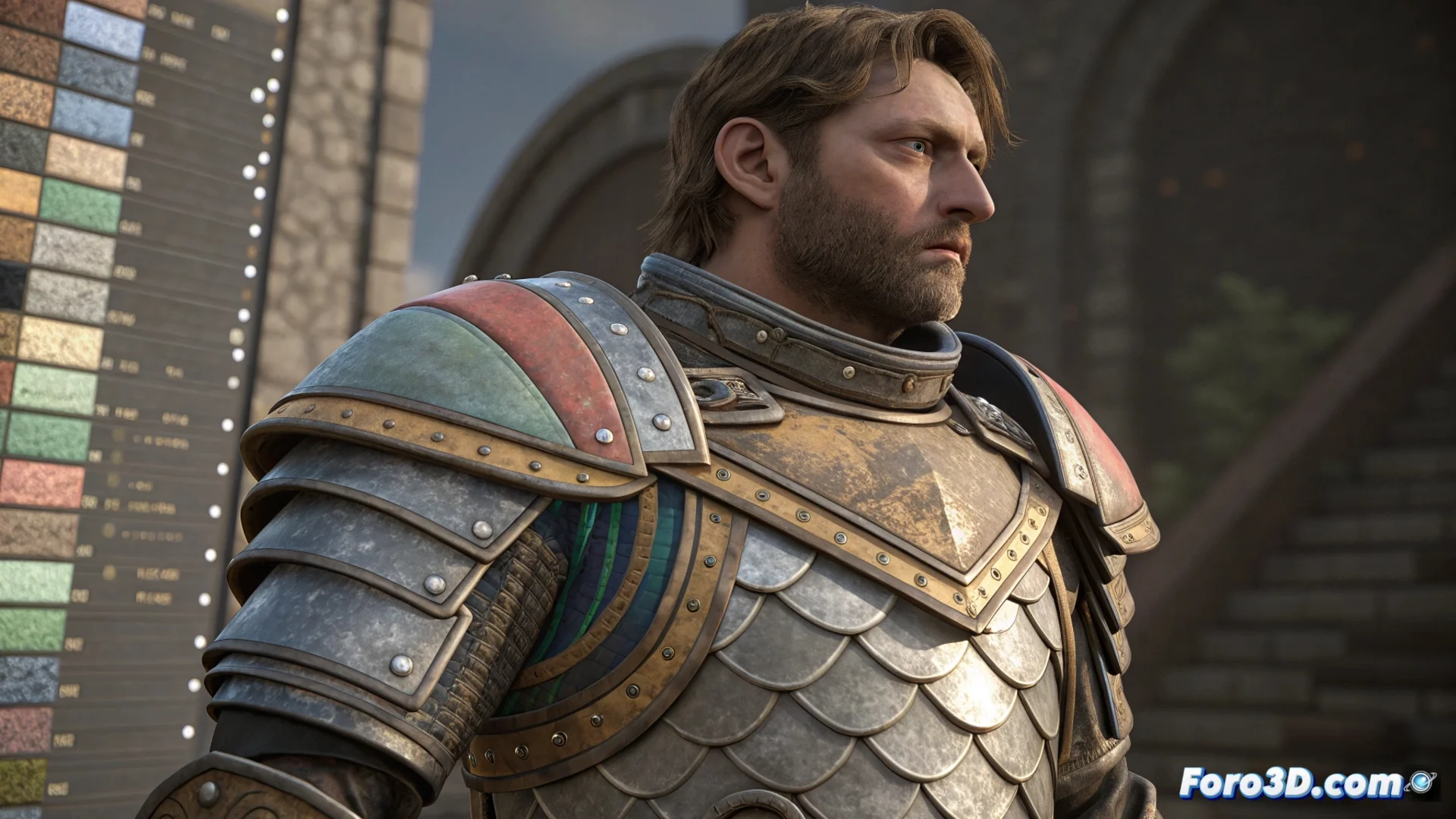
ArmorPaint Integrates Layer Blending Modes for PBR Painting
The 3D painting software ArmorPaint now allows creating materials through a system of non-destructive layers. This method is based on using blending modes that define how the information from each layer is combined with those below. Stacking and blending these layers helps you produce detailed PBR materials without touching the original files, allowing you to test and modify each parameter at any stage of the project. 🎨
Blending Modes Work on Each PBR Channel Individually
Modes like Multiply, Overlay, Screen, or Add do more than just change color. In a PBR context, these modes act on the different maps that describe a material. You can apply, for example, Overlay to a roughness map to highlight textures, or Multiply to a height map to make reliefs deeper. This separate channel control allows combining physical properties with great precision, achieving realistic and natural appearances.
Key Advantages of Channel Blending:- Detailed control over properties like roughness, metallic, or height.
- More organic results by adjusting how maps interact with each other.
- Flexibility to accentuate or soften specific details in each material attribute.
Non-destructiveness accelerates artistic iteration. Adjusting opacity, blending mode, or layer order at any time eliminates the fear of irreversible mistakes.
A Non-Destructive Workflow Boosts Creativity
Being able to modify opacity, blending mode, or reorganize layers at any moment removes the pressure of ruining previous work. This allows you to test combinations quickly, disable layers to compare versions, or duplicate them to explore alternatives. This approach is essential for refining materials efficiently, helping you focus on the visual aspect without fear of losing progress.
How to Iterate Effectively:- Test layer and blending mode combinations quickly.
- Compare previous states by temporarily disabling layers.
- Create variants by duplicating layers and modifying their parameters.
Conclusion on Artistic Control
Integrating a layer blending modes system for PBR maps in ArmorPaint represents a powerful tool for artists. It offers meticulous and reversible control over every aspect of a material, from base color to micro-reliefs. This non-destructive method not only speeds up the creation process but also invites limitless experimentation. Sometimes, the best layer is to step back and return with a new perspective, even if the Desperation blending mode remains more of an artistic concept than a software feature. 💡