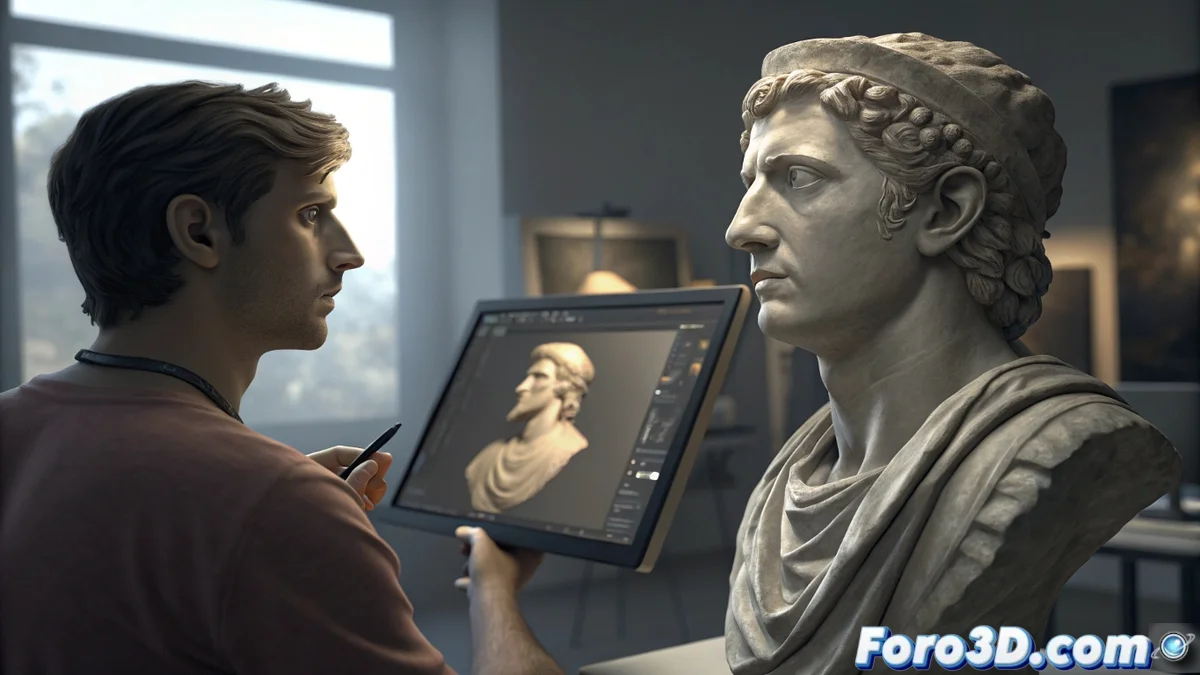
ArmorPaint for Touching Up and Enhancing Textures from 3D Scans in Meshroom
In the field of photogrammetry, obtaining a perfect texture directly from reconstruction software is uncommon. ArmorPaint emerges as the specialized solution for artistic retouching and correction of these generated textures, for example, from Meshroom. Working on the 3D mesh, it allows transforming a scan with stains, incomplete areas, or unwanted reflections into a polished digital asset ready for production. 🎨
Seamless Integration into the Photogrammetry Pipeline
The workflow begins by exporting from Meshroom both the final geometry and the diffuse texture map. ArmorPaint imports both elements and automatically projects the texture onto the model, offering real-time visualization of all its deficiencies. This direct integration is key to identifying and addressing issues like inconsistent color patches or areas where reconstruction failed.
Key Steps in the Process:- Export from Meshroom: Obtain the optimized mesh and texture in a compatible format (such as OBJ/MTL or FBX).
- Import and Evaluation in 3D: ArmorPaint loads the model, allowing inspection of the texture from all angles to locate imperfections.
- Contextual Correction: Using tools like brushes, sealing (clone stamp), and projection, corrections are painted directly onto the 3D surface, ensuring they adapt to the geometry.
The true art sometimes lies not in correcting every pixel, but in knowing when an imperfection becomes a characterful detail from the original scan.
Decisive Advantages of Painting in 3D Space
Editing a texture in a traditional 2D image editor is a blind job for complex geometries. ArmorPaint solves this by allowing each stroke to perfectly fit the model's reliefs and curvatures. This methodology not only ensures visual coherence from any perspective but also greatly streamlines the post-production process.
Main Benefits of This Approach:- Geometric Precision: Corrections are applied in the 3D context, avoiding unwanted distortions or stretching when reprojected onto the model.
- Non-Destructive Workflow: The use of layers allows adding artistic details, dirt, graffiti, or wear without altering the base texture, offering total flexibility.
- Time Optimization: The ability to paint directly on the mesh eliminates the tedious cycle of exporting, editing in 2D, and reimporting to see the result.
From Realistic Capture to Production Asset
Beyond simple correction, ArmorPaint opens the door to artistic enhancement. A scan of a real object can be the perfect base for creating stylized assets for video games, photorealistic architectural visualizations, or digital heritage preservation models. The tool allows going from the raw realism of photogrammetry to a final result with a controlled and professional style, where the artist has the final say on every surface detail. The result is a higher-quality asset, ready to be integrated into any game engine or rendering software, having overcome the inherent limitations of the automatic scanning process. 🚀