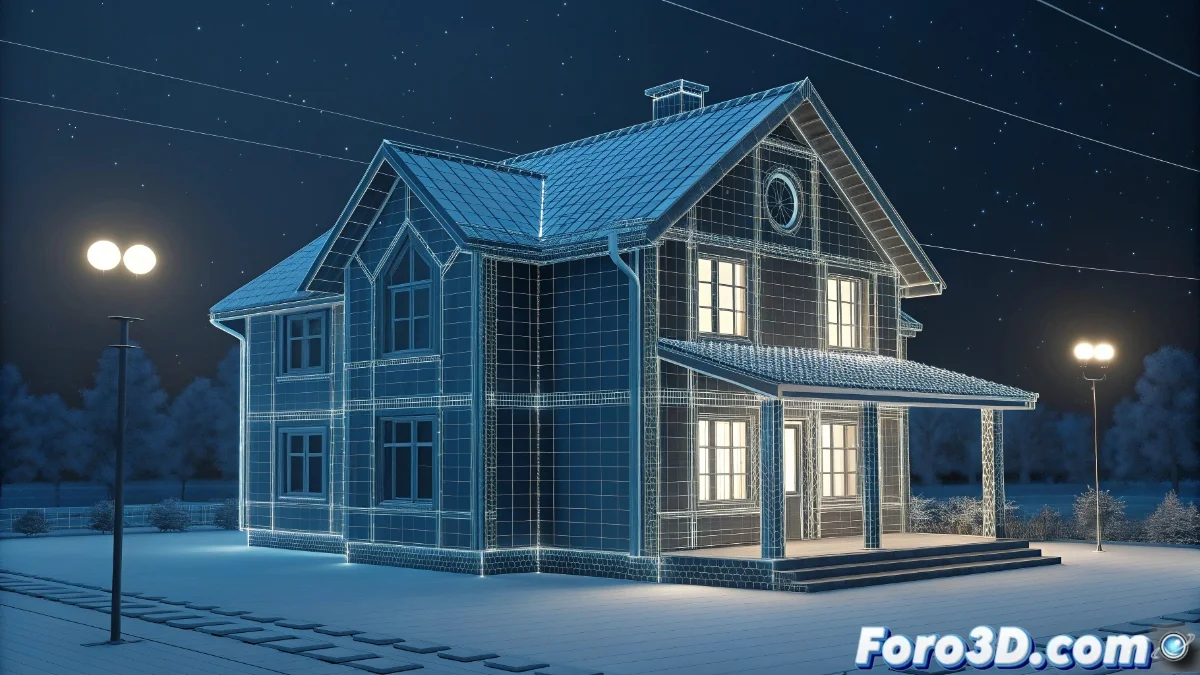
Architectural Modeling with Splines in 3ds Max
Splines in 3ds Max are a fundamental tool for architectural modeling, allowing the design of structures like houses with great precision and flexibility. This method facilitates the creation of complex shapes using lines and specialized modifiers, optimizing the workflow in projects that demand speed and adaptability 🏠.
Initial Spline Setup
To begin, select the Line tool in 3ds Max and draw the house floor plan in the top view, closing the splines to avoid geometric issues. Adjust the vertices in subobject mode to refine curves or add additional segments. Enable the Snaps function for precise positioning when connecting corners or joining different sections. If the design includes multiple levels, duplicate and adapt the splines for each floor, maintaining the building's structural coherence.
Key steps in setup:- Draw the floor plan with closed lines to define the base shape
- Adjust vertices and enable Snaps for precise alignment
- Duplicate splines for multiple levels while maintaining the structure
With patience, even the most rebellious splines can be transformed into coherent and welcoming architectural designs.
Application of Modifiers and Advanced Details
Once the basic shape is established, apply the Extrude modifier to raise the walls to the desired height, controlling the elevation with the Amount parameter. For sloped roofs, use Loft with a spline profile that defines the inclination, or Sweep to add moldings on the edges. Integrate windows and doors by editing the original splines with boolean operations or creating openings using Edit Poly after extrusion. Finally, assign materials and textures for realism, using UVW Map to adjust the scale on curved or irregular surfaces.
Detailing techniques:- Use Extrude to give height to walls and control elevation
- Apply Loft or Sweep for sloped roofs and moldings
- Incorporate windows and doors with Boolean operations or Edit Poly
Conclusion and Best Practices
The use of splines in 3ds Max offers an efficient solution for architectural modeling, combining precision and versatility. From the initial setup to the application of modifiers and final details, this technique allows creating complex structures like houses with an optimized workflow. The integration of realistic materials and textures, along with tools like UVW Map, ensures professional and visually appealing results in any design project 🎨.