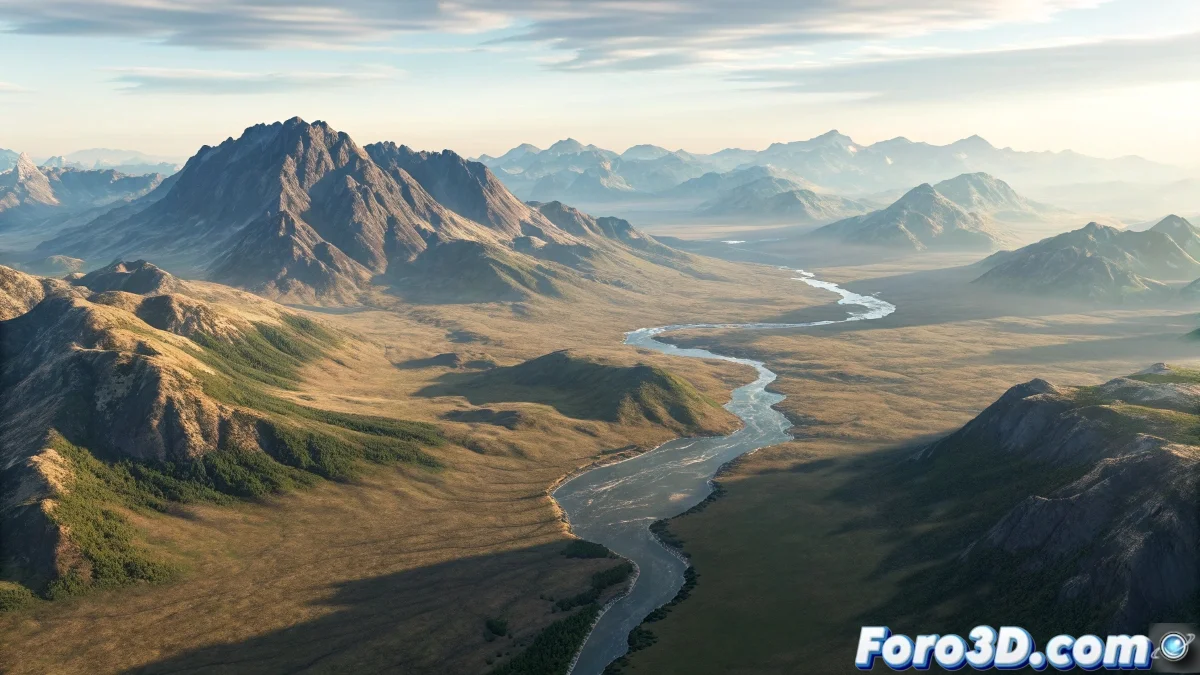
The Challenge of Texturing Steep Terrain
When you try to apply an aerial photography texture onto 3D terrain with steep slopes in 3ds Max, you face one of the classic problems of mapping complex surfaces. The "runoff" you mention is exactly what happens when you use basic mapping methods like Planar or Box mapping on non-flat geometry. The texture is projected in a single direction, creating that stretching and distortion effect on the inclined areas which causes the aerial image to lose its correct spatial relationship with the underlying terrain. This problem is especially evident on slopes, valleys, and ridges where the surface significantly deviates from the projection plane.
Understanding the Projection Problem
The runoff occurs because standard mapping methods do not understand the topography of your terrain. They are designed for relatively flat surfaces or predictable angles, not for the organic complexity of natural terrain with significant altimetric variations.
- Planar projection only works well on flat surfaces
- Steep angles receive stretched and distorted texture
- Lack of correspondence between texture pixels and 3D geometry
- Inappropriate UV coordinates for complex surfaces
Professional Techniques for Realistic Terrain
To solve this problem you need to use more advanced mapping methods that respect the three-dimensionality of your terrain. The solution is not in a single magic command, but in combining different approaches according to the specific characteristics of your project.
Texturing 3D terrain is like putting a map on a globe: you need a system that respects the curvature of the surface
- View-based projection mapping using Camera Map
- Advanced Unwrap UVW with relax tools for terrain
- Use of specific plugins like GroundWiz or Terrain Tools
- Combination of multiple projections for problematic areas
Recommended Workflow
To achieve the best results with your aerial photography, follow a structured process that begins with proper preparation of both the texture and the 3D model.
Mastering the texturing of complex terrain is an essential skill for architectural visualization, visual effects, and video game development 🗺️. Every technique you learn to solve these problems not only improves your current project but also expands your ability to face even more complex mapping challenges in the future.