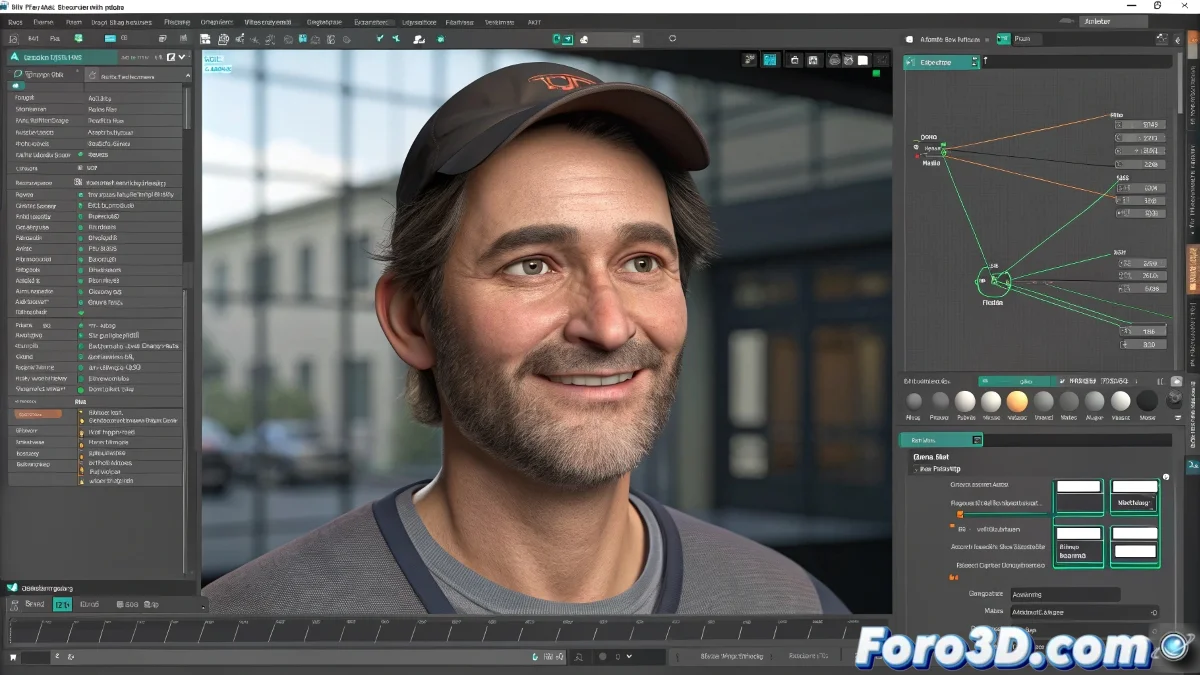
Applying a Morpher to a Controller in Facial Rigs in Maya
In the world of facial rigging, connecting a Morpher (blend shape) to a controller is a fundamental technique for animating facial expressions intuitively and precisely. If you already have the Morpher created and the controller ready, all that's left is to link them correctly so the controller manages the blend shape weights without complications. And no, you don't need to be a Maya expert to do it! 😊
Basic Steps to Connect a Morpher to a Controller in Maya
First, make sure the Morpher is working correctly on the base object (for example, the facial mesh). Then follow these steps:
- Select the controller you want to connect the Morpher to.
- Open the Channel Box and create a new custom attribute that will be used to control the Morpher (for example, Smile or Blink).
- With the controller selected, go to Window > Animation Editors > Connection Editor.
- In the Connection Editor, first load the controller's attribute (the one you just created) on the Output side.
- Then load the blend shape (Morpher) attribute on the Input side. The blend shape attributes are usually in the form of weights (for example, smile_influence).
- Connect the controller's attribute to the corresponding blend shape weight. This way, when you move the controller, the blend shape will activate according to the value you assign.
Tips for Professional Facial Rigs
- Use clear names for the custom attributes on the controller, as it will make animating easier.
- Group several controllers to have an organized and flexible facial rig, especially if you work with Maya and software like Arnold for rendering.
- Check that the rig works with the latest plugins and versions of Maya, to avoid incompatibilities with the Morpher.
And if it doesn't work, you can always say your character is practicing to be a professional mime... but with rebellious controllers. So roll up your sleeves and get rigging! 🎭
With these tips, you'll be able to apply a Morpher to a controller in facial rigs in Maya effectively. And remember, if the rig doesn't turn out as expected, you can always check your connections! 🔗