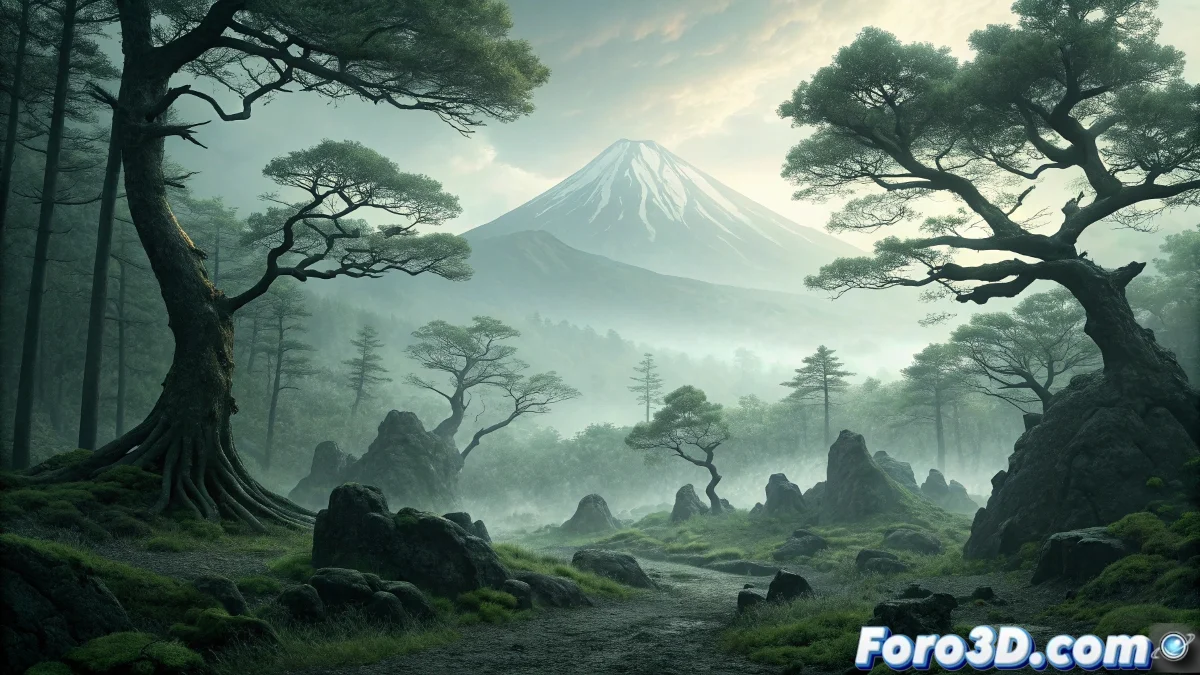
Animating the Aokigahara Forest in Synfig Studio: The Mystery of Mount Fuji
The Aokigahara Forest, located at the foot of Mount Fuji in Japan, is one of the most enigmatic and mystery-laden places in the world. This dense forest, historically associated with the practice of ubasute (abandonment of the elderly), has the geological peculiarity that its soils rich in volcanic minerals significantly interfere with compasses and GPS signals, creating a natural disorientation for visitors. The profound mystery of the place lies in its persistent dense fog, the unnatural silence that reigns among the trees, and the deep-rooted reputation of being frequented by yūrei (tormented ghosts) of those who have died in the forest, which has unfortunately made it a sadly notorious site for its high suicide rate. 🌲
Initial Project Setup in Synfig Studio
Start by creating a new document in Synfig Studio with dimensions of 1920x1080 pixels and a rate of 24 fps. Set up the base layers to organize the different elements of the animation: background, mountain, trees, fog, and special effects. Synfig is ideal for this project due to its vector animation system and interpolation capabilities that allow for creating fluid and organic atmospheres.
Layer Preparation in Synfig:- Create a gradient background layer for the sky with gray-blue tones
- Set up a layer for Mount Fuji using the vector drawing tool
- Organize tree layers on different planes for depth
"Aokigahara is not just a forest; it is a state of mind where geology and human psychology meet at their darkest point" - Japanese cultural anthropologist
Creating the Dense Forest and Vegetation
Use the vector drawing tools in Synfig to create multiple tree layers with different levels of detail. Start with simple conifer silhouettes and gradually add layers with more detail in the foreground. Density is key to conveying the oppressive atmosphere of the real forest.
Techniques for Vegetation:- Use the Circle tool to create tree canopies and Bezier for trunks
- Apply the Outline converter to give volume to vector shapes
- Create multiple tree instances using duplicated layers with variations
Animating the Fog and Atmospheric Effects
The fog is the most important atmospheric element. Create several semitransparent fog layers using organic shapes with animated transparency gradients. Use Synfig's interpolation system to create smooth and random movement.
Fog Effect Setup:- Create layers with "Straight" blend mode and opacity at 30-40%
- Animate the position of fog layers with slow, organic movements
- Apply Blur effects to soften the edges of the fog shapes
Interference and Disorientation Effects
Simulate the forest's famous magnetic interference by creating visual distortion effects. Use animated noise layers and displacement effects to suggest how the volcanic minerals affect perception.
Techniques for Interference Effects:- Apply the Noise Distort converter to specific layers
- Create subtle "glitch" animations on background elements
- Use overlay layers with TV interference patterns </ul