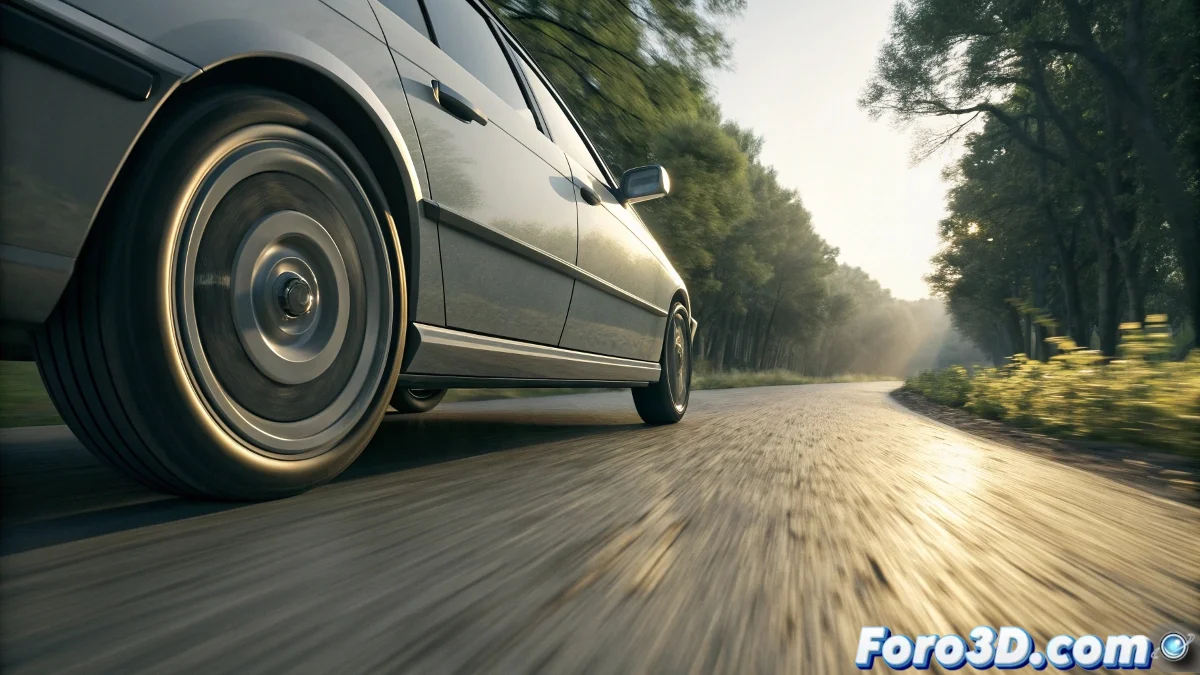
The Secret of Automatic Wheel Animation
When you want to animate a moving car without relying on manual keyframes for the wheels, you are correct that 3ds Max offers more efficient solutions. Automatic wheel animation is based on simple mathematical principles that directly relate the linear motion of the chassis to the rotation of the wheels. A wheel that travels a distance equal to its circumference must rotate exactly 360 degrees, and this relationship can be completely automated using the right tools in 3ds Max. Dynamics is one option, but there are even more precise and controllable methods to achieve this effect.
Method with Expression Controller (Recommended)
This is the most precise and professional technique for vehicle animation. Expression controllers allow you to mathematically link the wheel's rotation to the car's movement.
- Basic formula: rotation = (distance / circumference) * 360
- Circumference = 2 * π * wheel radius
- The distance is the movement of the chassis on the corresponding axis
- Applied via Expression Controller on the wheel's rotation
Step-by-Step Expression Controller Setup
To implement this solution you need to follow a specific process that ensures the rotation is perfectly synchronized with the movement.
Animating wheels with expressions is like putting cruise control on your animation: you set it once and it works for the entire journey
- Select the wheel and open the Curve Editor
- Assign a Rotation Controller such as Euler or TCB
- Replace with Float Expression on the desired rotation axis
- Write the mathematical expression that links it to the chassis movement
Using Dynamics for Realistic Simulations
If you are looking for more physical behavior where wheels respond to terrain and forces, MassFX (formerly Reactor) offers physical simulation.
Mastering automatic wheel animation will completely transform your workflow with vehicles 🚗. Not only do you eliminate the tedium of manual keyframing, but you also guarantee perfectly precise rotations that remain consistent regardless of the complexity or duration of your animation.