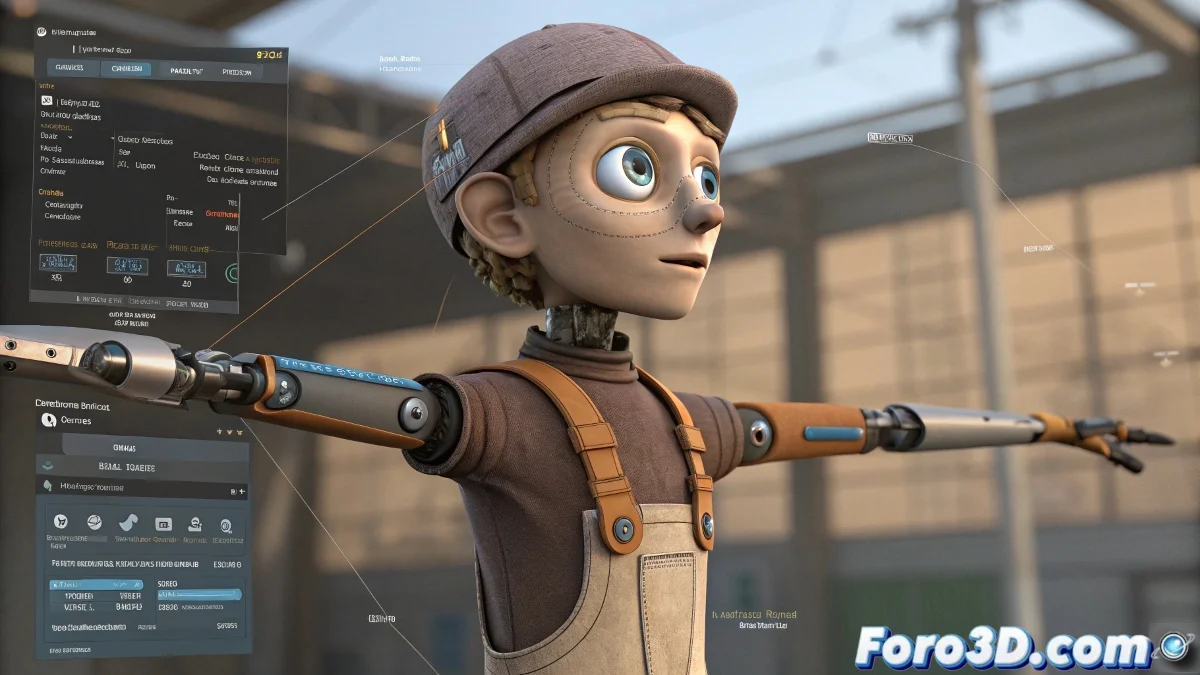
Animating a Puppet-Style Character with Controls in 3ds Max 2025
When you set out to animate a Muppets-style puppet character in 3ds Max 2025, the main challenge is achieving that balance between controlled rigidity and natural movement, without it looking like a flag in the wind or a soulless doll. The idea of applying a Skin modifier to key areas like the head and hands and a Flex modifier to the body to simulate elasticity is good, but there are other options that can offer you more professional and versatile results.
Combined Use of Skin, Flex, and Controllers for Realistic Puppets
For a puppet that responds well in animation, I recommend following these steps:
- Apply a Skin modifier: To the head and hands, for precise control over deformations, especially for facial expressions and gestures.
- For the body and arms: Instead of using only Flex, add a bone system with basic IK (Inverse Kinematics) to control movements without losing volume or shape.
- Use Flex in a localized manner: With well-adjusted weights to simulate the typical "floppiness" or elasticity of puppets, but without excessive deformation.
Consider adding controllers like Reaction Manager to synchronize automatic movements so that the arms or fabric react to the movement of the head or body.
Advantages of This Method
- Manually control the rigid parts: (face and hands), which are crucial for expression.
- Maintain natural and smooth movement: In the body with Flex, but without losing the feeling of structure.
- Avoid classic problems of using Flex alone: Such as exaggerated deformations or visual artifacts.
Prepare the rig for fast or real-time animations, ideal for VFX or video game projects.
Recommended Plugins and Scripts
Although you mention wanting to avoid plugins, to improve results you can try updated CAT Rig or Biped in 3ds Max 2025, which allow you to create very versatile rigs with easy-to-use controls for animating puppets.
Because we all know that animating a puppet without control is like giving maracas to a cat: the movement might be fun, but the direction is pure chaos... and probably a couple of hits to the feet.