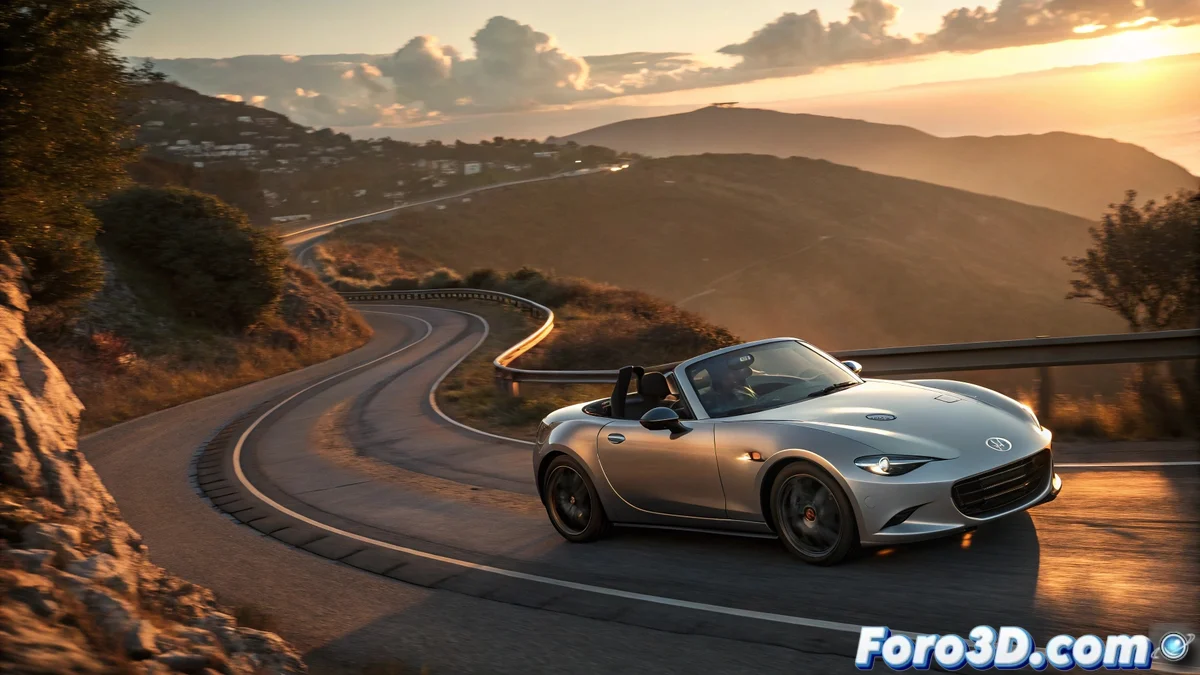
Preparing the 3D Model of the MX-5
First, you need a detailed 3D model of the Mazda MX-5 🚗. It can be imported from CAD files, downloaded from online repositories, or modeled from scratch in 3ds Max. It is crucial to verify that the geometry is clean and the normals are correctly oriented. Separate the main parts into logical groups: body, wheels, interior, mirrors, and mechanical components. This organization will allow you to animate elements individually, such as the suspension, convertible top opening, or specific engine vibrations.
Animating the Base Movement
To animate the MX-5's movement, use the 3ds Max animation tools:
- Path Constraint: Assign the car to a spline representing the road
- Speed Control: Adjust keyframes for realistic acceleration and braking
- Wheel Animation: Use Link Constraint or synchronized manual rotation
- Steering and Turns: Animate the steering wheel and front wheels in curves
- Suspension: Small vertical movements for terrain irregularities
- Convertible Top: Opening/closing animation if it's the appropriate model
The key is to capture the agile and sporty character of the MX-5 in its movements 🏁.
Simulating Vibrations and Unique Characteristics
The charm of the MX-5 lies in its imperfections and "noisy" feel:
- Noise Controllers: Applied to the chassis for road vibrations
- Steering Wheel and Gear Stick: Small movements that convey mechanical connection
- Visual Sound: Particles for dust or splashes when accelerating
- Soft Deformers: For body oscillations on bumps
- Seats: Slight movement reflecting suspension stiffness
- Internal Components: Vibrations in the dashboard and rearview mirrors
These secondary details add personality and realism to the animation 📊.
Lighting and Final Render with PBR Materials
To showcase the MX-5 in all its glory:
- Lighting: V-Ray Sun or Area Lights with HDRI for reflections
- PBR Materials: Shiny metal, transparent glass, interior plastics
- Exposure: Adjusted to highlight the body's curves
- Depth of Field: Selective focus on the car
- Render Settings: V-Ray or Corona configuration for photorealistic quality
- Post-processing: Color and contrast adjustments for visual impact
It's curious how you can animate the Mazda MX-5 with all its movements and in the end it still looks like a toy for adults
In the end, animating a Mazda MX-5 in 3ds Max is an exercise in balancing technical precision with capturing the unique character of this sports car. You manage to recreate its vibrations, sounds, and movements... but you'll probably end up with a result that looks more like a luxury toy than a real car, albeit much more fun to "drive" without leaving home 😅.