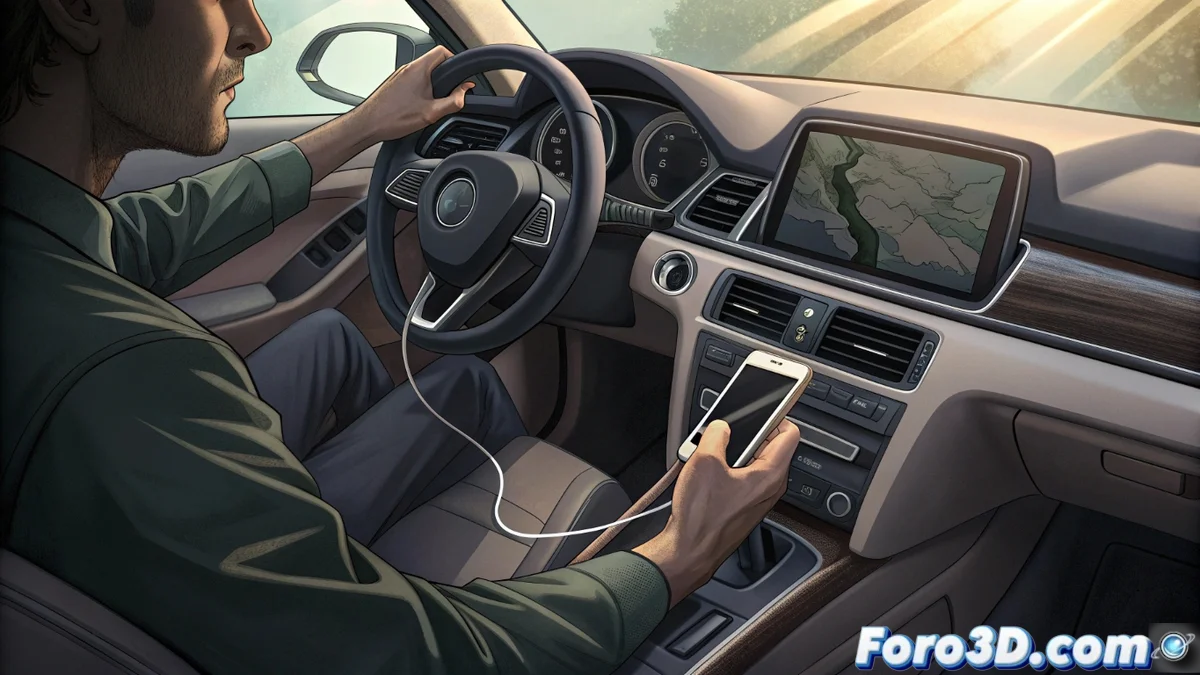
Android Auto Disconnects and Compromises Safety While Driving
A recurring failure causes the link between the smartphone and the car's system to interrupt without warning. At the critical moment, the driver suddenly loses control over GPS navigation, the calls interface, and the multimedia player. This interruption turns a technological aid into a dangerous distraction factor, forcing to touch the device while in motion. 🚗⚠️
Origins of the Intermittent Connection Problem
The root of these spontaneous disconnections is usually multifaceted. A faulty or low-quality USB cable is often the main culprit, as it does not ensure a stable electrical contact. Some vehicle USB ports do not provide enough power, especially when the phone's screen is active. Outdated software, both on the phone (operating system, background apps) and on the car's multimedia unit, also generates instability.
Factors that cause the connection to drop:- Damaged, uncertified, or non-original device cables.
- Car USB ports that do not supply the necessary voltage and amperage.
- Background apps on the phone or outdated versions of Android Auto and Google Play Services.
- Bugs in the car's infotainment system firmware.
Technology designed to keep your hands on the steering wheel forces you to look for them to reconnect the cable in the middle of a roundabout.
Steps to Diagnose and Fix the Failure
Addressing this problem requires an orderly method. Start with the simplest physical elements before moving on to more complex software adjustments.
Guide to corrective actions:- Test with a new and certified USB cable, ideally the one that came with the phone.
- Restart both devices: turn off and on the mobile phone and the car's main unit.
- Ensure you have the latest versions of Android Auto and Google Play Services.
- Clear the Android Auto app cache on the phone or reset its network preferences.
- Contact the vehicle brand to inquire about firmware updates specific to the multimedia system.
Conclusion on an Avoidable Risk
This type of failure is not just a technical annoyance; it is a tangible safety defect. It underscores the importance of keeping hardware and software in optimal condition so that driving aids fulfill their purpose. The solution usually lies in checking basic components like the cable and performing periodic updates, thus avoiding imprudent handling of the phone while driving. 🔌📱