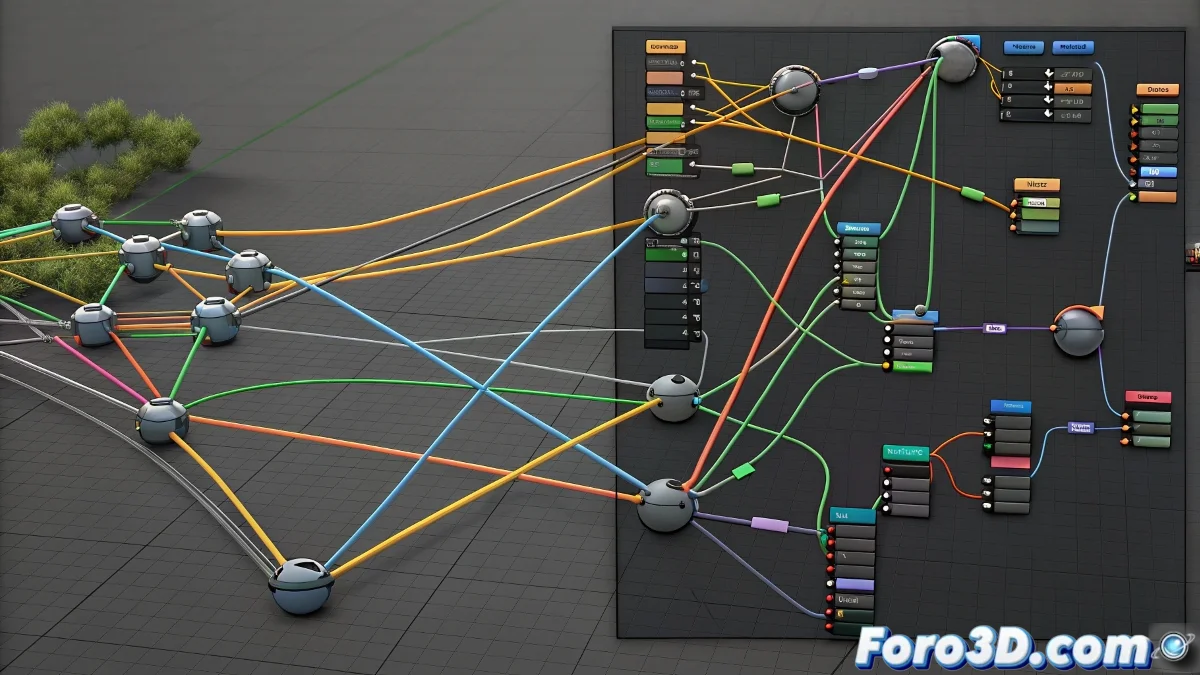
All the Shader Nodes You Need to Know in Blender
Mastering the Shader Editor in Blender is fundamental for creating realistic and creative materials. This guide covers the essential nodes that every 3D artist must know, from the basics to advanced combinations that elevate the quality of your renders to a professional level. 🌟
Fundamental Base Nodes
The heart of any material begins with the shader nodes that define how light interacts with the surface. The Principled BSDF is the most versatile, combining multiple properties into a single node, while Diffuse BSDF and Glossy BSDF offer specific control over particular surface types.
Essential Shader Nodes:- Principled BSDF - The modern standard for physically accurate materials
- Mix Shader - Combines multiple shaders with factor control
- Emission - For surfaces that emit their own light
- Transparent BSDF - For materials with transparency and glass
"Understanding these nodes is like learning the basic vocabulary before writing poetry in the language of 3D materials"
Essential Texture and Input Nodes
Procedural textures and input nodes provide the necessary data to create variation and realism. Noise Texture and Voronoi Texture are fundamental for organic patterns, while Musgrave offers advanced fractal complexity. Geometry nodes provide crucial information about the model's surface.
Key Texture and Input Nodes:- Noise Texture - Base for imperfections and natural patterns
- Voronoi Texture - Ideal for cellular and organic patterns
- Wave Texture - For rhythmic and wavy patterns
- Geometry Node - Provides position, normal data, and more
Utility Nodes for Advanced Control
Utility nodes are the connectors and modifiers that transform simple data into complex materials. ColorRamp is perhaps the most important, allowing remapping of values for precise control. Math offers mathematical operations, while Mix RGB combines colors and Bump creates the illusion of relief without additional geometry.
Essential Utility Nodes:- ColorRamp - Value conversion and control using color ramps
- Math - Mathematical operations to manipulate values
- Mix RGB - Combination and blending of colors and values
- Bump Node - Creation of normals to simulate relief
Mastering Node Flow
True mastery of materials comes from understanding how to connect these nodes in effective workflows. Starting with simple combinations and progressing to complex nodal systems, each learned node opens new creative possibilities. Constant practice with these essential nodes will allow you to create virtually any material you can imagine. 💎