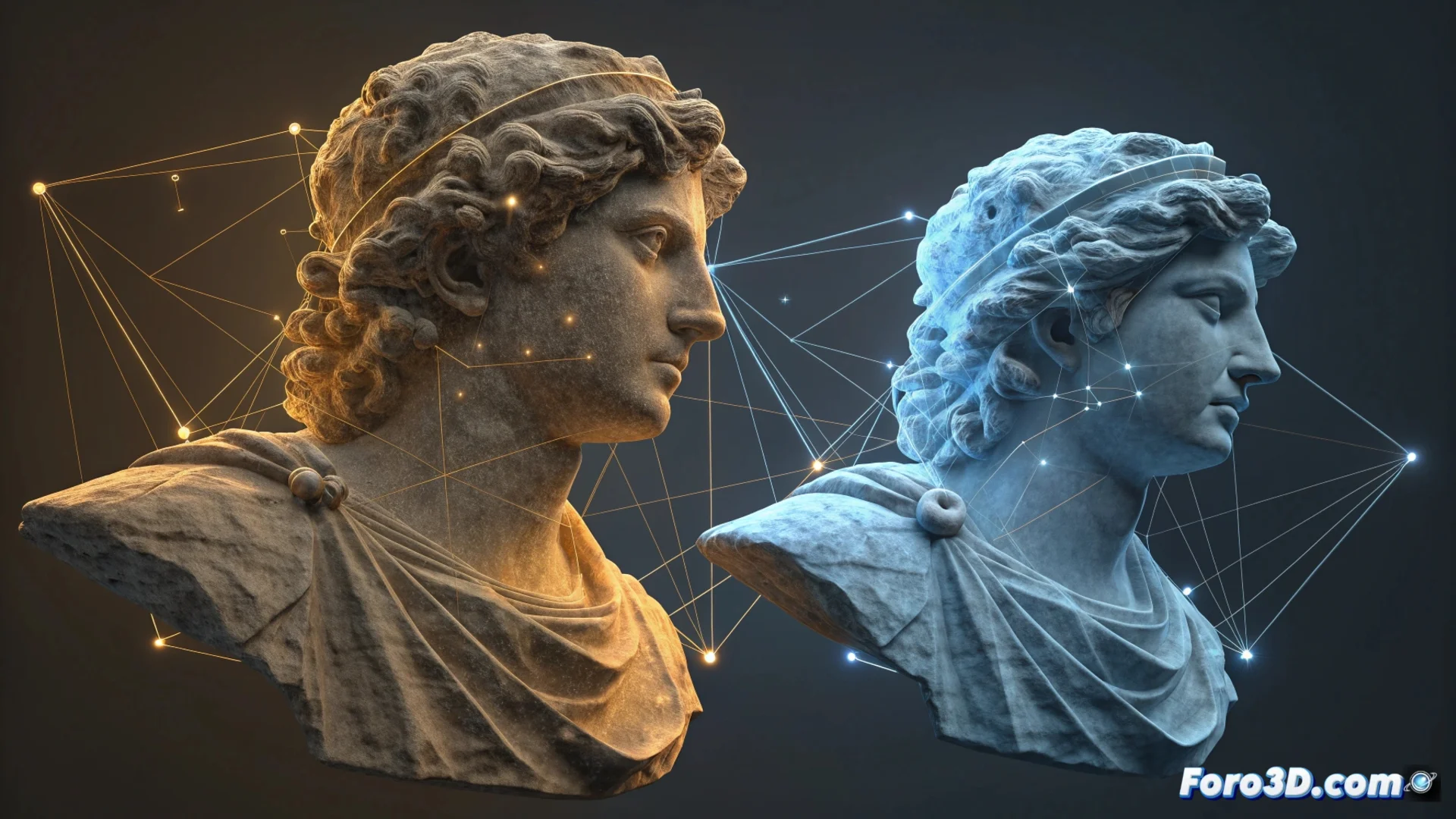
Align Point Clouds in CloudCompare with the ICP Algorithm
When scanning an object or environment from multiple positions, separate point clouds are generated. The CloudCompare registration module exists to solve this, allowing these scattered data to be combined into a single coherent spatial reference. This step is fundamental for anyone who needs to reconstruct 3D geometry from fragmented captures. 🎯
The Alignment Engine: the ICP Algorithm
The main tool that performs this precise registration is the Iterative Closest Point (ICP) algorithm. Its operation is iterative and automatic. First, it identifies the closest corresponding points between the two clouds to be joined. Then, it calculates the optimal geometric transformation—which includes rotating and moving—to reduce the distance between those pairs. The cycle repeats, improving the fit at each step until converging on a stable solution or reaching an iteration limit.
Key Features of the ICP Process:- Works iteratively, progressively refining the result.
- Calculates 3D transformations including rotation and translation.
- Minimizes distances between equivalent points from both clouds.
The real challenge is sometimes not aligning the clouds, but remembering from what angle you scanned that tiny detail that now doesn't fit anywhere.
Prepare and Refine Data for a Good Result
For the ICP algorithm to work optimally, it is crucial to prepare the input data. Often, an initial approximate manual alignment is required to guide the process. It is also advisable to clean the clouds, removing noise and outlier points that could distort the calculation. CloudCompare offers complementary tools, such as registering using reference points manually selected by the user.
Typical Steps in the Workflow:- Obtain an initial approximate alignment of the clouds.
- Filter and clean the data to remove noise.
- Apply automatic registration with the ICP algorithm.
- Merge the aligned geometry into a unified point cloud.
- Process the final result to generate meshes or extract measurements.
Integrate the Result into Your Project
Once registration is complete, the clouds share the same coordinate system. This allows merging the geometry and treating it as a single set. From here, a 3D mesh can be generated, distances between surfaces calculated, or precise dimensions extracted. Mastering this workflow is essential for any documentation, reverse engineering, or 3D model creation work from reality. 🏗️