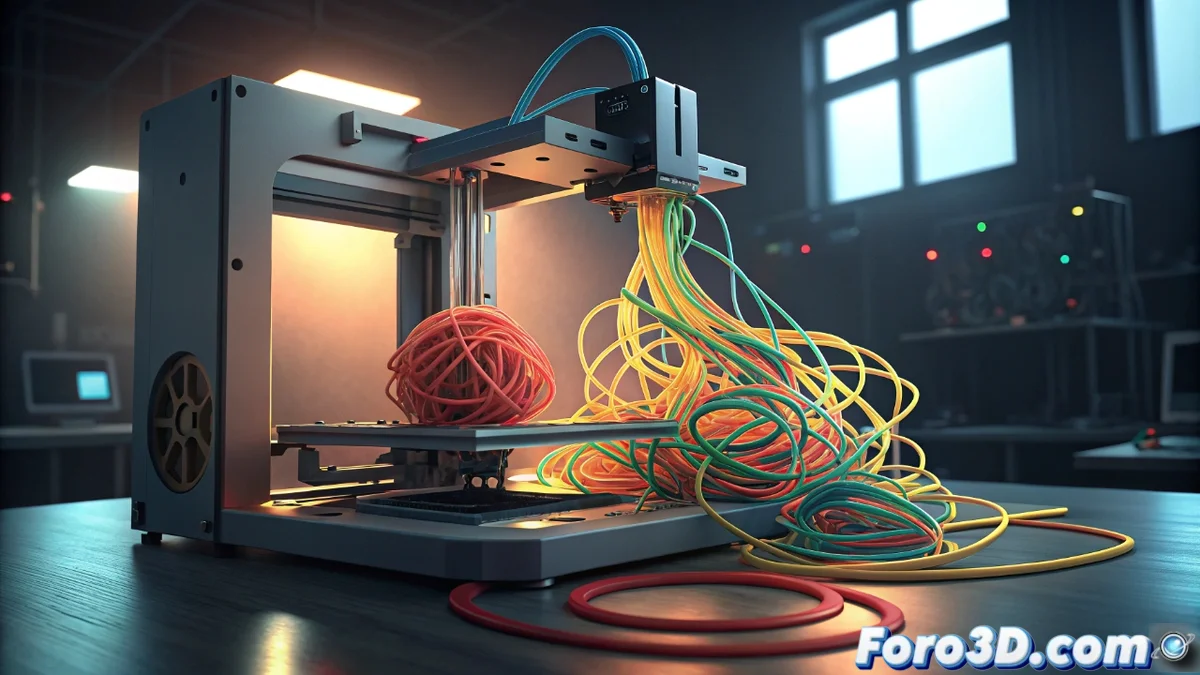
AI Model Loading Error on Bamboo Printer
When your Bamboo printer shows this error, it means the artificial intelligence system cannot start to monitor common issues like the spaghetti effect or defects in initial layers. This can frustrate your 3D printing projects, but it has a solution 🔧.
Why does this failure occur?
Generally, the problem arises because the AI model files are damaged or there are incompatibilities with other software on your computer. Factors like interrupted updates or incorrect configurations also contribute.
Initial steps to fix it:- Restart the printer completely by unplugging it from power for 30 seconds to reset the system
- Check that the printing software is on its latest version, as updates fix known bugs
- If the error persists, uninstall the Bamboo software from the control panel and reinstall it with the latest official installer
Technology sometimes prefers to create abstract art, but with patience everything returns to normal.
Advanced solutions if the problem persists
In more complex cases, the antivirus or firewall might be blocking access to essential files. Make sure to add exceptions for the Bamboo software in your security program.
Additional recommended actions:- Set up exceptions in your antivirus to allow Bamboo to access necessary resources without interference
- If nothing works, contact official technical support providing the full error code and the steps you have already tried
- Support can offer you specialized firmware or diagnostic tools tailored to your specific situation
Conclusion and final recommendations
Resolving this AI model loading error requires following structured methods like restarts, updates, and security adjustments. Maintain calm and patience, as these procedures usually restore full functionality to your Bamboo printer so it can produce precise and quality prints again ✅.