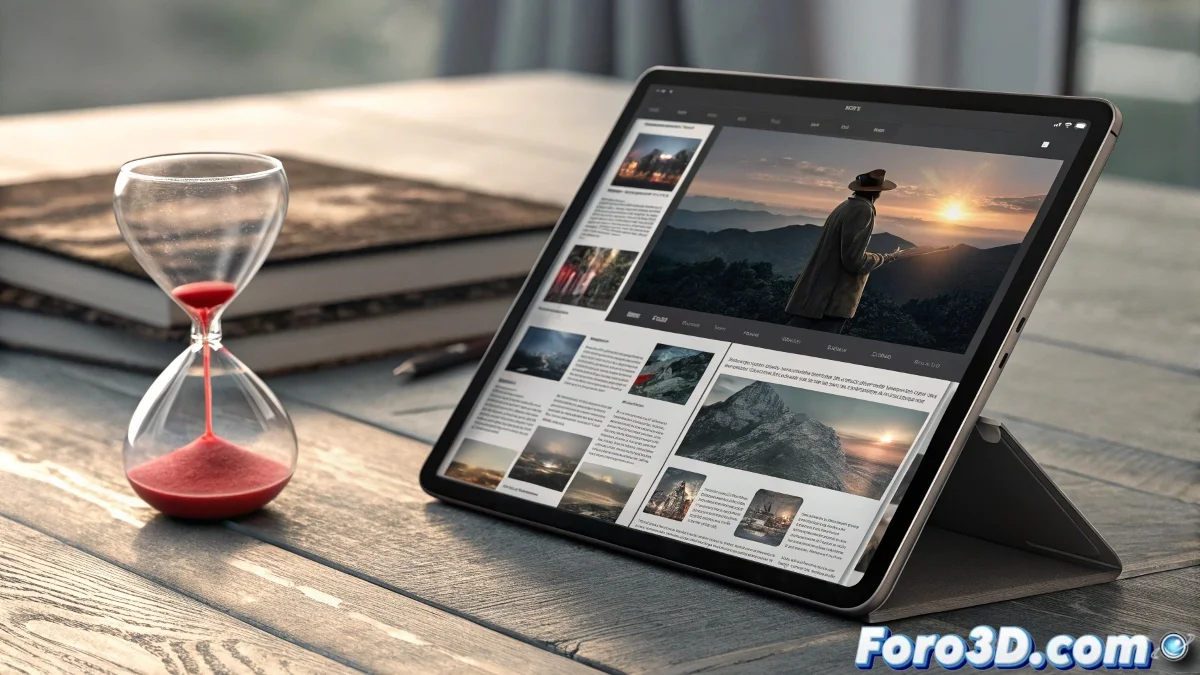
Professional Layout Democratized on iPad
Completing the trilogy of free releases, Affinity Publisher 2 for iPad is now available at no cost on the App Store. This professional layout application, which directly competes with Adobe InDesign, brings the full capabilities of digital and print publishing to the mobile world. Editorial designers, layout artists, and content creators now have unlimited access to tools that previously required significant investments in software and hardware.
What sets Affinity Publisher 2 apart is its ability to handle complex editorial projects directly from a tablet. From multi-page magazines to corporate brochures and digital books, the application provides precise control over every design element. The advanced text engine, combined with intuitive layout tools, creates an environment where editorial creativity encounters no technical limits.
Now-Free Editorial Features
- Multi-page layout with advanced master page management
- Flowing text with professional typographic control and paragraph styles
- Native integration with Affinity Photo and Designer without conversion
- Professional export to PDF, EPUB, and print formats
Unified Editorial Workflow
The true power of Affinity Publisher 2 is revealed in its seamless integration with the other applications in the suite. Designers can switch between Publisher, Photo, and Designer using the so-called Personas, editing images and vector elements directly within the context of their layout. This fluidity eliminates the need to export and import files between different applications, significantly speeding up the creative process.
Editorial design is no longer confined to the office
The application skillfully handles projects of any scale, from simple brochures to publications with hundreds of pages. The asset management tools help keep all images and graphic elements organized, while preflight functions alert users to potential issues before final export. Compatibility with industry standards ensures files can be sent directly to professional printers.
Practical Applications in Real Projects
- Magazine design and complex periodicals
- Book creation for both print and digital
- Marketing material such as brochures, catalogs, and manuals
- Corporate design for annual reports and documentation
For professionals accustomed to working on desktop, the transition to the iPad is surprisingly natural thanks to a well-thought-out interface that adapts essential tools to the touch context. Support for the Apple Pencil allows for precise kerning and leading adjustments, while an external keyboard enables professional shortcuts that accelerate the workflow. The application leverages modern iPad hardware to maintain smooth performance even with large-scale documents.
Those who thought professional layout necessarily required a desktop computer now have a powerful argument in the form of a free application 📰
You can see more on the topic: here