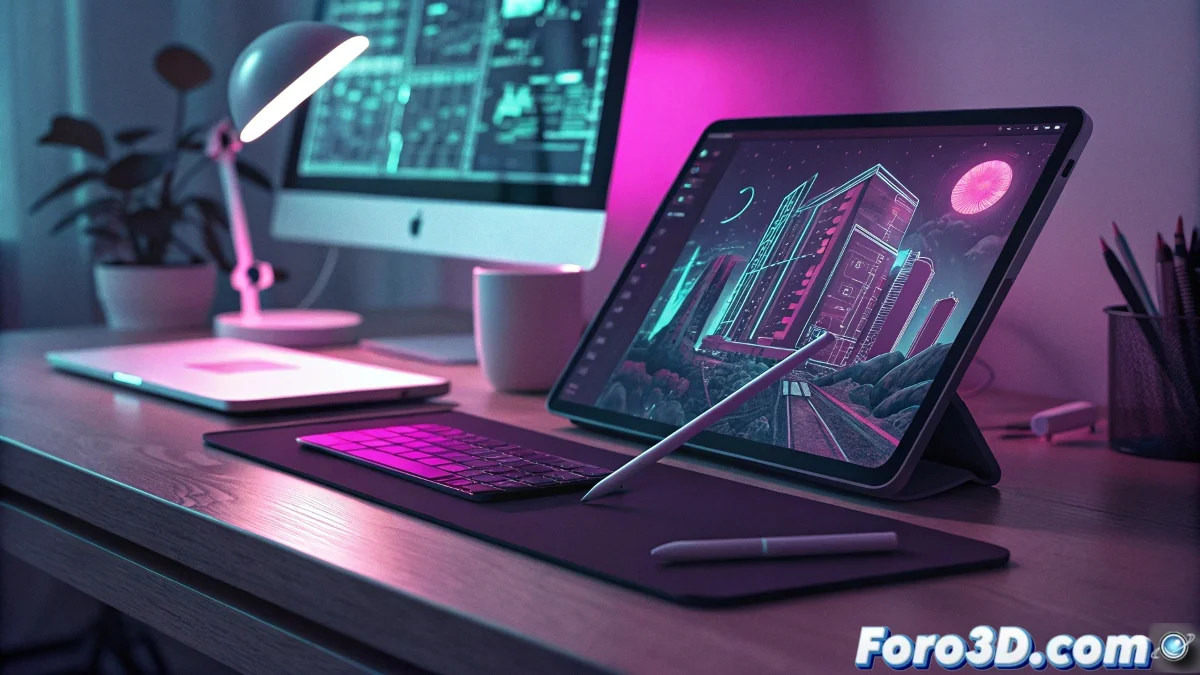
Professional Vector Design is Liberated on Tablets
The revolution of free creative software continues with Affinity Designer 2 for iPad, which is now available at no cost on the App Store. This application, considered by many to be the most serious competitor to Adobe Illustrator in the mobile world, offers complete vector design capabilities optimized for the touch interface. Illustrators, designers, and digital artists now have unlimited access to professional tools directly from their Apple devices.
What makes this free offer particularly valuable is that it includes all features without limited versions or in-app purchases. From creating complex logos to detailed illustration with the Apple Pencil, Affinity Designer 2 provides a professional workflow that was previously reserved for desktop computers. The application smoothly handles documents with multiple artboards, complex layers, and real-time effects.
Vector Functionalities Now Accessible
- Advanced Pen tools with precise node editing
- Fully customizable vector brushes and textures
- Integrated Pixel Persona for bitmap retouching within the same file
- Automatic multiple export to all standard formats
Millimeter Precision in Mobile Hands
The design experience in Affinity Designer 2 for iPad maximizes the device's touch capabilities without sacrificing precision. Integration with the Apple Pencil offers pressure and tilt sensitivity for natural control over strokes and brushes. Smart guides, magnetic snapping, and customizable grids ensure every element is placed exactly where the designer intends.
Creative freedom should have no economic constraints
One of the most appreciated features is the performance with complex documents. Unlike many mobile applications that slow down with multiple layers and effects, Affinity Designer 2 maintains fluidity even when working with detailed illustrations containing hundreds of vector objects. Compatibility with AI, SVG, PDF, and EPS formats ensures designers can collaborate seamlessly with users on other platforms.
Applications in Real Projects
- Visual identity design and professional logo creation
- Technical illustration and complex vector diagrams
- Interface design and mobile app prototyping
- Print-ready artwork with advanced color management and separations
For professionals accustomed to working on desktops, the transition is surprisingly natural thanks to a well-organized interface that puts essential tools at your fingertips. External keyboard shortcuts are supported for those who prefer to work with a Magic Keyboard, while touch gestures offer fast and intuitive working methods for users operating directly on the screen.
Those who believed professional vector design required expensive hardware and monthly subscriptions now have a convincing answer in their hands ✏️
You can see more on the topic: here