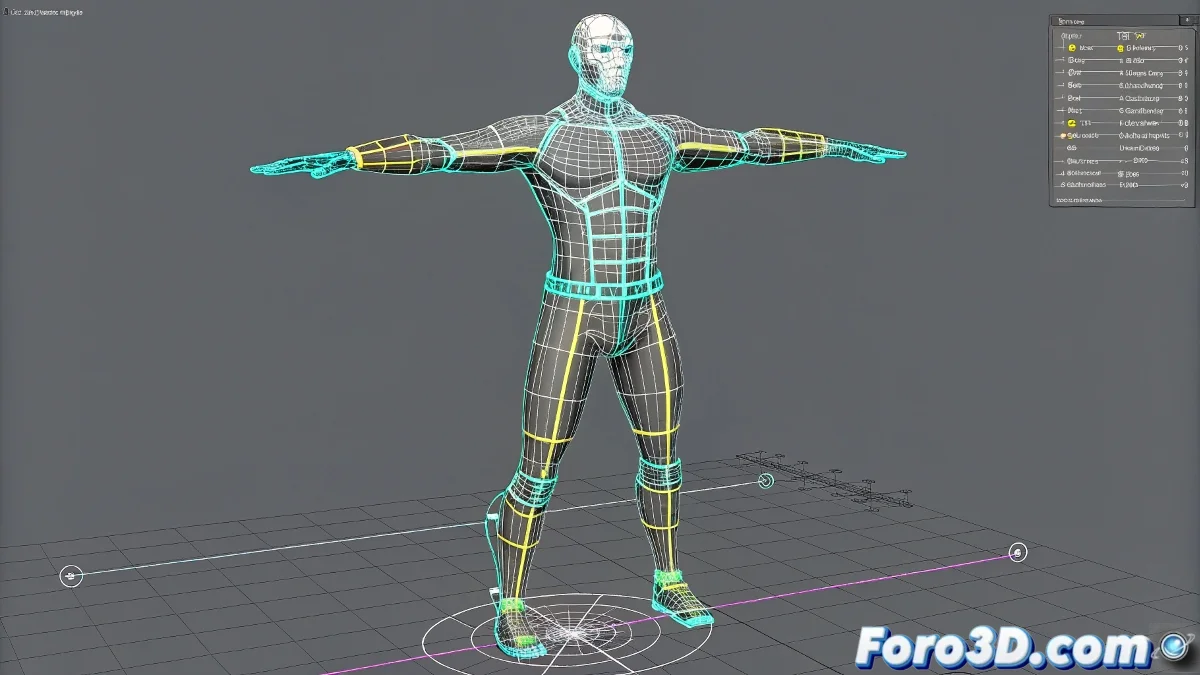
The Line Rig in 3ds Max: Pros and Cons
Ah, the eternal debate about line rigs! 🎭 Like choosing between coffee or tea, each method has its fans and detractors. Let's analyze it without bias (well, maybe with a little humor).
Advantages of Using Lines in Your Rig
- Clear Visualization: You see the connections as if they were an animated subway map 🚇
- Precise Control: Allows creating complex relationships between controls
- Lightweight: Less load on the scene than auxiliary geometry
- Flexibility: Easy to modify on the fly
"A good line rig is like a visible skeleton: everyone knows how it works, but it's a bit scary at first"
Disadvantages That Will Make You Think Twice
- Selection Difficulty: Trying to select a line among a tangle of cables is like looking for a needle in a haystack 🧵
- Little Visual Intuition: For other artists, it can be confusing to understand your system
- Graphical Limitations: You don't have user-friendly visual controls
- Reference Issues: They can cause headaches when referencing the scene
The real magic is in combining both approaches. Use lines for what they do best (logical connections) and auxiliary geometry for visible controls. That way, you'll have the best of both worlds, like a mutant hybrid but perfectly functional. 🧬✨
And remember: the best rig isn't the most complex one, but the one that animators can use without cursing your name out loud. Happy rigging! (And may the lines always be in your favor).