Advanced Techniques for Using Bones in Animation with Blender
In Blender, using basic bones to control movements is just the first step in the animation process. To achieve facial expressions or more complex controls, such as bones that simulate cubes or puppet effects, it is essential to combine various techniques within the rigging system. And no, you don't need to be an anatomy expert to do it! 🦴
Bone Customization
Bones can be customized in shape and size within Edit Mode, where you can change their visualization to cubes, spheres, or custom shapes to facilitate manipulation. This is especially useful for creating more intuitive and visually clear controls.
Bones for Expressions and Advanced Control
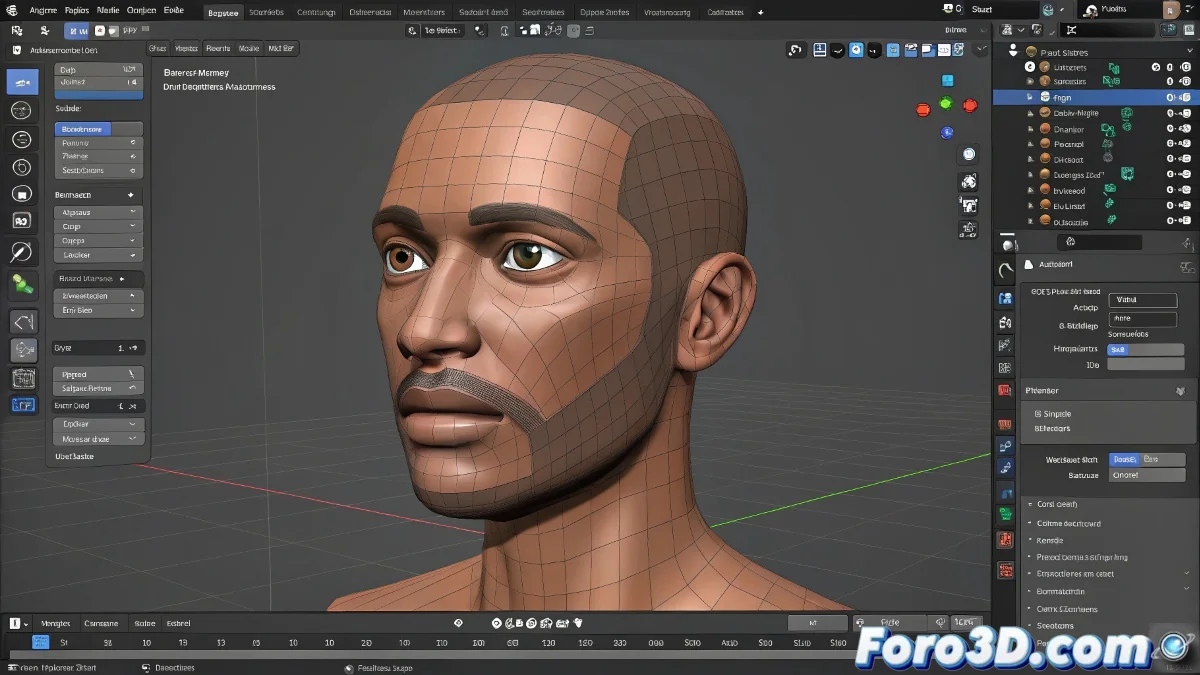
To control facial expressions, shape keys are used along with control bones that move specific parts of the face. You can create a facial rig with small bones strategically placed on eyebrows, mouth, and eyelids to achieve detailed movements. These bones are linked to controllers that facilitate animation, avoiding direct manipulation of the main skeleton.
Rigging with Simulations and Puppet-Like Effects
For bones that function like cubes and simulate ropes, constraints and modifiers like Spline IK are commonly used, allowing a chain of bones to follow a curve or rope, providing a more organic and flexible movement. This method is ideal for animating tentacles, ropes, or marionette-style characters. Drivers can also be used to automate movements based on the position or rotation of other bones.
In summary, to achieve complex rigs in Blender, you must learn to use custom shapes for bones, combine shape keys with controllers, and apply constraints like Spline IK for rope-like simulations. And if your bones start doing pirouettes on their own, maybe they just want you to spend a little more time with them. So, get to work! 🎭
With these techniques, you will be able to use advanced bones in Blender to achieve complex and versatile animations, from facial expressions to puppet effects. And remember, if the bones don't behave as expected, you can always blame the constraints! 😉