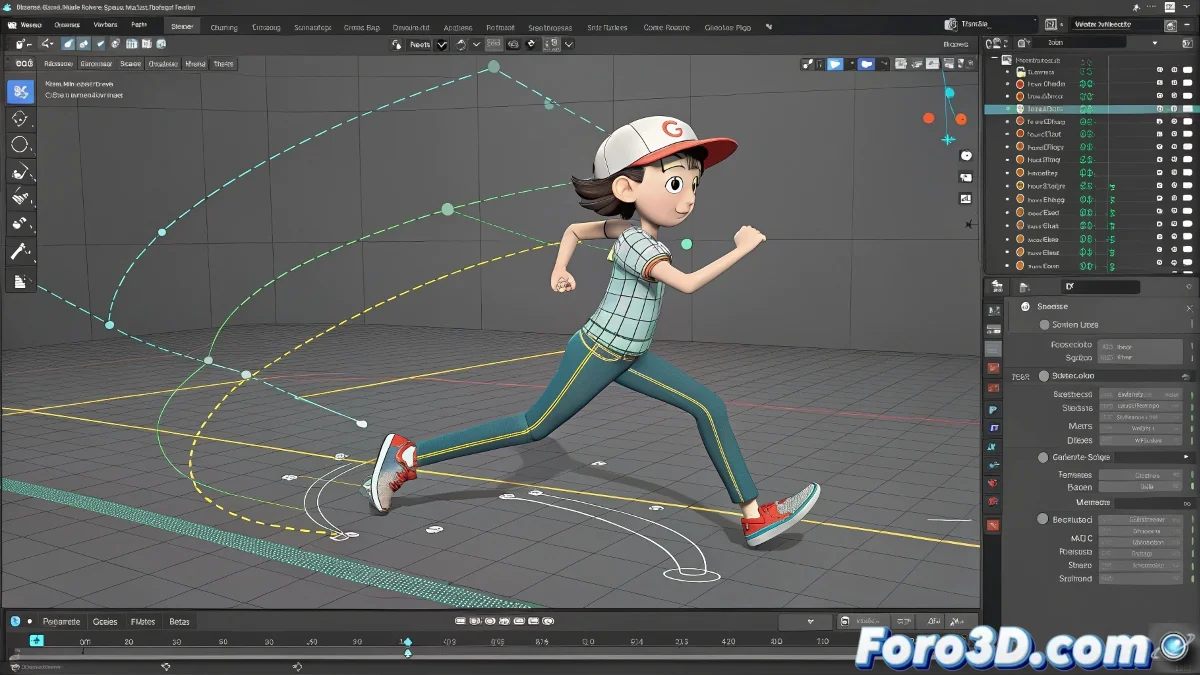
Deciphering the DNA of Your Linked Animations
Finding the keyframes of linked objects can be as complicated as following the thread of a family conspiracy 👨👩👧👦🔍. But don't worry, these techniques will turn you into an expert detective of hierarchical animation.
Tracking Hidden Keyframes in 3ds Max
Turn the Track View into your best ally:
- Full Hierarchy: Check parents and grandparents of the object
- Smart Filters: Focus only on transformations
- DopeSheet Mode: Simplified keyframe view
- Curve Copying: To transfer animation between objects
Professional Workflow in Blender
Master the Graph Editor like an expert:
- Select the linked object
- Enable "Show Hidden" to see indirect influences
- Inspect constraints in Properties panel
- Use Bake Action to convert influences into keyframes
"A well-structured animation is like a good family organization: you know exactly who controls what, even if it's not obvious at first glance." - Senior Animator
Advanced Baking Techniques
When you need to make your object independent:
- Point Cache in 3ds Max for baked animation
- Action Bake in Blender (Ctrl+Shift+B)
- Custom scripts for selective baking
- Export to FBX with bake option included
Checklist to Not Lose Keyframes
Before rendering your animation:
- Did you check the entire chain of influence?
- Did you test baking the animation?
- Did you export with bake options enabled?
- Did you verify hidden constraints?
Remember: if after all that your object is still moving like by magic, you can always say it's "advanced procedural animation"... although most likely with these methods you will have finally discovered the secrets of your missing keyframes. ✨