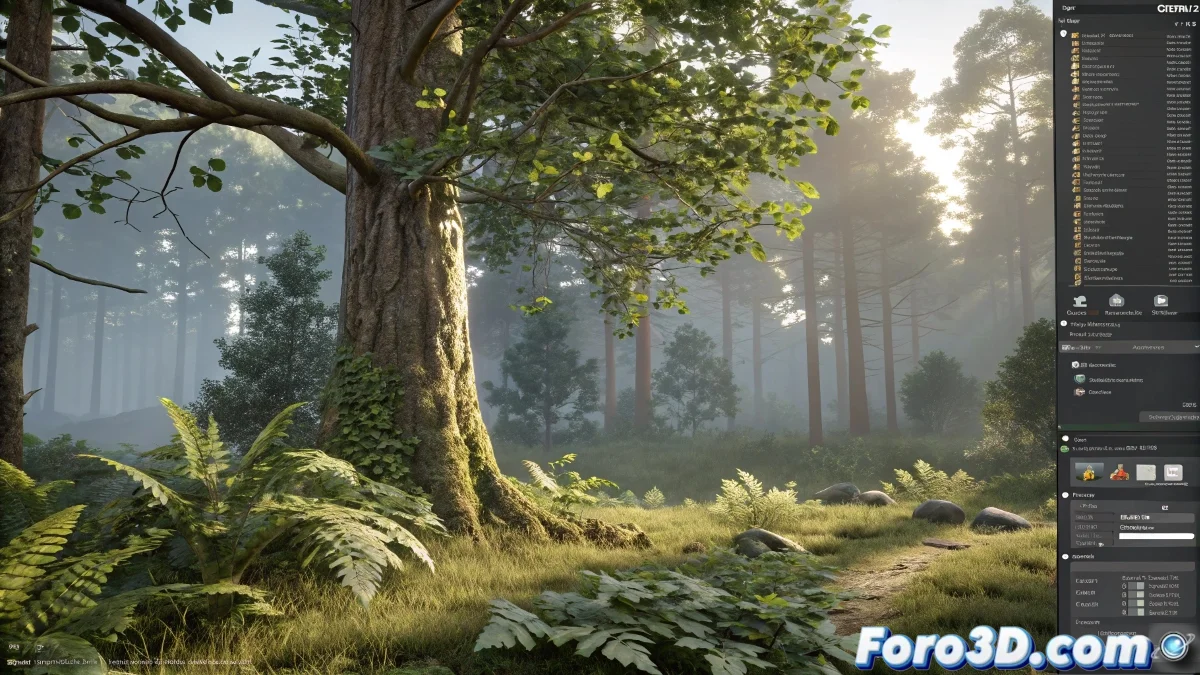
The Art of Growing Digital Trees Without Watering Them 🌱
Creating vegetation in 3ds Max is like being a digital gardener, but with the advantage that you don't have to worry about pests (although software crashes are another story). For these tasks, there are tools that would make even SpongeBob envious with his giant squirrel.
Tools to Play God as a Botanist
Among the most popular options are:
- GrowFX: the equivalent of having superpowers to grow branches wherever you want
- Forest Pack: because sometimes you need an entire forest, not a shy little tree
- SpeedTree: like having a nursery of trees ready to export
And for the more fancy ones, there's always the option of sculpting roots in ZBrush, because what better than giving a sculptural touch to your digital plants? 🎨
Tricks to Not Drive the Renderer Crazy
When working with vegetation, optimization is key (unless you enjoy watching your PC turn into a stove). Some tips:
Instances are your best friends when it comes to leaves. Using alpha maps to simulate foliage can save you from a mental breakdown... and from the render.
Other useful techniques include:
- Array modifier for repetitive leaves
- Particle Flow when you want that "leaves in the wind" effect
- Textures with opacity to fool the eye (and your graphics card)
At the end of the day, creating vegetation in 3D is like making a digital bonsai: it requires patience, the right tools, and knowing when to stop before your scene turns into an unmanageable jungle 🌳. And remember: if all else fails, you can always say it was a minimalist artistic style... with any luck, they'll believe you! 😉