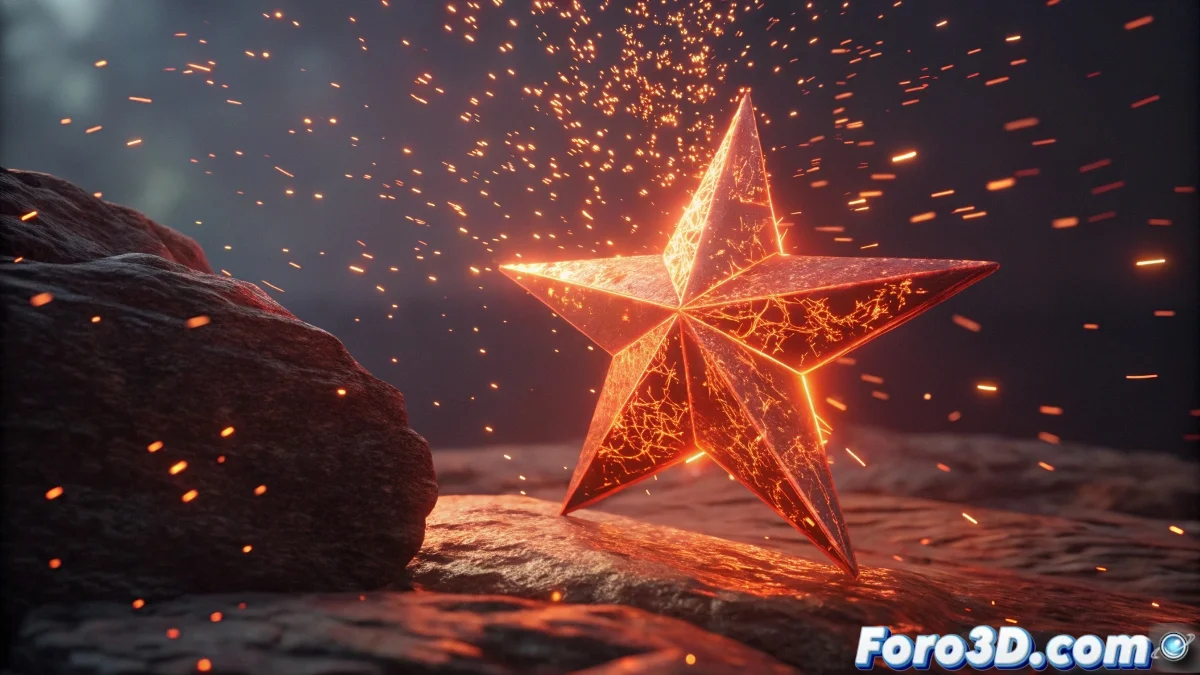
The Art of Taming Digital Fire: Animated Inkpaint Spheres
Creating an animated fire sphere is like trying to capture a dragon in a bottle: it requires patience, technique, and knowing where to apply the right magical effect 🧙♂️✨. These professional methods will help you achieve that inkpaint look with organic movement.
Dynamic Deformation in 3ds Max
So your fire star dances like a living flame:
- Noise Modifier for organic variation
- FFD (Free Form Deformation) for artistic control
- Parameter Wiring with mathematical functions
- Time controllers for procedural animation
Nodal Flow in Blender
Where geometric magic happens:
- Geometry Nodes for procedural deformation
- Animated drivers with sine/cosine functions
- Displace Modifier with animated textures
- Keyframes on curve parameters
"Perfect digital fire must move as if it has a life of its own, but without burning your render time. That's the true magic of VFX." - Special Effects Artist
Advanced Effects for Realism
Take your fire to the next level:
- Particle Systems for sparks and detail
- Volumetric shaders with animated noise
- Mantaflow/Fluid simulations
- Multilevel opacity maps
Optimization Tips
So you don't burn your CPU in the attempt:
- Use proxies for preview
- Optimize subdivisions in render
- Bake complex simulations
- Test with Eevee before Cycles
And remember: if your fire sphere ends up looking more like an electric hedgehog than elegant flames, you can always say it's an "alternative artistic style"... though with these techniques, you're most likely to achieve that professional inkpaint effect that will make your colleagues burn with envy. 🔥🎨