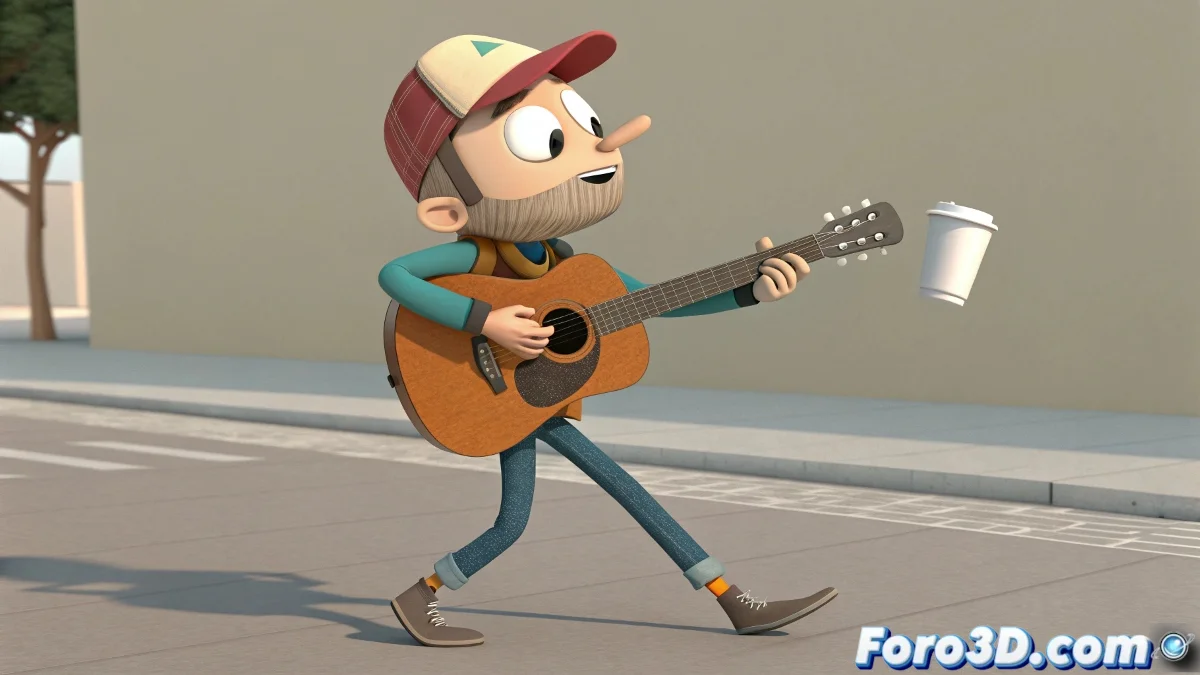
The Art of Bringing Digital Interactions to Life
Achieving believable character interaction with objects is like choreographing a dance between actors and digital props 💃. These interactions – from picking up a cup to playing a guitar – require specific techniques that maintain the illusion of weight, contact, and intention while allowing creative flexibility during the animation process.
Basic Parenting: The Simple and Effective Solution
Direct parenting offers the most straightforward approach for objects that must rigidly follow a body part.
- Parent to bone: Directly link to the hand or finger bone
- Offset positioning: Adjust relative position and rotation after parenting
- Simple keyframing: Direct animation of the object's visibility or presence
- Quick setup: Fast implementation for simple interactions
Good parenting is like a perfect handshake: firm but not permanent.
Advanced Constraints for Precise Control
Constraints provide greater control and flexibility than traditional parenting, especially for complex interactions.
- Parent constraint: Maintains parental relationship with offset control
- Point constraint: Position control without affecting rotation
- Orient constraint: Rotation control without affecting position
- Weight animation: Animation of influence for smooth transitions
Locator System: The Professional Solution
Locators act as intermediate anchor points that decouple the object from the character, providing maximum flexibility.
- Locator creation: Position at the exact contact point
- Constraint to locator: Link object to locator instead of directly to the character
- Animatable visibility: Control when the locator is active
- Multiple locators: System for different types of interactions
Smooth Transitions Between States
Credible transitions between grabbing and releasing are crucial to maintaining the illusion of reality.
- Weight blending: Smooth interpolation of constraint influence
- Position matching: Precise alignment during transfers
- Animation layers: Layers for fine interaction adjustments
- Transition curves: Timing control for state changes
Systems for Multiple Objects and Interactions
For characters interacting with multiple objects, more sophisticated systems are needed.
- Object switching: System to switch between different objects
- Hand pose blending: Transition between hand poses for different objects
- Inventory system: Control of which object is currently active
- Custom attributes: Custom controls for interaction management
Integration with Physics Simulation
For particularly dynamic interactions, integration with physics can add realism.
- Physics constraints: Physical constraints for semi-rigid objects
- Simulation blending: Transition between keyframed animation and simulation
- Collision optimization: Collision optimization for performance
- Dynamic parenting: Parenting that activates/deactivates based on conditions
Workflow for Efficient Animation
An organized approach ensures interactions are animated efficiently without compromising quality.
And when your character ends up grabbing objects like they have buttery hands, you can always argue it's an intentional slapstick animation style 🤹. After all, in the world of 3D animation, sometimes technical "mistakes" turn into comic opportunities.