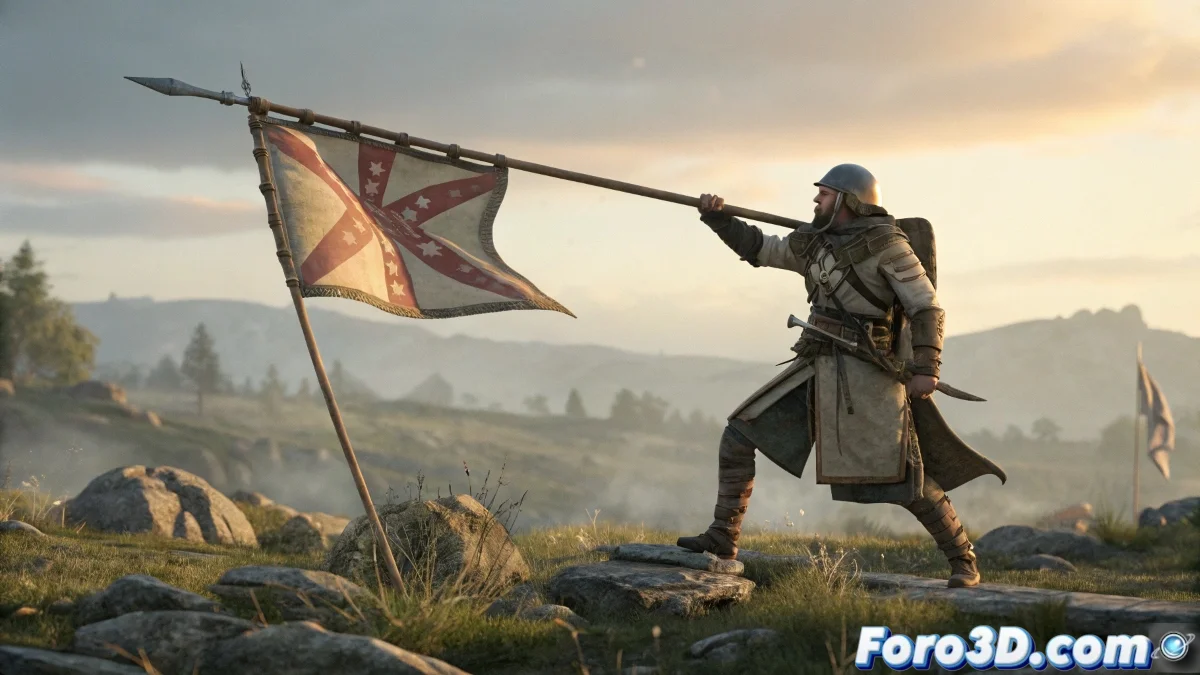
The Art of Linking Without Losing Control
Linking objects to bones can be as delicate as tying a balloon to a hyperactive dog 🎈🐕. But with these professional techniques, you'll make weapons, flags, and accessories follow your character faithfully without sacrificing flexibility.
Definitive Solution for Weapons and Accessories
So your weapon stops being a rebellious object:
- Remove redundant bones from the object
- Select and Link directly to the character's bone
- Point Helper as an optional intermediary
- No Skin modifier needed for rigid objects
Master the Art of Animated Flags
So your flag waves realistically but doesn't escape:
- Create Dummies in both hands of the character
- Link the mast with Position Constraint
- Set up Cloth for the fabric
- Use pin groups for upper vertices
"A good rig is like a good pulley system: it must move everything necessary without the rope being noticeable. When objects resist, it's time to check the knots." - Rigging Artist
Advanced Control Techniques
For complex projects:
- Link Constraint for hierarchy changes
- Wire Parameters for custom controls
- Expressions for secondary movements
- CAT rigs for modular systems
Checklist to Avoid Disasters
Before animating:
- Are all links verified?
- Do helpers have clear names?
- Do simulations have proper colliders?
- Have you tested extreme poses?
Remember: if after all your flag keeps waving as if possessed, you can always say it's "artistic wind"... although most likely with these techniques you've achieved the perfect balance between control and naturalness. 🎏✨