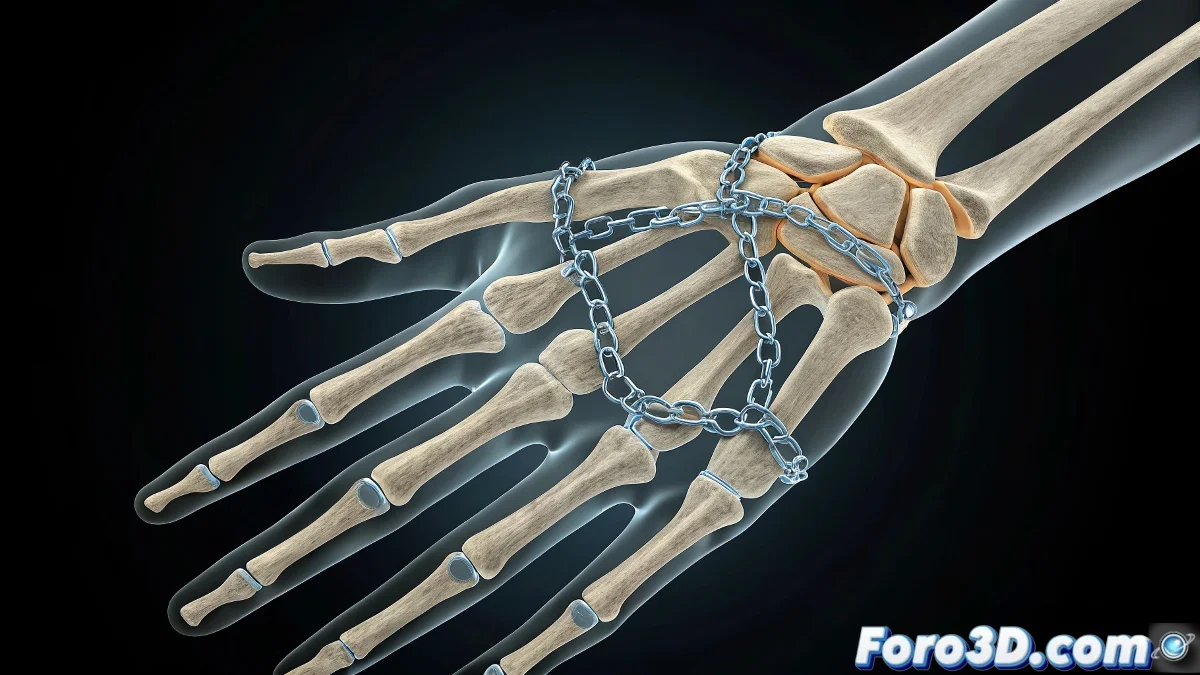
Master the Coordinated Dance of Your Bones in 3ds Max 💃🦴
Have you ever meticulously animated each phalange of a finger, only to realize you need to repeat the same for the other four? In 3ds Max, each bone is a diva that jealously guards its animation keys, but with these tricks you'll make them all dance to the same rhythm without losing your sanity.
"Efficient animation is like conducting an orchestra: sometimes you need independent musicians, other times everyone playing the same score"
Bone-by-Bone Animation (the Traditional Method)
For when you need millimeter precision:
- Select only the bone you want to animate (e.g., phalange)
- Activate Auto Key and rotate the bone at key frames
- Watch how the keys appear only on that specific bone
- Repeat the process bone by bone (and prepare for the tedium)
Smart Movement Cloning
To replicate animations between similar bones:
- Open Track View - Curve Editor
- Locate the rotation tracks of the animated bone
- Select and copy (Ctrl+C) the keys
- Paste them (Ctrl+V) on the equivalent bone of another finger
- Adjust the curves if the local orientation is different
The Pro Method: Master Controllers
For coordinated animation without manual copying:
- Create Helpers or use Sliders as central control
- Connect multiple bones using Wire Parameters
- Use Parameter Wiring for complex relationships
- Animate only the master control and watch how everyone responds
Why Does It Work This Way?
3ds Max treats each bone as an independent entity because:
- It allows greater control over individual movements
- It facilitates asymmetrical animations (like natural gestures)
- It optimizes performance by not forcing unnecessary connections
On foro3d you'll find example rigs with these systems already implemented. Because we've all spent hours copying keys until we discovered the power of master controllers. ⏳
Real Production Tricks
- For hand animation, create reusable pose presets
- Use Selection Sets to group bones that are usually animated together
- Try Motion Mixer to combine cloned animations
- Save animation blocks to reuse in other projects
As veteran animators say: "The time you invest in good controls, you save multiplied in animation". Now go and make those fingers dance in perfect sync. 💃🎭