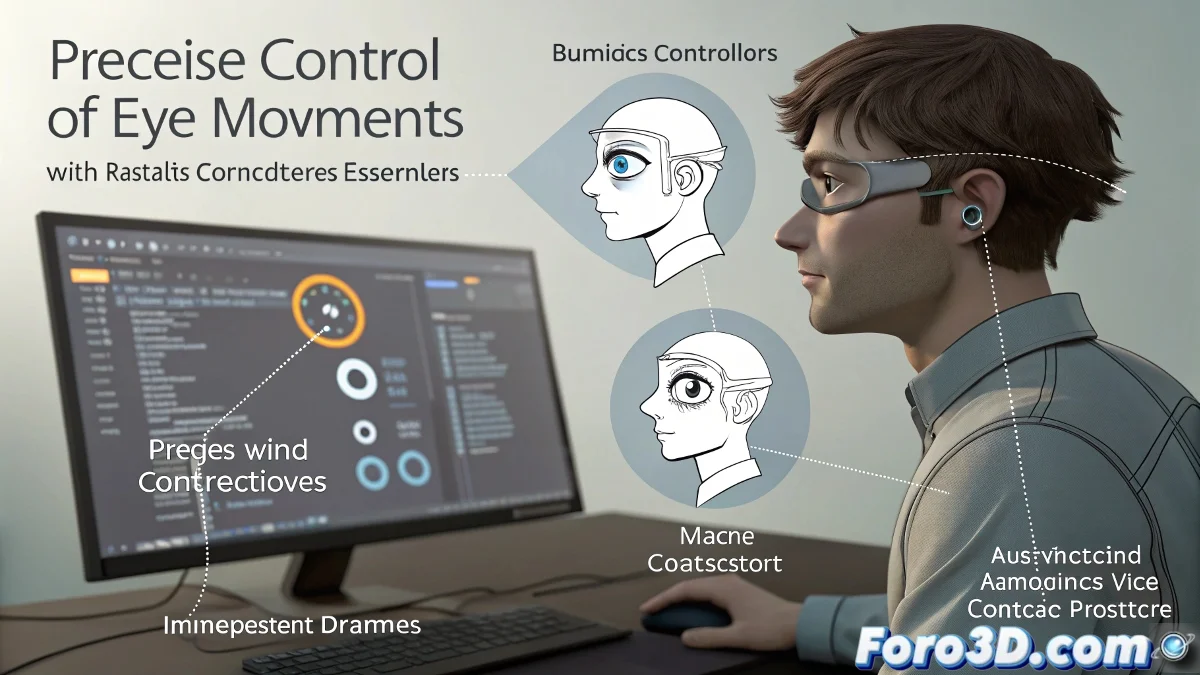
The Technical Challenge of Expressive Gaze
In character animation, the eye system represents one of the most complex technical challenges, where every micro-movement conveys emotions. The use of Look At Constraints with a hierarchical dummy structure, although powerful, presents peculiarities in key recording that every professional animator must master.
Technical Architecture of the Eye System
An optimal setup requires:
- Main master dummy: Primary top-level controller
- Secondary dummies: One for each eye, with well-configured constraints
- Clean hierarchy: No redundancies in parent relationships
Technical Problem and Professional Solution
The common error and its technical solution:
"In systems with constraints, key recording operates under specific rules: only the object with direct influence over the constraint should receive the animation keys, not the objects affected by it"
Workflow Certified by Studios
- Select only the master dummy
- Activate Set Key (not Auto Key) for precise control
- Set keys only on the necessary frames
- Verify transformation inheritance
Advanced Troubleshooting
When the problem persists:
- Check constraint priorities in the Motion panel
- Review possible animation overrides
- Examine the modifier stack
Alternatives in Modern Software
| Software | Technical Advantage |
|---|---|
| Maya 2025 | Constraint system with influence visualization |
| Blender 4.x | Visual drivers with editable influence curve |
| Houdini 20 | Constraint nodes with exposed parameters |
For professional implementations, consider that current eye systems in production use combinations of constraints, blendshapes, and custom scripts to achieve maximum expressiveness with intuitive control.