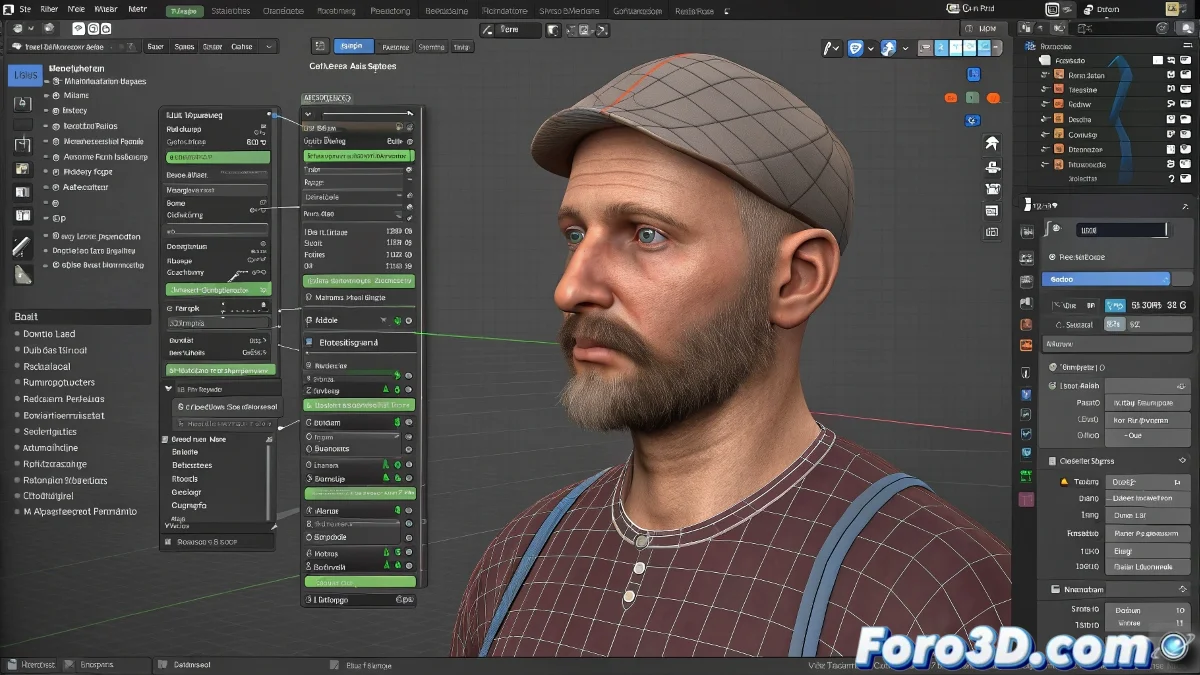
Advanced Rigging with Linked Meshes in Blender Using Library Overrides
Tired of duplicating meshes every time you need to do rigging in Blender? 🎭 With the Library Overrides system, you can rig linked meshes directly, maintaining the connection with the original file. Goodbye to proxies, hello to professional efficiency. 🚀
Step 1: Link the mesh correctly
- Open your rigging file
- Go to File > Link (not Merge)
- Select the .blend file and the specific mesh
- Place it in your scene
Step 2: Create the Library Override
Quick method:
- Select the linked mesh
- Right-click > Library Override > Make
Advanced control:
- Use the Scene Properties panel
- Library Overrides section
- Manage all your references
Step 3: Rigging over the override mesh
Now you can: - Create/Add armature - Assign vertex groups - Set up weight painting - Add constraints But DO NOT: - Modify topology - Edit original UVs - Change base materialsKey advantages vs the old system
| Feature | Proxies | Overrides |
|---|---|---|
| Partial editing | Limited | ✅ Complete |
| Updates | Manual | ✅ Automatic |
| Compatibility | Obsolete | ✅ Future-proof |
| Hierarchical control | ❌ | ✅ Total |
A well-configured Library Override is like having the key to someone else's house: you can rearrange the furniture, but not knock down walls.
5 errors that ruin your workflow
- Trying to edit topology in the rig file
- Forgetting to update libraries (F8)
- Breaking the dependency hierarchy
- Using Merge instead of Link
- Not naming consistently the assets
Professional workflow for studios
- Maintain a clear folder structure
- Use collections to organize elements
- Document asset versions
- Set up Asset Browser for quick access
With this system, your pipeline will be so smooth that you'll forget the proxy era. And when you need to update the original model, simply reload the libraries and Blender will do the rest. Modern asset management magic! ✨
Technical bonus: For complex projects, combine Overrides with Asset Libraries and the new Prelights system in Blender 3.0+. Your rigging department will thank you.