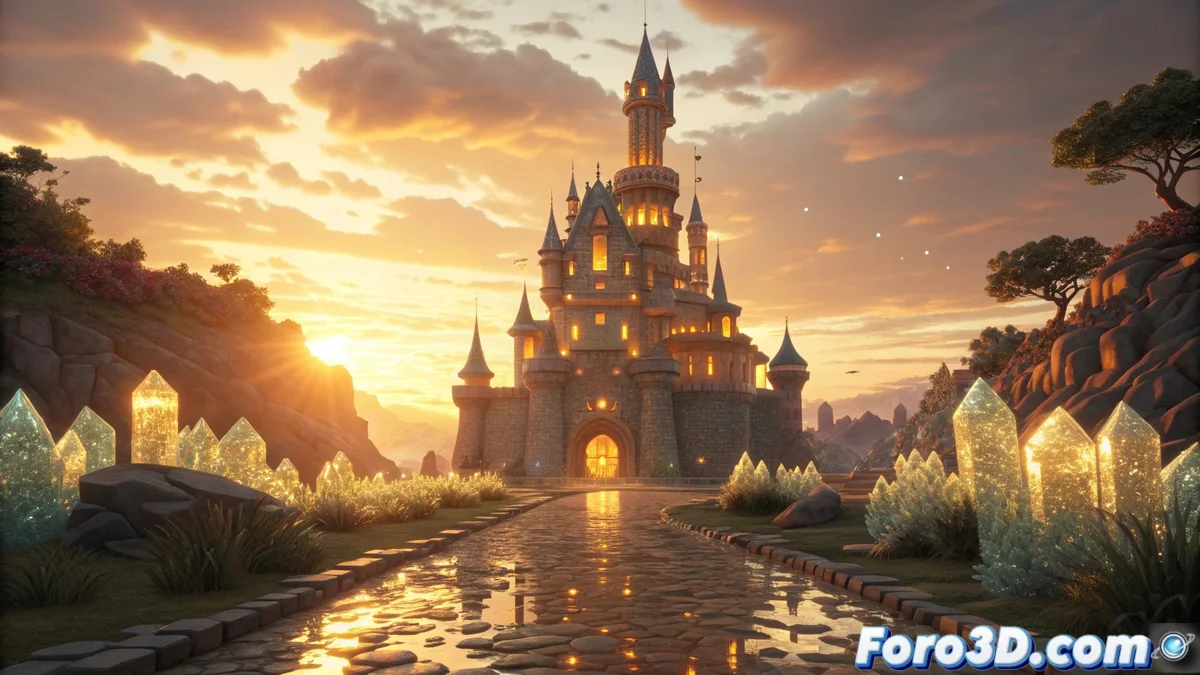
Advanced Rendering in MagicaVoxel: Photorealistic Lighting and Materials
The integrated render engine in MagicaVoxel revolutionizes voxel scene visualization through advanced ray tracing techniques, producing photorealistic results without requiring external software. Artists can appreciate global illumination, detailed shadows, and precise reflections directly in the interface 🎨.
Customization of Materials and Lighting Setup
The system automatically interprets physical properties based on the color palette, allowing modification of attributes such as metallicity, roughness, and emission. Light sources are added by dragging emitters or configuring ambient lighting, with full control over intensity, hue, and direction to create immersive scenes ✨.
Main features of materials and lights:- Adjustment of metallicity and roughness via extended color palette
- Configuration of light emitters with direct drag from the interface
- Control of light intensity, color, and direction for scenic depth
Progressive path tracing continuously refines the image, eliminating noise while preserving the artistic essence of the voxel scene.
Render Optimization and Project Export
The engine uses progressive path tracing that constantly improves visual quality during the process. Parameters like samples per pixel and ray depth allow balancing speed versus quality according to project requirements. Final results are exported in PNG or JPG with custom resolutions, preserving all calculated lighting information 🚀.
Export and optimization options:- Progressive path tracing for continuous quality improvement
- Adjustment of samples per pixel and ray depth
- Export in PNG/JPG formats with customizable resolutions
Real-Time Rendering Experience
The rendering process can extend long enough to enjoy a coffee while watching how digital noise is removed pixel by pixel, an experience similar to watching grass grow but in digital format. This visual patience is rewarded with final images of exceptional quality that capture every detail of lighting and shading 🌱.