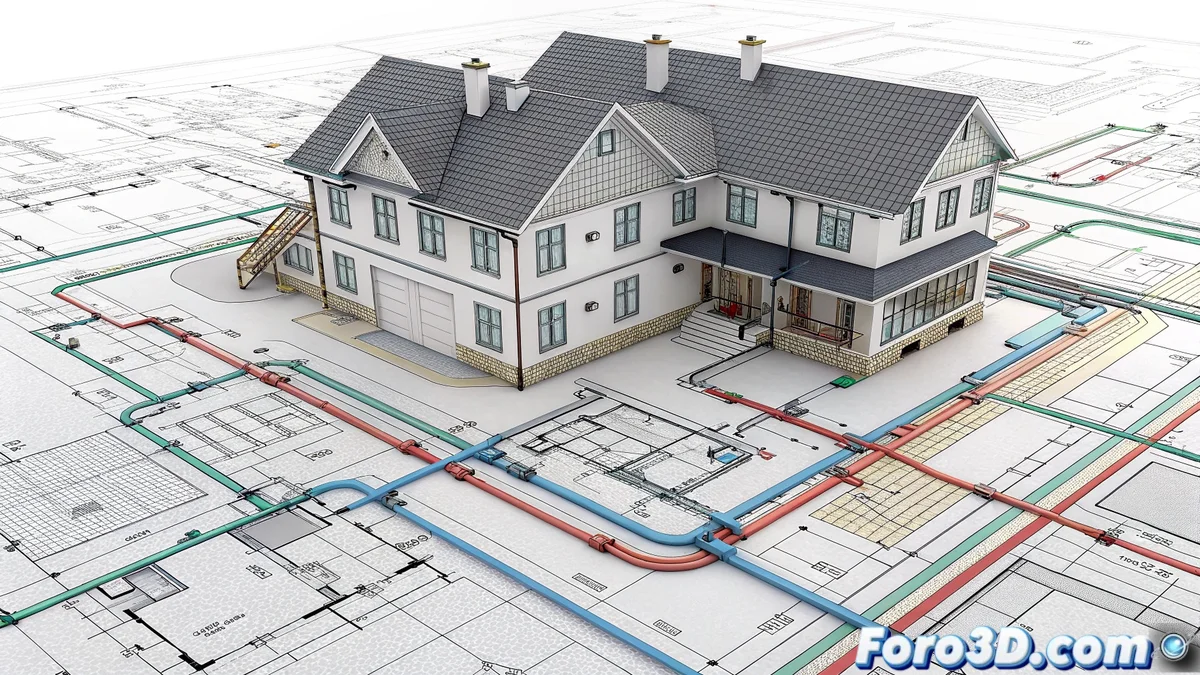
Advanced Layer Management in LibreCAD for Technical Projects
The layer management system in LibreCAD represents a fundamental tool for professionals working with technical and architectural designs, allowing elements to be organized into independent levels with specific configurations that optimize the workflow 🎯.
Complete Customization of Properties
Each individual layer can be configured with detailed parameters that include visibility control, selection of differentiated colors, and definition of line styles, providing clear visual organization when handling plans with multiple overlapping elements.
Key advantages of layer-based configuration:- Isolation of specific sections for modification without affecting other design components
- Visual differentiation through colors and line styles that prevent confusion
- Precise control of visibility during reviews and printing processes
Without an organized layer system, working on complex projects is like looking for a needle in a haystack where all lines overlap without control
Optimization for High-Complexity Projects
The ability to manage independent layers radically transforms the approach to extensive technical projects, allowing designers to focus on specific areas while maintaining a coherent global view of the whole 🏗️.
Benefits in professional environments:- Significant acceleration in design correction and update processes
- Substantial improvement in visual clarity throughout all project phases
- Seamless integration with other tools in the LibreCAD ecosystem
Adaptability for Different User Profiles
The layer system in LibreCAD has been designed to offer an accessible learning curve for beginners while maintaining advanced functionalities that meet the demands of experienced users, creating a cohesive work environment that adapts to multiple professional needs 💼.