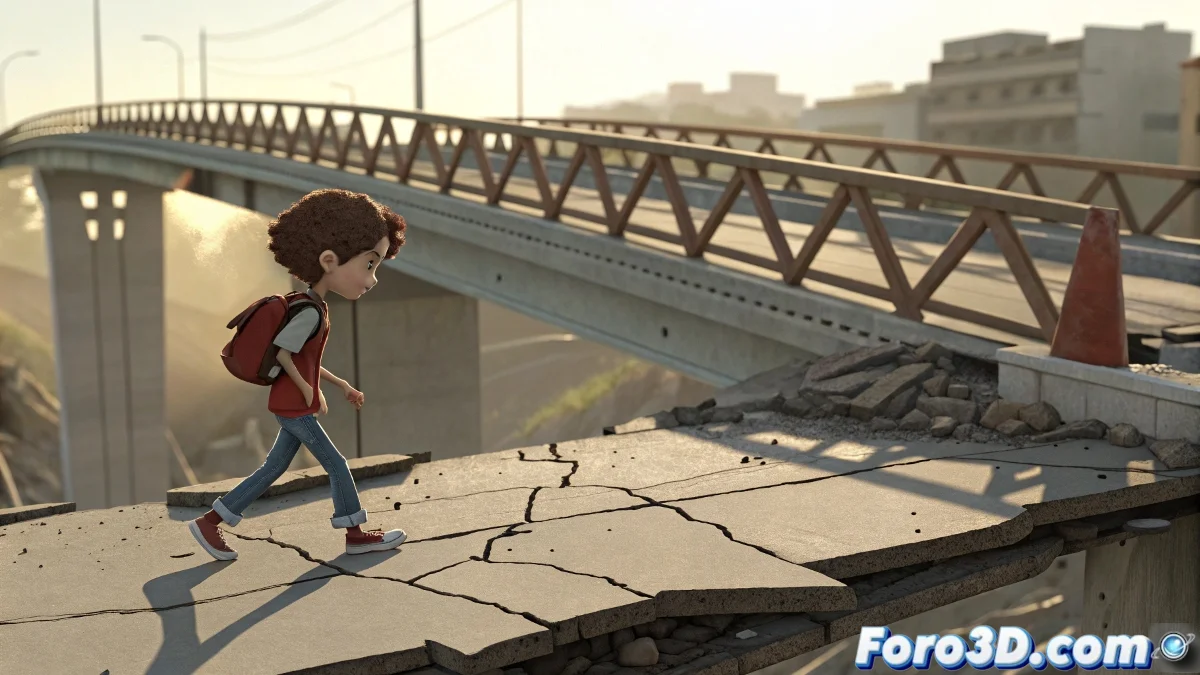
Professional Techniques for Animating Characters in Destructible Environments
Do you need your character to interact with objects that destroy in real time? Learn to combine Biped/CAT animation with ProCutter and Reactor simulations to create stunning cinematic sequences.
"The magic happens when organic animation and chaotic physics meet in the perfect frame" — Special Effects Artist
1. Structured Workflow
Key Stages:
| Phase | Objective | Tools |
|---|---|---|
| Preproduction | Plan interaction points | Storyboard/Animatic |
| Base Animation | Complete walk without physics | Biped/CAT |
| Simulation | Environment destruction | ProCutter + Reactor |
| Integration | Synchronize character-physics | Constraints + Keyframes |
2. Synchronization Techniques
Proven Methods:
- Rigid Body Constraints:
- Link foot bones to fragments
- Adjust stiffness for flexibility
- Position Controllers:
- Associate foot controls to null objects
- Animate nulls with fragments
- Animation Layers:
- Base layer: Original animation
- Top layer: Physics adjustments
3. Simulation Optimization
Key Reactor Settings:
- Fragment Properties:
- Mass proportional to size
- High friction (0.7-0.9)
- Collisions:
- Bones as collision objects
- Adjusted collision margin
- Simulation Bake:
- Export to editable keyframes
- Smooth curves post-simulation
4. Advanced Troubleshooting
Common Cases and Solutions:
Character passes through objects
- Increase simulation substeps
- Check gravity scale
- Use simplified collision proxy
Robotic movement
- Blend simulation with keyframes
- Add noise controller
- Smooth transitions
Quality Checklist
- ✅ Believable Weight: Fragments react to character
- ✅ Visual Contact: Feet never float
- ✅ Balanced Forces: No flying fragments
- ✅ Smooth Transitions: From animated to physical
On foro3d you'll find example scenes with ready configurations. Because we've all had that character that seemed to dance over rubble. 💃🕺
Production Tips
- Incremental Versions: Save each stage separately
- Proxy Geometry: Use simple models for tests
- Real References: Study collapse videos
- Render Tests: Verify from key angles
As physical animators say: "Controlled chaos is the signature of the digital artist". Now go and create sequences that take your breath away. 💥