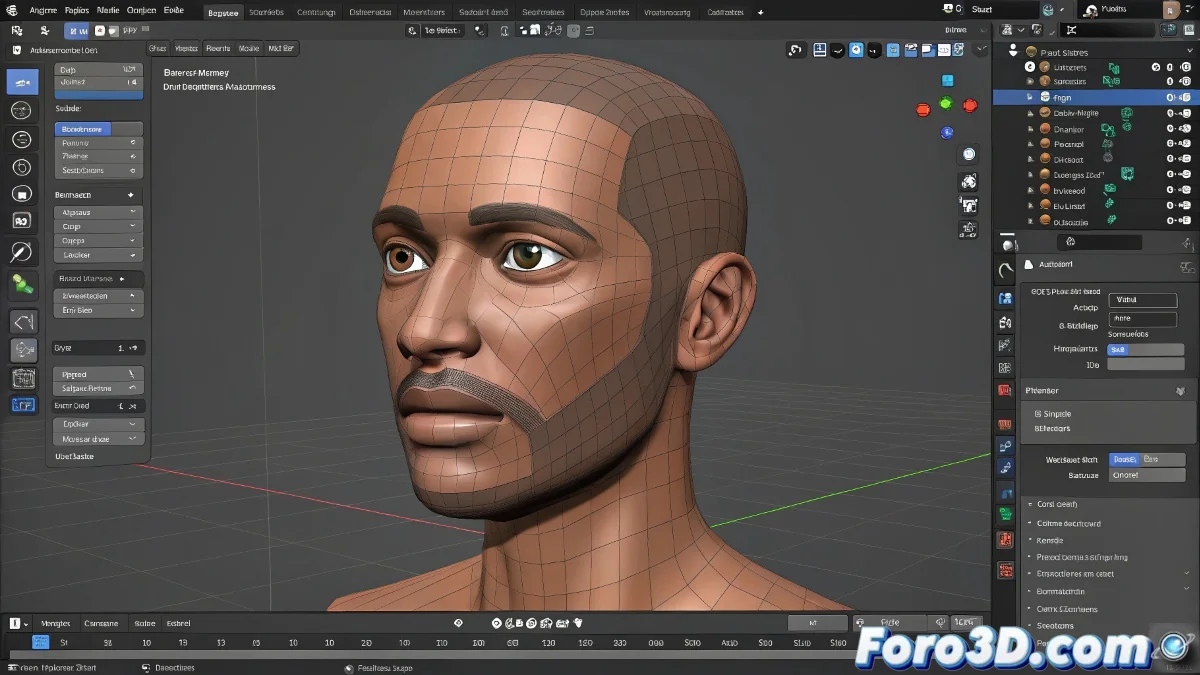
Taming Bones in Blender: From Basic Skeleton to Digital Puppets
In the world of rigging in Blender, standard bones are just the digital equivalent of a plastic toy skeleton 🦴. To create controls that make any animator cry with excitement, you need to master advanced techniques that transform those linear bones into powerful expression tools.
Bones That Speak: Advanced Facial Rigging
Creating convincing facial expressions requires:
- Strategic shape keys for the base of each emotion
- Custom control bones (cubes, spheres, or intuitive shapes)
- Intelligent driver systems that automate secondary movements
"A good facial rig is like having a team of actors inside the model: each bone knows exactly what expression it should perform"
Magic with Strings: Spline IK and Constraints
For organic puppet-like animation:
- Spline IK turns curves into digital tendons
- Custom constraints to limit unnatural movements
- Stretchable bones that simulate physical tension
These techniques are ideal for everything that wiggles in nature: from tentacles to hair ponytails to those annoying ropes that never look right on the first render 🎭.
Professional Workflow in 3 Stages
- Control Design: Transform bones into intuitive interfaces
- Geometry Connection: Link via precise weight painting
- Intelligent Automation: Implement drivers for secondary movements
Once you master these concepts, you'll be able to create rigs so expressive they almost animate themselves. And if any bone rebels and starts dancing salsa without permission, remember: even the best rigs need some manual tweaking. After all, even real puppets have rebellious days! ✨