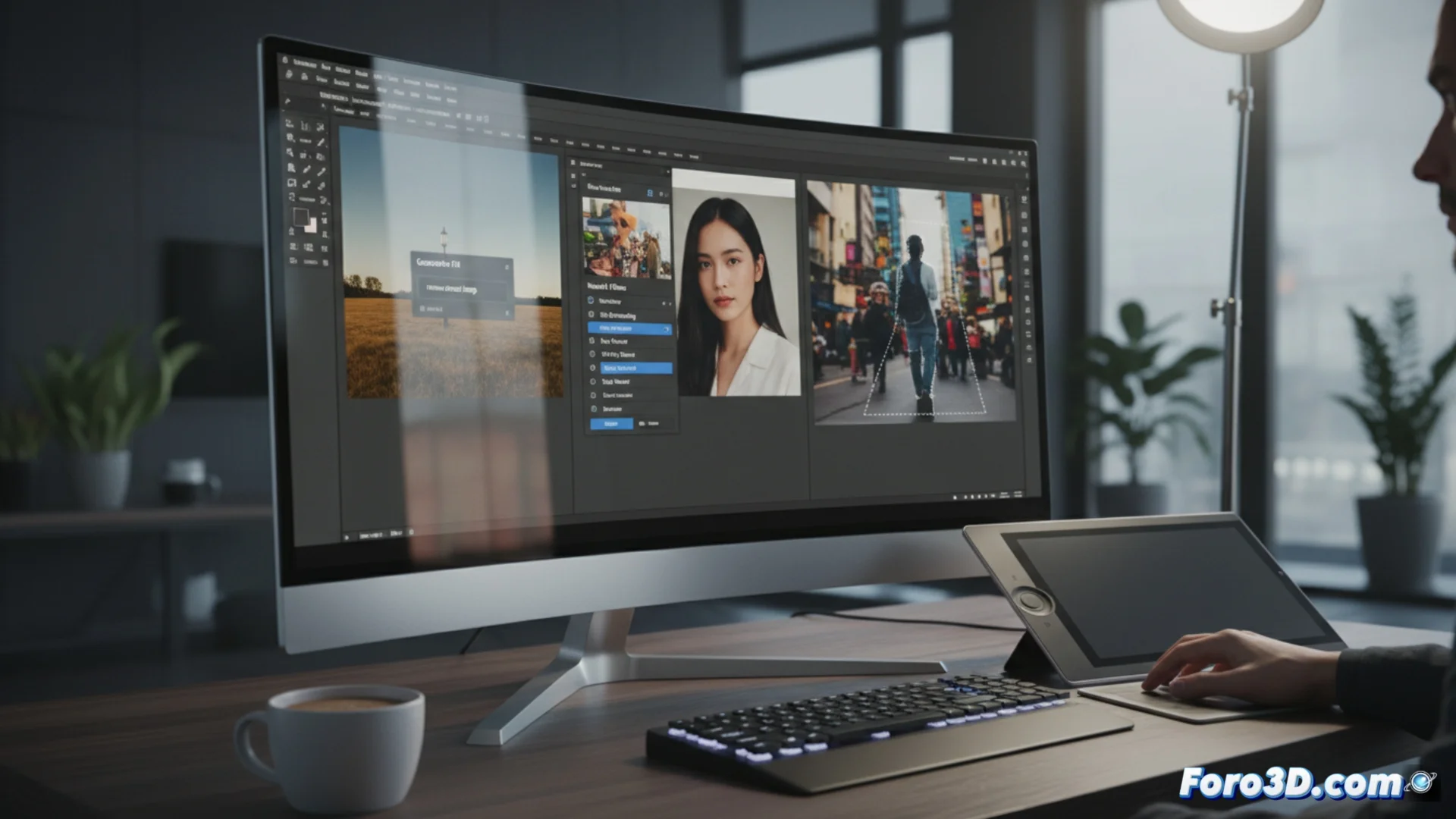
Adobe Photoshop Integrates AI Features for Image Editing
Adobe's software now includes artificial intelligence capabilities that change how users work with photographs. These tools allow altering images in ways that previously required a lot of time or advanced technical knowledge. The program interprets the user's requests and produces or modifies visual elements in a logical and coherent way. 🚀
Generative Fill and Expansion: Add or Remove Elements with Text
The Generative Fill and Generative Expansion features operate through written instructions. The user selects an area and writes a description of what they want. The AI examines the photograph and creates content that blends perfectly, whether to remove an object, incorporate something new, or expand the frame boundaries. The results automatically merge with the existing lighting and shadows.
Main features of these tools:- They work from a prompt or descriptive text instruction.
- They generate visual content that integrates with the context of the original image.
- They are ideal for retouching compositions or realistically extending backgrounds.
The AI analyzes the image and generates content that fits the environment, automatically integrating lighting and shadows.
Neural Filters and Object Selection: Automate Complex Tasks
Neural Filters are a group of specialized utilities. With them, you can alter expressions on faces, make a person look younger, add color to black and white photos, smooth skin textures, or apply artistic styles from one image to another. On the other hand, the Object Selection tool detects and isolates people or objects with a simple click. This greatly speeds up the process of creating precise selection masks, a key step for non-destructive editing.
Advantages of these automated features:- Neural Filters offer specific adjustments for portraits and stylization.
- Object Selection speeds up the work of separating elements from their background.
- Both tools reduce the need for meticulous manual processes.
The Impact of AI on the Creative Workflow
These innovations turn tedious tasks into agile and accessible processes. Now it's possible, for example, to rejuvenate a family member in an old photo, even if in real life they still ask about the computer. The integration of generative AI in Photoshop not only speeds up editing but also opens new creative possibilities by allowing experimentation with complex ideas immediately. The barrier between intention and visual result is significantly reduced. 💡