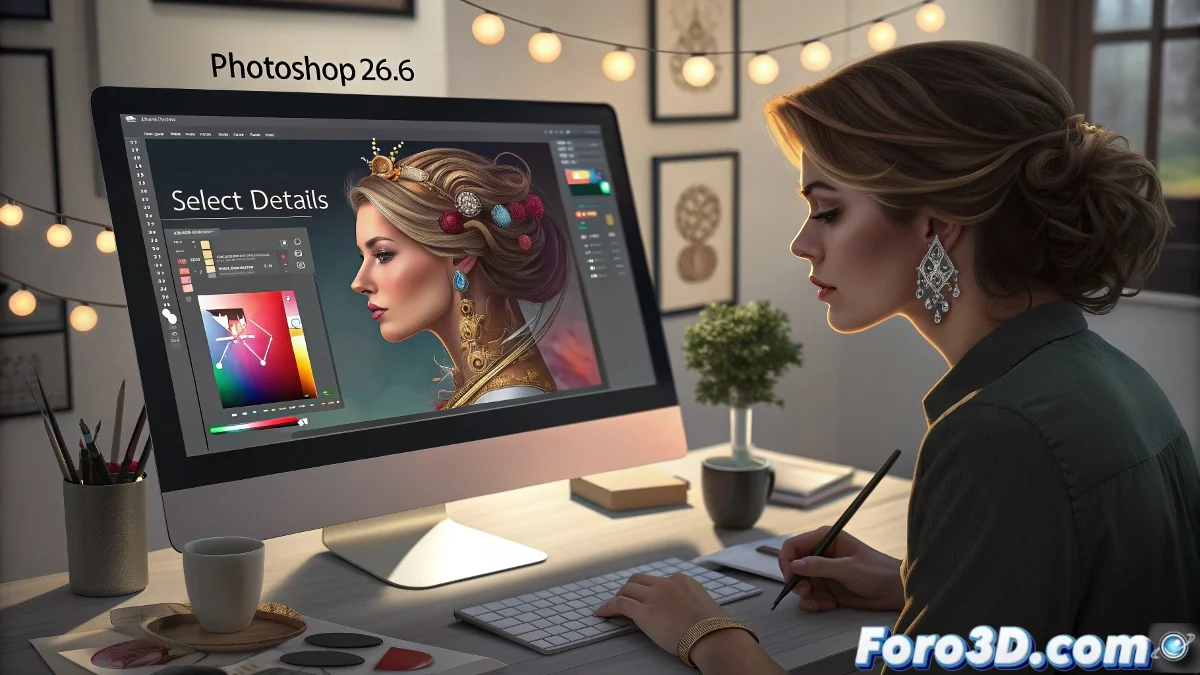
Adobe Photoshop 26.6 Brings Advanced Selection and More Surprises
Adobe has just released version 26.6 of Photoshop for desktop, and if you thought Photoshop couldn't get any better, get ready to be surprised! This update not only includes technical improvements but also promises to make your experience with the program much faster, more precise, and, above all, more fun.
Select Details: The Closest Thing to Magic
With the new Select Details tool, Photoshop has raised the bar. It's now easier to select people, their facial features, hair, or even accessories, without the background getting mixed up in the process. Can you imagine being able to select a hat without the background sneaking in? Well, now you can. You just have to hover your mouse over the person and Photoshop will do the rest. It's like having a personal assistant who does digital magic for you.
Colors at the Click of a Button
Have you ever wanted to change the color of the sky effortlessly? Now you can! With the new color adjustment function, you only need one click to modify the hue, saturation, and luminosity of the most prominent colors in your images. Furthermore, the enhanced controls allow you to make fine adjustments with greater precision. The process is faster, easier, and, of course, more precise.
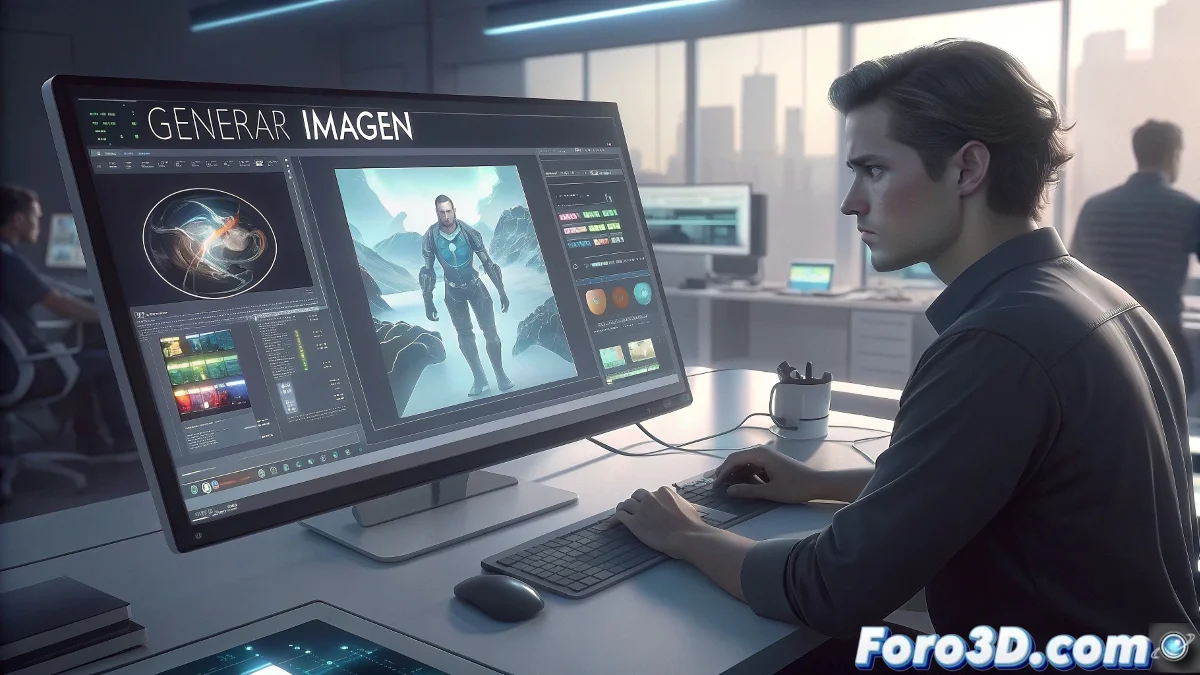
Image Generation: Creativity at its Peak
Image Generation is one of the most innovative features of this update. You can now load a reference image and use it to generate new designs, maintaining visual consistency. Goodbye to starting from scratch! The tool uses the layout of the reference image to create new assets, all with simple text prompts. Creativity is now served to you on a silver platter.
Better Performance: Everything Faster and More Precise
As if all the above wasn't enough, Adobe has also improved Photoshop's performance. You can now enable cloud processing for features like Select Subject and Remove Background. The result? More speed and precision, especially in images with complex edges. You won't have to struggle with those small, hard-to-select details anymore.
Conclusion: Constant Improvement
With version 26.6, Adobe not only improves Photoshop's functionality but does so in a more accessible and fun way. From selecting details with surgical precision to generating images almost automatically, this update has something for everyone. And, of course, everything is faster and effortless! If you're a fan of digital magic, this is your moment to shine. After all, who needs coffee when you have such a powerful tool! ☕✨