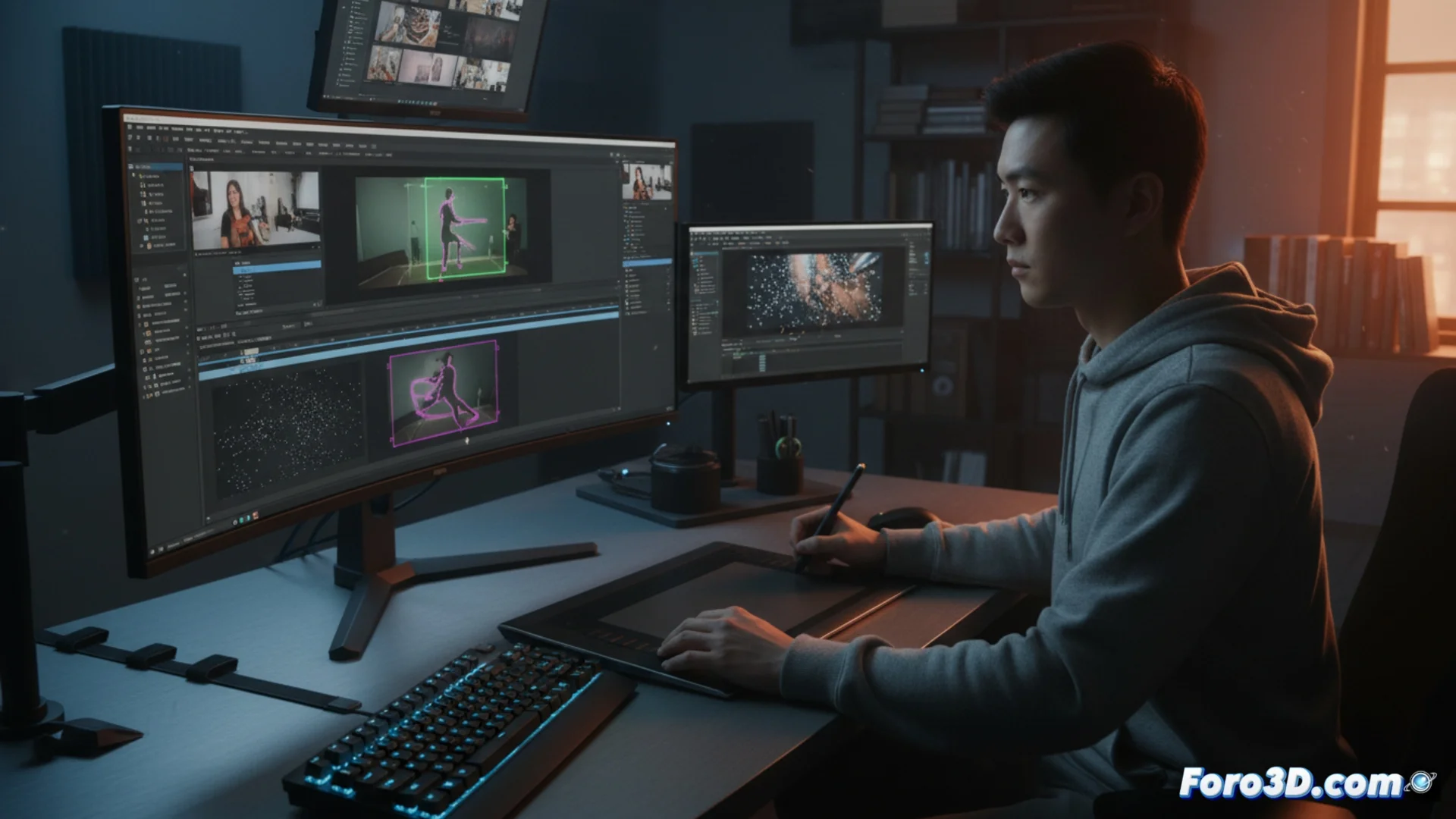
Adobe After Effects: key tools for manipulating video
The Adobe After Effects software provides a set of sophisticated functions for manipulating and transforming video sequences professionally. These tools are designed to streamline workflows that previously demanded a lot of time, allowing artists to focus on creativity. 🎬
Main features for advanced editing
Three tools stand out for their ability to solve common problems in post-production. Each addresses a specific need, from cleaning up a shot to integrating new elements realistically, thus optimizing the entire process.
Essential After Effects tools:- Content-Aware Fill for Video: Analyzes the frames surrounding an area to remove unwanted objects and synthesize new pixels, making the correction appear natural.
- Rotoscoping Brush 2: Allows isolating moving objects semi-automatically. The user marks the area in one frame and the algorithm tracks it over time, separating the foreground from the background.
- 3D Camera Tracker: Examines the movement in a 2D clip to generate a virtual 3D camera. This is crucial for integrating models, text, or effects with the original scene's perspective and movement.
The most powerful tool is sometimes the artist's patience, as these automatic processes may require manual adjustments to achieve a perfect result.
How to optimize your workflow
Using these features effectively can transform how you approach a project. Rotoscoping 2 and the 3D Tracker, in particular, work together to streamline tasks that were previously manual and tedious.
Advantages of integrating these tools:- Speed up editing: Automating repetitive tasks like removing a microphone or tracking a moving object frees up time for creative decisions.
- Achieve realism: Precise integration of 3D graphics thanks to the tracker makes added elements appear to belong to the original scene.
- Maintain quality: Content-aware fill preserves the visual coherence of the sequence, without leaving evident artifacts or blurry areas.
The balance between automation and manual control
Although these tools are powerful and save time, their final success often depends on user intervention. Reviewing and adjusting the algorithm's work manually is key to polishing details and achieving impeccable professional standards. Mastering when to trust automation and when to take manual control defines an expert artist. ✨