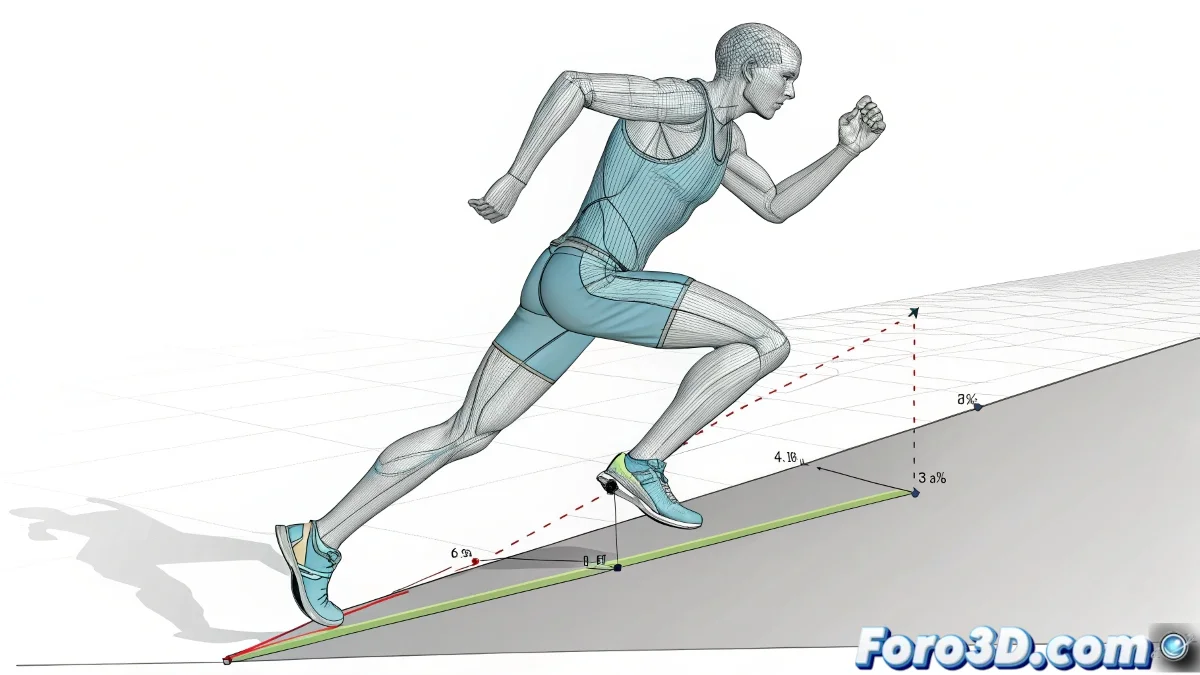
Adapting Running Animations to Sloped Terrain Without Disasters
Does your character run uphill as if the slope were a mirage? 🏃♂️💨 It's the classic problem where .bip animations don't get the memo that slopes exist. But don't worry, with these modern techniques you'll make your runners adapt to the terrain like professional athletes (and not like drunks on a treadmill). 🏔️
Solution 1: The Power of Retargeting in Blender
To import your .bip animation and adjust it:
- Use Rigify + Retargeting to transfer the motion
- Apply IK legs with ground adjustment
- Modify the pelvis to tilt the body naturally
This way the legs will automatically stretch to touch the ground, without having to reanimate every step. 👟
Solution 2: Slope Warping in Unreal Engine 5
The lazy animator's dream:
- Activate IK Retargeting in the skeleton
- Configure Slope Warping in Animation Blueprints
- Adjust the intensity based on the slope
In UE5, Slope Warping is like putting your character's legs on autopilot: they adapt to the terrain on their own while you sip your coffee.
Solution 3: HumanIK in Maya for Total Control
For millimeter-precise adjustments:
- Use Floor Contact Deformers
- Create a tilt controller for the torso
- Manually adjust problematic keyframes
Mistakes That Will Make Your Character Look Like a Meme
Avoid these classics:
- Forgetting to scale the rig on import (Gumby legs!)
- Not compensating for the center of gravity
- Leaving IK too rigid (they'll look like they're skiing)
With these methods, your character will stop skating like a beginner on an ice rink and run like a pro... or at least won't fall over from embarrassment. 😅
Technical Bonus: If all else fails, you can always say it's a "futuristic running style with anti-gravity technology". Imagination is the best technical patch! 🚀